
You should switch from a local MCP server to remote computer access when the assistant needs to work on a different physical machine, a different operating-system session or a device that must be reached from a web-based client. Local MCP remains simpler for many development tasks. Migration makes sense only when it solves a specific access problem without expanding privileges unnecessarily.
Recognize a real migration trigger
A developer using a desktop assistant to inspect local repository files may be entirely satisfied with a local filesystem and terminal MCP server. The trouble begins when the requested application is on an office Windows PC, the assistant is running in a browser or several authorized machines must be selected by name. Copying files to the assistant's environment may hide the problem for one test but fails when the job depends on installed software, device state or an existing signed-in session.
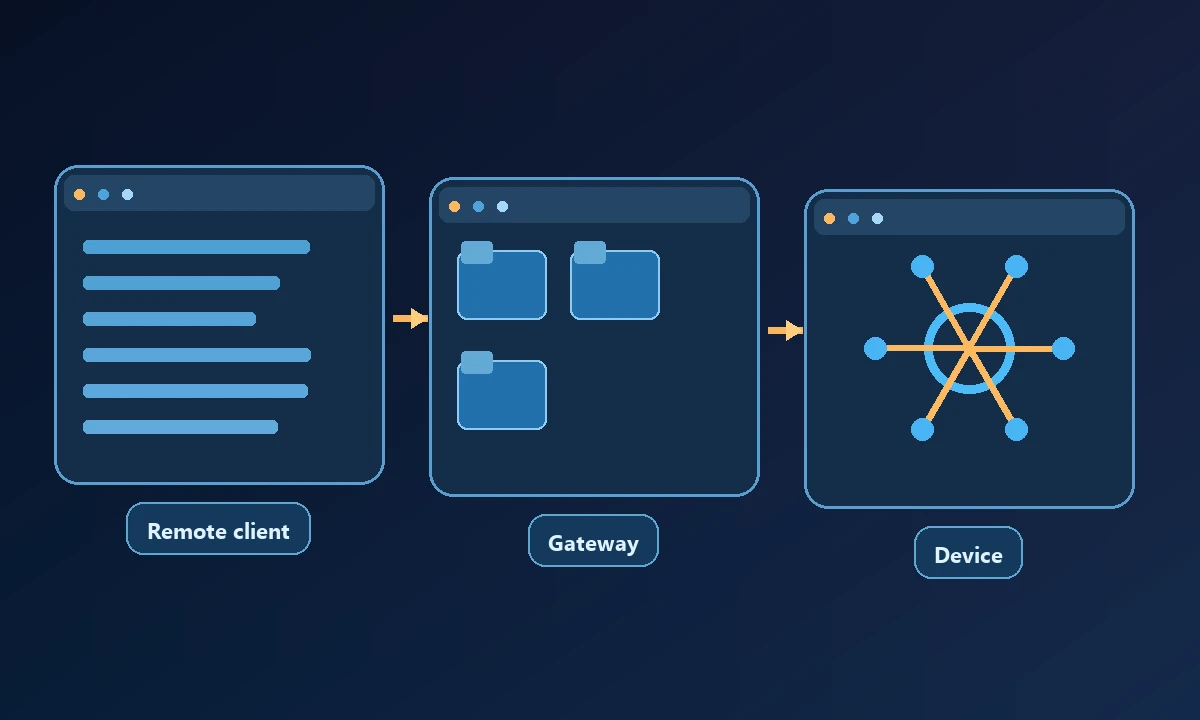
A developer working alone may be happy with a local MCP server until they need to run tests on a separate QA computer. The command syntax may not have changed, but the place where it executes has. The local-versus-remote MCP decision guide explains why moving the server isn't automatically enough: the remote machine needs its own enrollment, permissions and route back to the assistant.
Compare local and remote boundaries
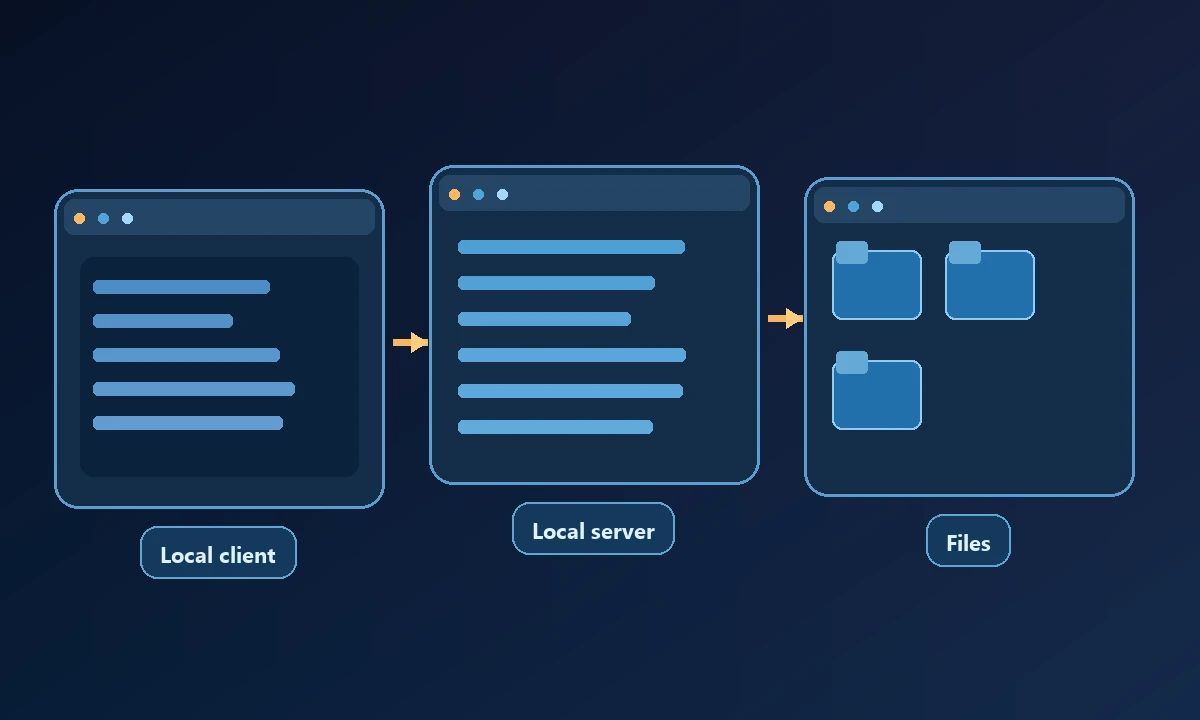
In a local setup, the server normally inherits a constrained part of the machine's existing permissions. A remote endpoint introduces network authentication, a connected-device identity, command routing and the possibility of timeouts or disconnections. The same file operation may cross different trust boundaries depending on which setup executes it.
The MCP transport and authorization documentation explains how an HTTP-based server authenticates clients. It does not prove that a remote worker has the right OS permissions or that the intended workstation is online.
Plan the move in five checks
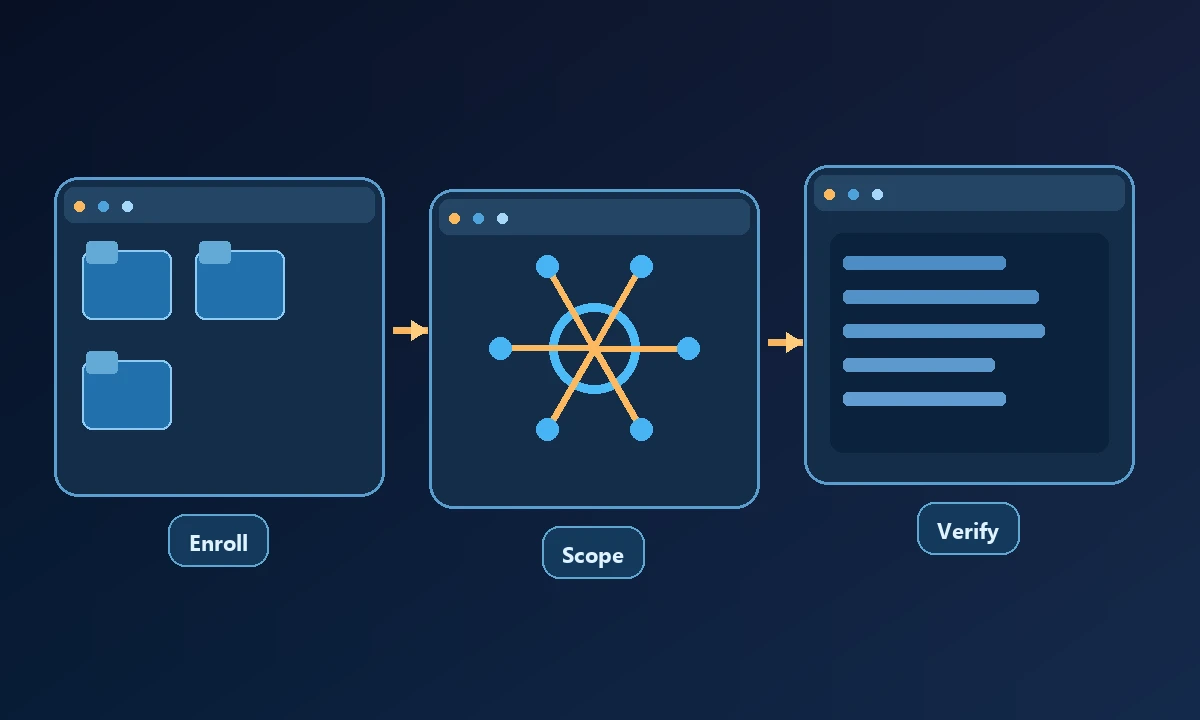
First, list the actual jobs that fail in the current local arrangement. A vague desire for a "more powerful" connection is not a migration requirement. Second, identify the devices and users authorized for each job. Third, map existing allowed directories, blocked commands and approval steps to the remote configuration. Fourth, test a read-only workflow from the new client and record the computer identity. Finally, test a reversible write operation and a simulated disconnect so the team knows what recovery looks like.
Noxgild allows a supported client to reach an authorized computer when the task cannot run in the assistant's existing environment. It is useful for a test machine with installed software, a permitted set of files or a browser session that belongs to that device. For native GUI steps, Windows application controls may complete the missing portion; local command tools can still handle ordinary project tasks on the developer's laptop.
Keep the old workflow available until the new one passes these tests. Do not copy browser cookies or application passwords between profiles as a shortcut. Use the provider's supported login and device-authorization flow.
When not to switch
Stay local when the job is stable, all resources are already on the same machine and there is no operational reason to support remote clients. Adding network reachability can introduce cost and maintenance without adding value. A team may also prefer a separate cloud browser for disposable web research rather than connecting a real business PC.
Before switching, identify the operation that truly demands a second machine. Then test a read, a permission denial and a disconnection against that exact target. The capability reference clarifies which actions are available and why an advertised MCP connection alone proves very little. If no remote-only step can be named, keep the simpler local deployment rather than purchasing infrastructure for hypothetical future work.
What to evaluate before choosing a provider
The migration is successful when the remote setup completes the work on the correct machine with clear evidence, and the old security guarantees have not silently disappeared.