
Local MCP vs remote MCP is a deployment and trust-boundary decision. The tools an assistant sees may look similar, yet the server process, credentials and computer being operated may be in entirely different places. Choose based on where the resources live, which devices must connect and who is responsible for securing the path between them.
What local MCP means
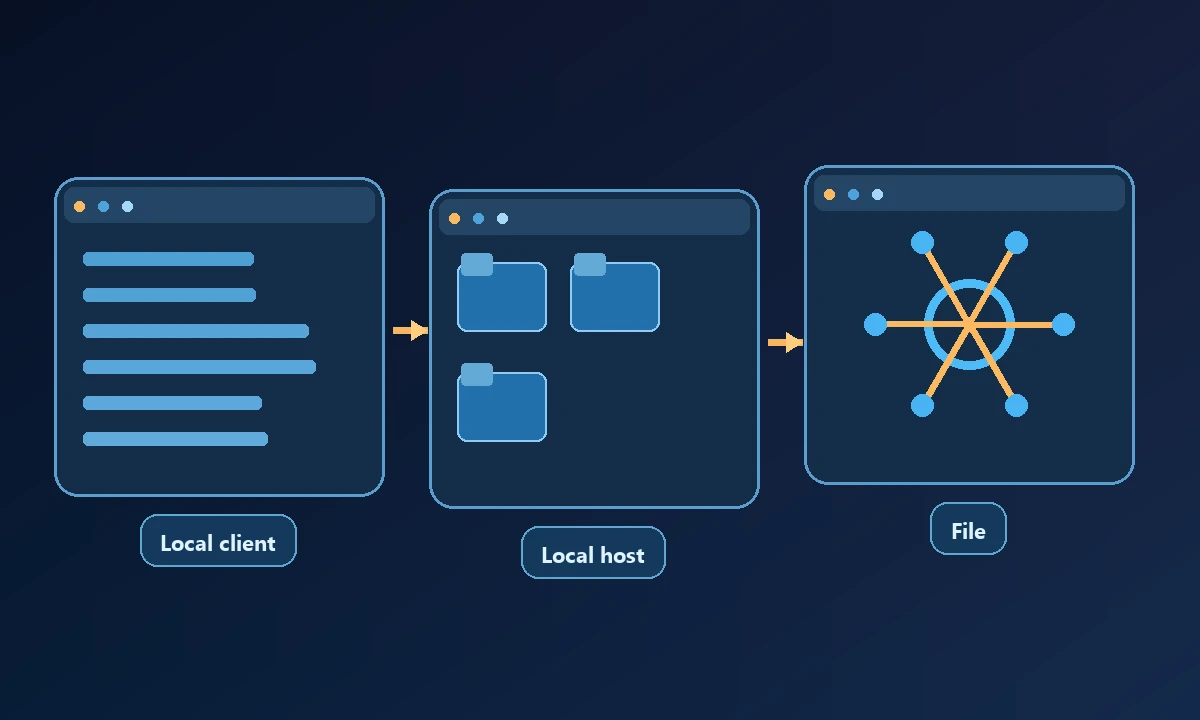
A local MCP server typically runs on the same computer as the resources it exposes. It may read files, run a terminal command or interact with locally installed software, subject to the host's permissions. It is convenient for a developer using a desktop assistant and a project already present on their machine. There may be no internet-facing endpoint to maintain, although the client and tools can still access sensitive information.
If a developer opens Claude beside a project directory, there may be no practical advantage to sending every file operation across a network. The answer changes when the same assistant must inspect a machine in another office. Our remote MCP server explanation shows why a reachable server endpoint and permission to operate a separate computer are two different requirements. The remote option adds identity, device availability and recovery work that a local process may never need.
What remote MCP changes
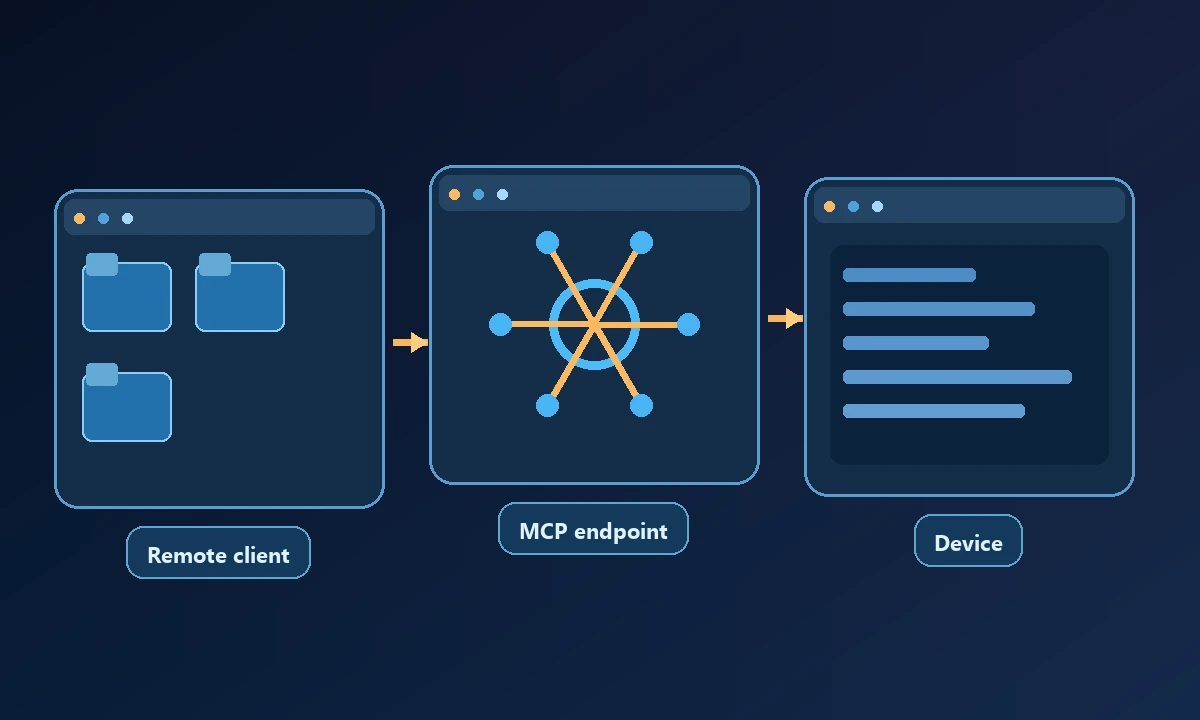
A remote MCP server exposes an endpoint reached across a network. It may run in a cloud service or route commands to an authorized device-side worker. Those are distinct designs: a hosted server controlling its own cloud sandbox does not automatically operate your office computer. A device bridge must select and authenticate the correct computer, send the permitted operation, receive a result and handle disconnections.
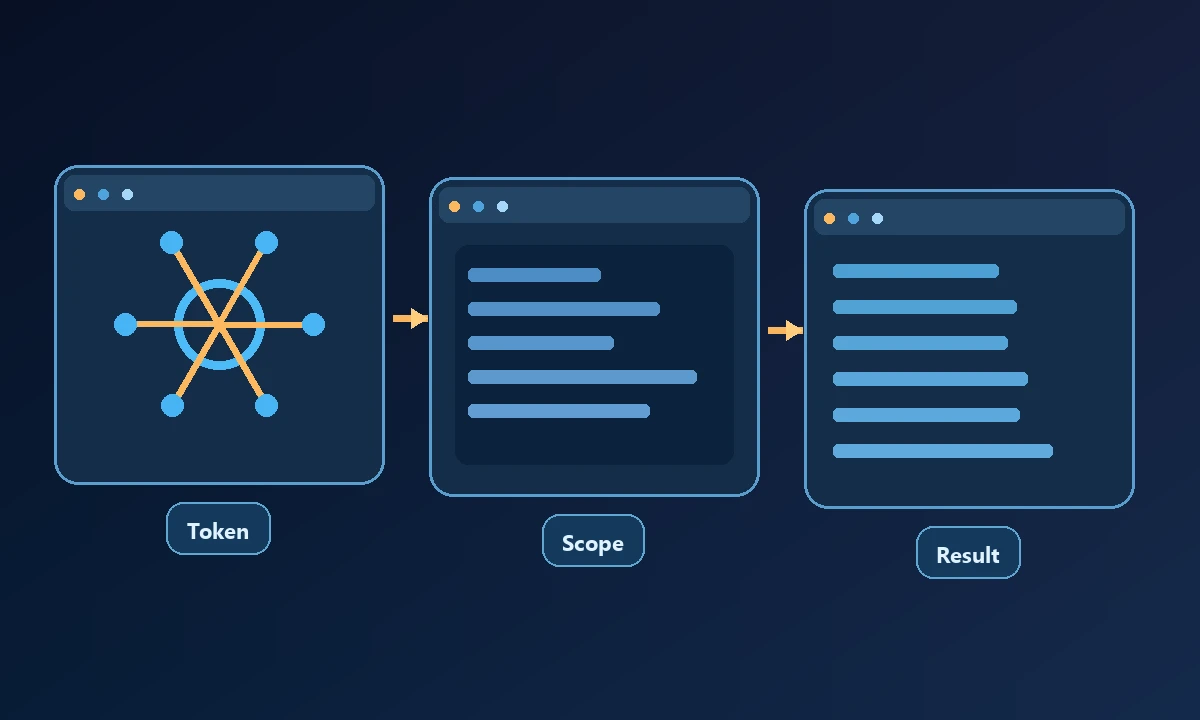
Remote access adds another boundary. Protect the endpoint with appropriate authentication, scope tokens and permissions, and keep logs of actions performed. The MCP authorization specification covers the HTTP transport's authorization model, while the underlying tool's OS permissions remain a separate concern.
Compare four everyday scenarios
Editing a repository on your own laptop: Local MCP may be the shortest route. It avoids maintaining a remotely reachable device bridge when the assistant already runs in your desktop environment.
Using a browser-based AI assistant to inspect a home computer: Remote MCP or a compatible connected-device bridge is relevant because the client is not executing inside your personal machine. Check whether the integration supports your actual browser session and OS.
Noxgild is useful on the remote side when the missing piece is access to an authorized computer, not merely an MCP label. The assistant calls permitted device capabilities while the files and applications remain on their named machine. A team that only needs isolated web navigation may instead use a hosted browser without enrolling a workstation. These are alternative execution environments, not interchangeable sources of the same login cookies.
Supporting ten company computers: Remote device selection and fleet management matter. A single local MCP server tied to one workstation is not necessarily a substitute for inventory, access control and audit logs across several machines.
Running a disposable browser experiment: A cloud browser tool may be simpler than either kind of computer access if the task does not need saved local files or native applications.
Costs and operations are different
Local hosting can be free to run but still costs time to maintain and secure. A remote product may add subscriptions, network traffic and a dependency on the host service. On the other hand, a remote worker architecture can reduce the manual setup needed when a user wants to connect from more than one AI client. Evaluate the cost of the whole workflow, including troubleshooting after failures.
Before changing architecture, write down the required resource, its physical or cloud location and which principal is allowed to act. Run one read-only call and intentionally request an operation outside the configured scope. The security boundaries of a remote device link are meaningful only when that denial is observable. Stay local for a local job; add remote access when you can identify a real machine or service that the current client cannot safely reach.
Do not treat encryption alone as permission. An encrypted command sent to the wrong computer is still the wrong action. Nor does an MCP tool's advertised capability prove that its backend actually succeeded; require a verified result.
A short decision procedure
The right approach is the one where you can explain which computer acted, which permissions were used and how you verified the result.