
What is AI computer use? It is the ability of an AI system to take actions in a computing environment, rather than only describe which buttons a person should press. Those actions might be reading a document, navigating a web page, running a test command, or opening a desktop application. The important part is the connection between the AI's decision and an actual tool with permission to act.
What “using a computer” really means
A chat model can write an instruction such as “check whether the application starts.” Without a connected tool, nothing has happened. A computer-using agent has an execution path: it requests an action, a tool runs it in an authorized environment, and the resulting state comes back.
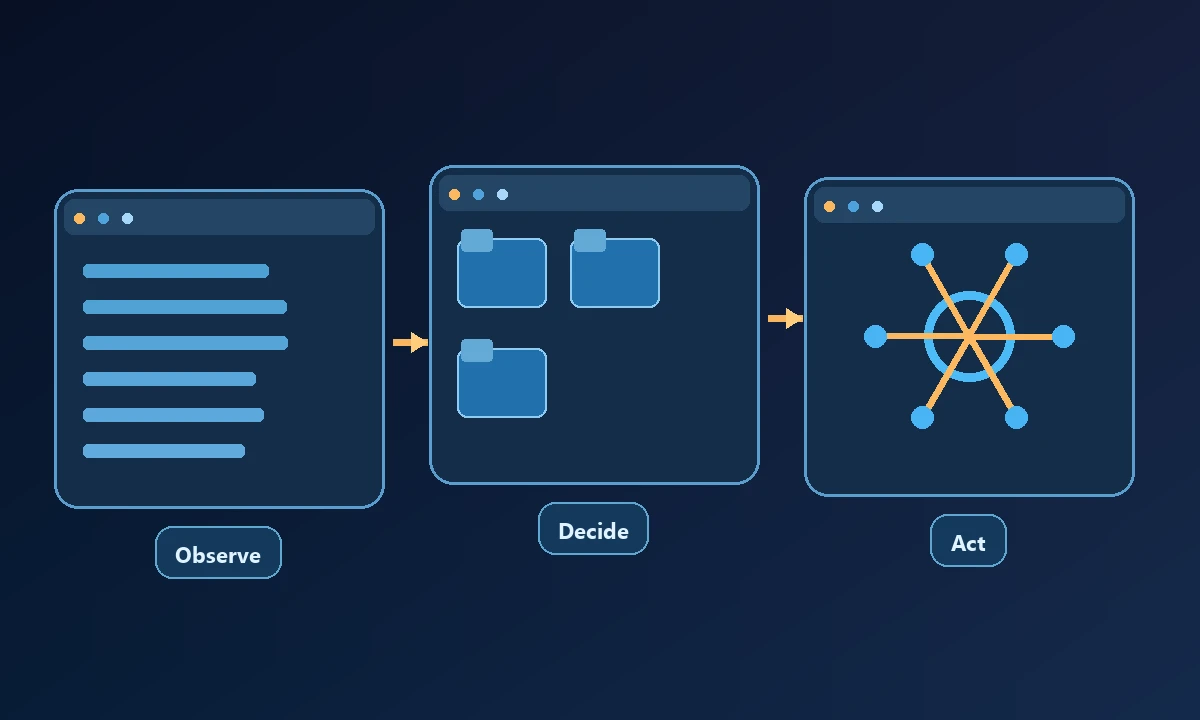
Computer use is sometimes demonstrated through a screen recording in which an agent appears to click buttons like a person. That is only one implementation. The same business result might be accomplished more reliably through a file API, terminal command or browser accessibility tree.
Imagine telling an assistant to verify a report in a desktop accounting program. The model can describe a plausible menu sequence without ever opening the application. Actual computer use begins only when the system can see and interact with that program, under an identity and set of permissions you control. The safe connection walkthrough is useful because observing a computer and changing one are separate decisions.
Three ways agents work with a computer
Files and commands: The agent may read a repository, search logs, edit a configuration and launch a local process. This is appropriate for tasks with structured files and verifiable command output. It is not the same as operating a visual desktop.
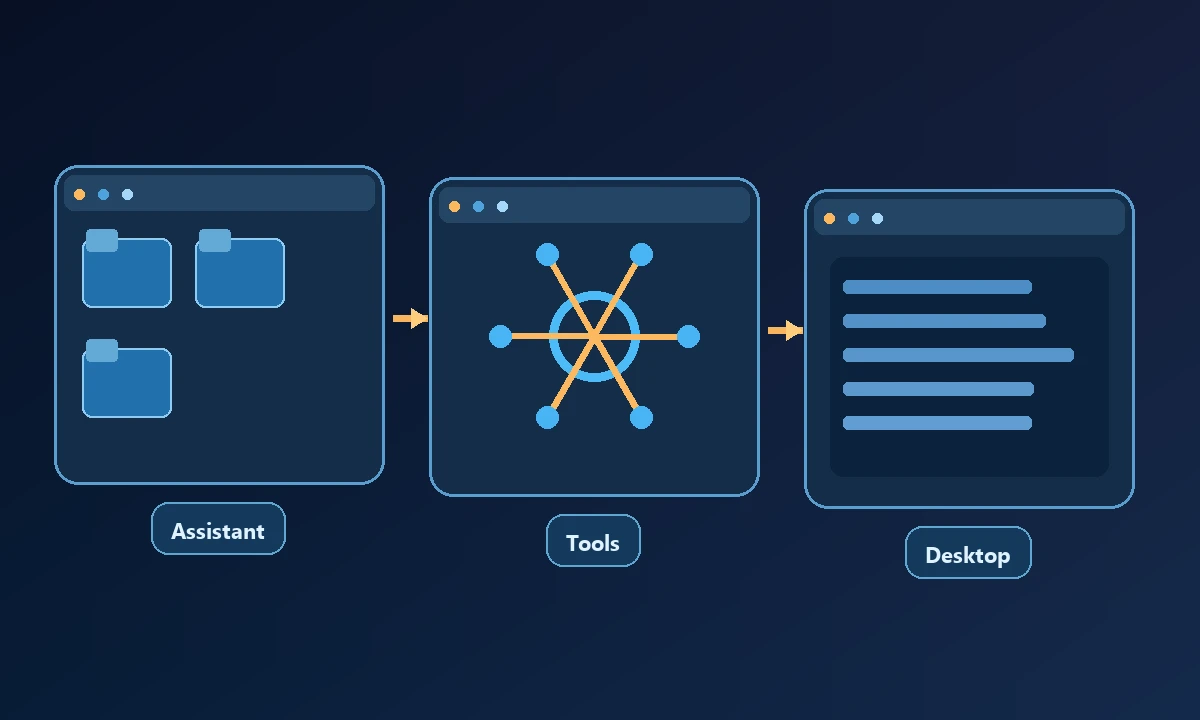
Browser interactions: An agent can navigate a website, inspect page elements, fill forms and observe what the page renders. Browser tools work within specific session contexts. A brand-new hosted browser does not automatically have the authentication cookies saved in a user's regular Chrome profile.
Desktop interactions: A computer-use tool can inspect and operate a native application through accessibility APIs, screenshots and user-interface actions. That is valuable when the workflow depends on software with no suitable programmatic interface. It also tends to be more sensitive to window focus, permissions and display changes.
A simple example: verifying a bug fix
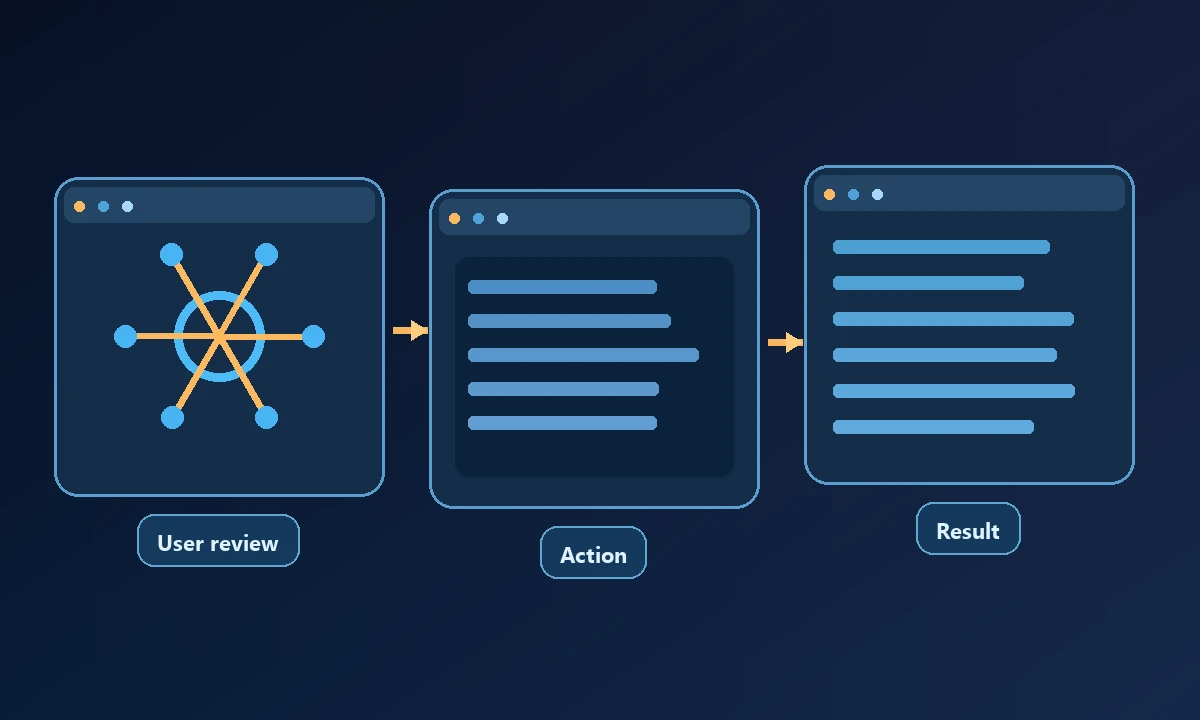
Imagine a developer asks an agent to verify a report-export bug. The agent reads the repository and starts a local development server. It opens the authenticated staging site, performs the export action, and confirms that the downloaded file contains the expected data. If the export depends on a native spreadsheet application, the last part may require desktop interaction.
Noxgild gives supported AI clients a way to operate a particular authorized computer through enabled machine, browser and desktop tools. That makes the execution location explicit: the application runs on the named device, not inside an imaginary environment created by the model's answer. When a workflow involves native Windows controls, desktop application automation can address the task, provided the user session and tool permissions support it.
A credible completion report links each stage to evidence: test output, page state, saved file or application result. “Done” without such evidence is not verification. Importantly, repeating an uncertain command can create duplicate work; a useful agent can say it does not know whether an action finished.
Where remote computer access changes the equation
An AI client running in a hosted chat environment does not automatically share your workstation's filesystem or browser state. A remote computer bridge gives the assistant an authenticated path to a computer you explicitly authorize. That is useful for a QA machine, an installed licensed app or a development environment that cannot simply be moved into the chat.
Permissions and safety are part of computer use
Ask who chose the computer, what folders or apps the tool may reach, which operations require approval and whether the person can revoke access. A web page can contain text that looks like an instruction, but the page should not acquire the authority to delete local files simply because an agent read it.
A practical test needs three observations: what the assistant saw before acting, which tool action was authorized and what changed afterward. If it cannot return a recognizable outcome, stop rather than ask it to continue clicking. The tool-capabilities reference is helpful for understanding why one device may permit a read but deny a write. Being able to explain that denial is part of competent computer automation.
Protocols such as Model Context Protocol describe how clients call tools; they do not automatically make every connected tool safe. Before connecting anything, review the provider's security controls and start with a reversible test task.
When to use it and when to skip it
Choose an API or deterministic script when that gets the job done; it is usually more reproducible than driving a screen. Use AI computer control when work spans multiple tools, includes unpredictable interfaces or needs human reasoning about what to do next. Keep an explicit approval checkpoint for consequential actions. The goal is a verified outcome, not a convincing animation of an assistant moving a cursor.