
Connecting an AI assistant to your computer safely starts with deciding what the assistant is permitted to access, which device it may operate, and how you will verify the result. A secure connection is more than a login: it needs boundaries around files, browser sessions, native applications, and commands that could change data.
Start with an explicitly authorized computer
Only connect a computer you own or are authorized to manage. In Noxgild, the local runtime operates on an explicitly selected Windows, macOS, or Linux device rather than assuming that an arbitrary session is available. Learn more in the Noxgild computer overview. A clear device identity reduces confusion when multiple systems are connected.
Limit the capabilities exposed to the assistant
Consider what the workflow actually needs. Reading a document does not require broad desktop control. Updating a repository may require access to a specific workspace and a bounded terminal action, while checking an authenticated application may require the signed-in browser. Use the smallest useful scope for each task.
A useful first connection test is deliberately boring: identify one computer and request information about a harmless file. If the response names the wrong device or cannot distinguish a missing file from a blocked path, stop there. Choosing among AI computer control tools matters less than establishing which machine will actually perform the work. With that foundation, later tasks such as browser navigation or opening an installed program have a clear target and a result you can check.
Noxgild describes a curated capability catalog for files, terminal processes, browser navigation, and native desktop applications. Read the Noxgild security overview to understand how policy and risk classification fit into the execution model.
Keep approval boundaries around consequential actions
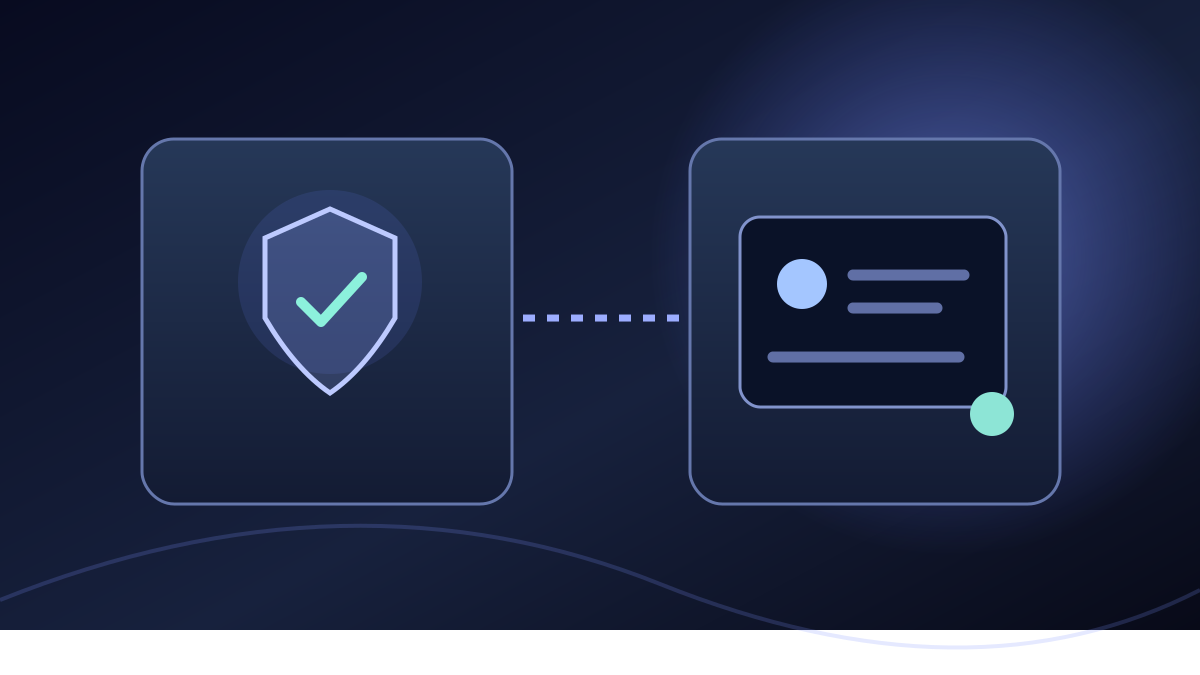
An assistant may be able to inspect a page and suggest an edit without being permitted to delete files or change account settings. Sensitive operations should remain subject to explicit approval for the exact action. Verification challenges such as one-time passwords and passkeys also remain with the human user.
Treat instructions appearing inside websites, downloaded documents, and other external content as untrusted. A document can provide facts for a workflow, but it should not gain permission to issue unrelated commands. The Noxgild security page describes an additional boundary for such cross-surface requests.
Understand the protocol and connection flow
If you connect through an MCP-compatible AI client, review the client’s permitted tools and authorization scopes. The Model Context Protocol introduction explains how MCP connects applications to external tools and data. The protocol is the interface; it does not replace your own responsibility to authorize devices and assess actions.
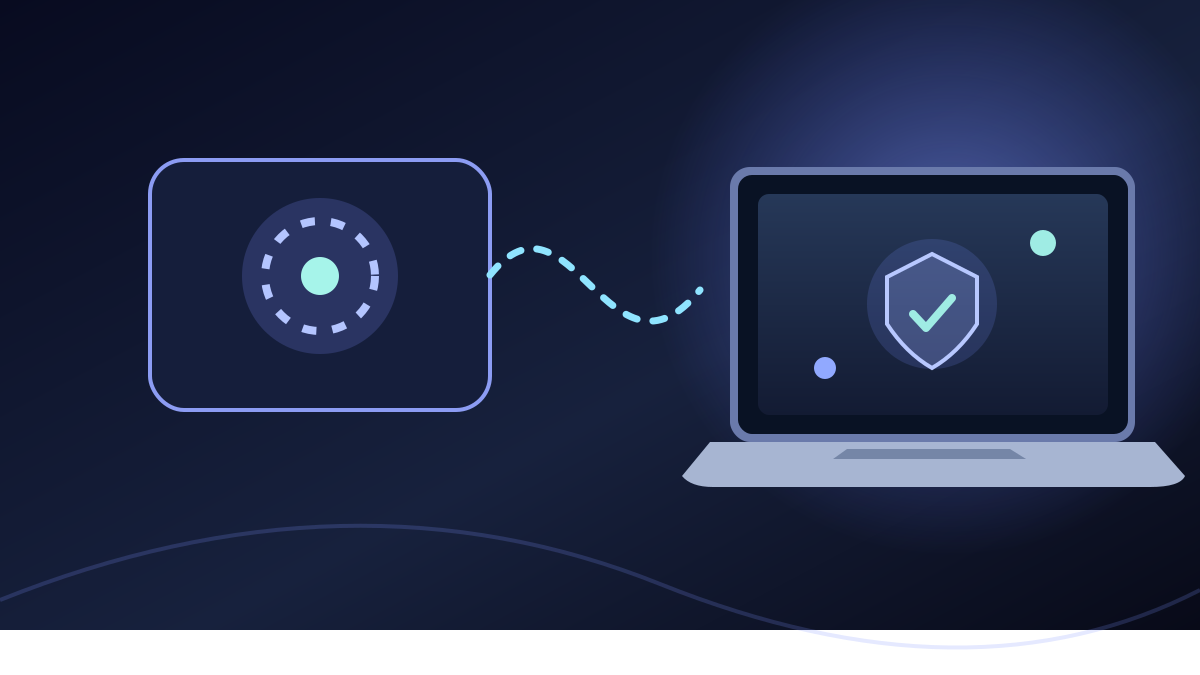
Noxgild allows a supported assistant to work on an authorized computer rather than assuming the assistant's own environment is the user's workstation. The distinction is practical: your local files and licensed applications remain on the device you chose, and tools operate only within granted capabilities. When the job involves a website already signed in on that computer, you can use its permitted browser session instead of silently switching to an unrelated browser with no account context. Neither route removes the need to confirm who owns the session.
Follow the connection guide for your particular AI client in the Noxgild integrations directory. Use the supported sign-in flow and avoid placing access tokens in prompts or shared documents.
Verify results before repeating a command
Network interruptions and tool failures can make the state of an operation uncertain. When a command changes something important, check the actual files, browser state, or application data before running it again. Replaying an uncertain side-effecting operation without verification can cause duplicate or unwanted changes.
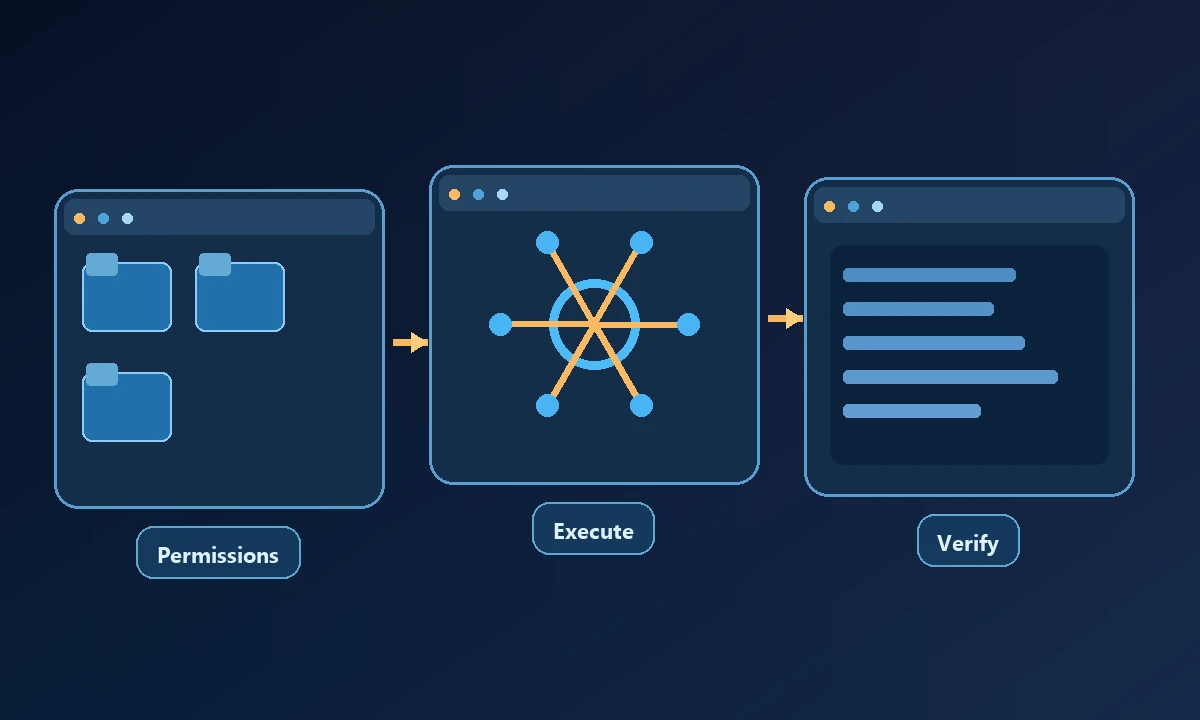
For example, if an AI client reports uncertainty after submitting a form, inspect the destination record before resubmitting. If a file operation is interrupted, inspect the file before replaying the action. Clear, observable outcomes matter more than optimistic success messages.
Before widening access, deliberately try one harmless operation outside the allowed workspace and confirm that it fails. Then repeat a permitted read and compare the returned details against the computer itself. The Noxgild security controls are relevant when deciding which capabilities to allow, but a policy page is no substitute for this test. A connection is ready for real work only after you can name the device, describe the authorization, and verify an actual result.
A practical checklist for your first connection
Select an authorized computer and confirm the device identity.
Choose only the capabilities needed for the task.
Review tool permissions and sensitive-action approval rules.
Keep account authentication and security challenges under your control.
Run one reversible test task and inspect the result.
Verify uncertain outcomes before retrying.
The goal is not to give an assistant unlimited access. It is to make a specific authorized workflow possible while keeping control, evidence, and verification clear. For more detail about how the local runtime is designed, consult the Noxgild computer product guide and its security documentation.