
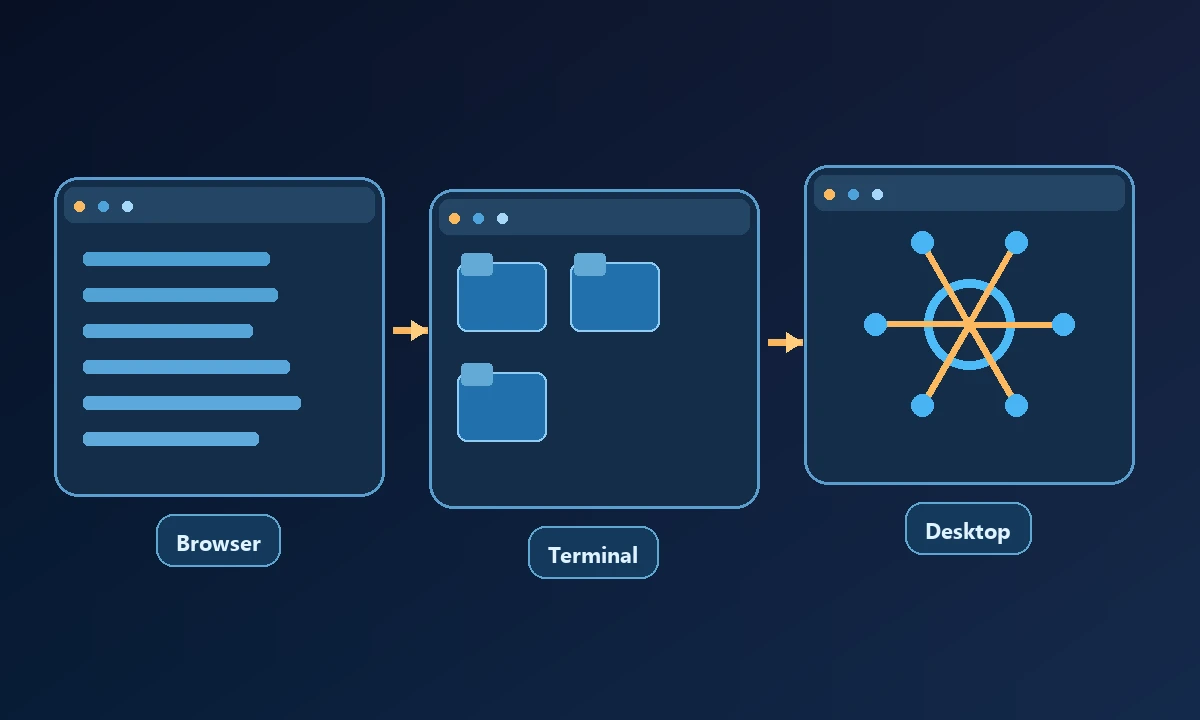
The best AI computer control tools depend on which computer the agent needs to reach and what “control” means in the first place. A tool that manipulates browser tabs is not automatically able to inspect a native Windows application. A coding agent that runs commands is not a remote device manager. The most useful shortlist therefore starts with the environment, not a universal score.
First decide where the work actually happens
A browser research task, a local codebase, an authenticated business application and a remote QA workstation have different requirements. Ask four questions before choosing a product: Will the task need local files or an installed app? Does it need an already signed-in browser? Must it reach a different physical machine? Who is expected to approve changes and verify the final state?
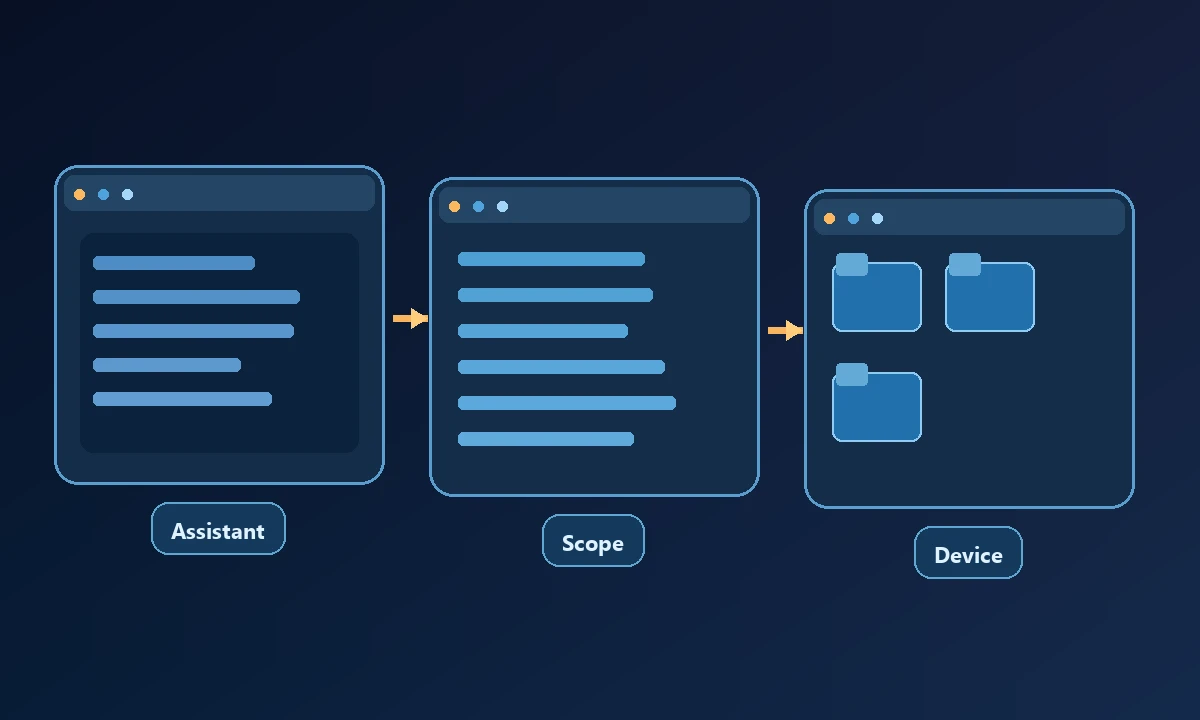
A hosted assistant may be ideal for assembling a report in its own cloud environment. It cannot be assumed to inherit an employee's locally installed software or saved workstation browser sessions. Conversely, a local-only MCP server can be excellent at editing files in one desktop session yet require more infrastructure before someone can access that same machine remotely.
Ten options, grouped by the jobs they solve
Noxgild — remote access to an authorized computer. It provides machine/files/process capabilities, a browser worker, native desktop controls and separately hosted Cloud Browser through a controlled remote connection. Use it when the environment on the machine matters, including a local build, a signed-in dashboard and a native UI. It is an execution bridge rather than an all-purpose reasoning model.
Picture a support engineer checking an error on a Windows desktop while an operations analyst extracts rows from a web portal. Both may ask an AI assistant for help, yet a browser agent cannot see the desktop application's state simply because it can open a tab. The safe computer connection walkthrough is worth understanding before comparing products: enrollment, permission scope and a read-only check determine whether the assistant is touching the expected machine. A polished browser demo answers none of those questions by itself.
Desktop Commander — filesystem and terminal workflows. The local open-source server and a remote beta offering connect AI clients to real files, commands and processes. The official feature emphasis is file and shell control. Verify whether you also need rich native desktop UI operations before assuming it covers that job.
Claude Cowork — delegated knowledge work and desktop interaction. Claude can use connectors, browsers, and supported screen-based computer use on eligible configurations. It is a good fit when users want the assistant itself to organize a multi-step task, not simply a cross-client computer-control layer. Feature eligibility and operating-system behavior vary.
ChatGPT Work — hosted research and task execution. This is a general-purpose AI workspace for multi-step work using a cloud computer and connected services, rather than a guarantee of access to a chosen workstation. A user with a very specific on-device dependency should verify the applicable desktop connection path.
OpenClaw — self-managed agent and browser environment. Its gateway can work with local browser control, remote node hosts and configured remote CDP connections. This offers flexibility to people willing to maintain the agent runtime and its permissions.
Open Interpreter — a local coding and desktop agent. The project documents both a terminal experience and a desktop app that can operate real applications with appropriate OS permissions. Its strengths and setup responsibilities depend on the chosen surface.
Microsoft Playwright MCP — structured browser control. It gives compliant AI clients browser navigation, accessibility snapshots, forms and testing-oriented tools. Choose it for web workflows, not direct access to the wider OS.
For a task tied to a particular device, Noxgild can operate an authorized computer through the capabilities its owner enabled. That includes a different set of responsibilities from a hosted web task: the machine must be online, commands must stay within scope and the result needs to identify its target. If the obstacle is instead automation inside an isolated website session, cloud browser execution may be the simpler choice. The two modes should be compared by where credentials and application state actually live, not by a single feature checklist.
Browser Use — goal-driven browser automation. Its library and cloud product target browser agents, with a distinction between self-managed code and hosted browsers. It is not a substitute for a native desktop controller.
Skyvern — business browser workflows. It supports repeatable portal work, forms and extraction through code and cloud UI approaches. It is particularly relevant where the main job stays inside web applications.
Browserbase / Stagehand — infrastructure and an SDK. Browserbase hosts browser sessions, while Stagehand supplies AI-assisted browser-development primitives. These are building blocks for a developer team, not necessarily a ready-made assistant a nontechnical owner can hand a task to.
Why the categories cannot share one winner
The buying decision changes with the job. A software developer who needs deterministic checkout tests may prefer Playwright MCP; an operations analyst working through changing portals may want Skyvern; a user requesting a prepared report may prefer an assistant workspace such as Cowork or Work. A business that needs the AI to interact with a known company computer, process and signed-in browser should evaluate device-targeted tools.
These statements describe the products' documented approaches. We did not run a standardized cross-vendor benchmark, so this is not a reliability ranking or a performance award.
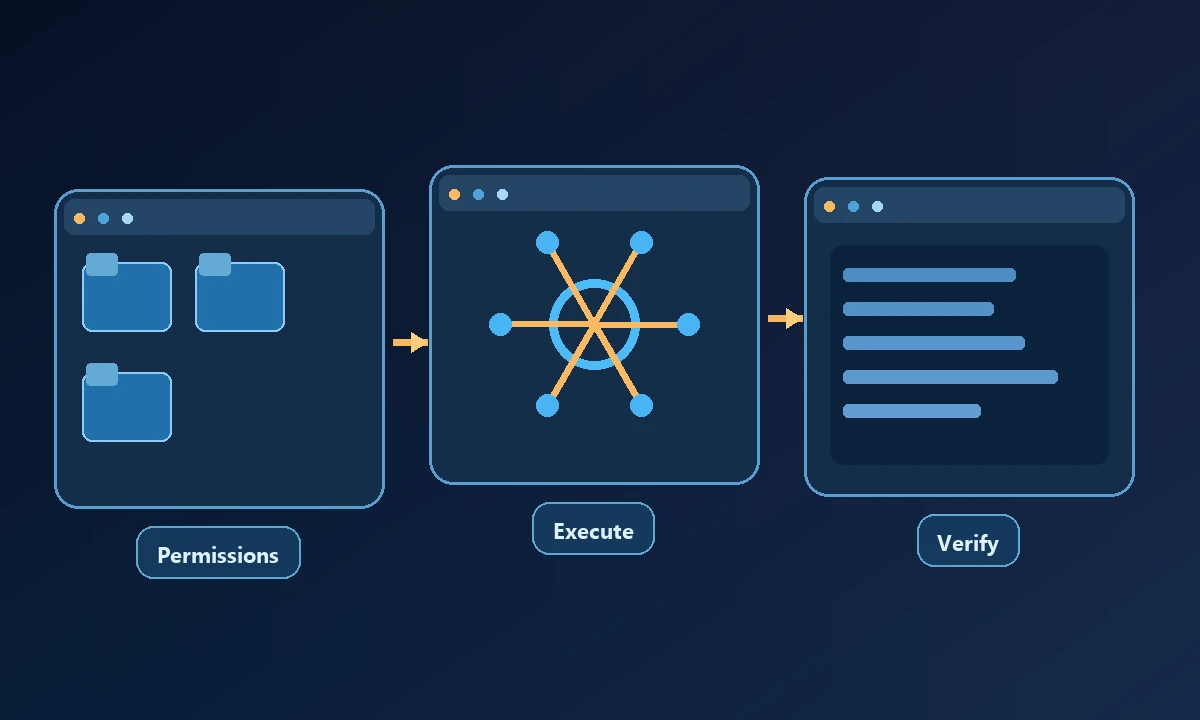
Try a five-step pilot with a real confirmation point: open the permitted environment, collect a known datum, perform a harmless operation, observe the output and stop on an unexpected prompt. For buyers handling sensitive work, the computer-access security model should inform that pilot's approval rules. Choose a browser-first tool when the whole workflow is on the web; pay for a remote-computer bridge when an installed application or specified workstation is genuinely necessary.
A practical selection checklist
Confirm the operating systems supported in your specific environment, the required access permissions, whether credentials stay in an existing session, which operations are human-gated, and how retries are handled after a disconnection. Ask to see an end-to-end task that starts with selecting a machine and ends with inspecting the result. A successful “click” log by itself is weak evidence.
The choice that avoids another unused subscription
Write down one representative task, its data source, the required environment and the proof of completion. Then trial only the tools that cover that exact path. If you mostly need one-time web research, don't buy a remote-computer stack. If you routinely need to reproduce a bug inside a licensed local desktop app, don't buy only a browser SDK. For the general protocol behind these integrations, the Model Context Protocol introduction is a useful independent starting point.