
An AI computer access security checklist should ask whether a model has only the authority necessary to complete an approved job, and whether humans can inspect what happened. Remote execution can be useful for support, QA and development, but one successful demo does not establish the safety of a connected machine. Use the following 15 checks before moving from a test workstation to a business-critical device.
Identity and enrollment
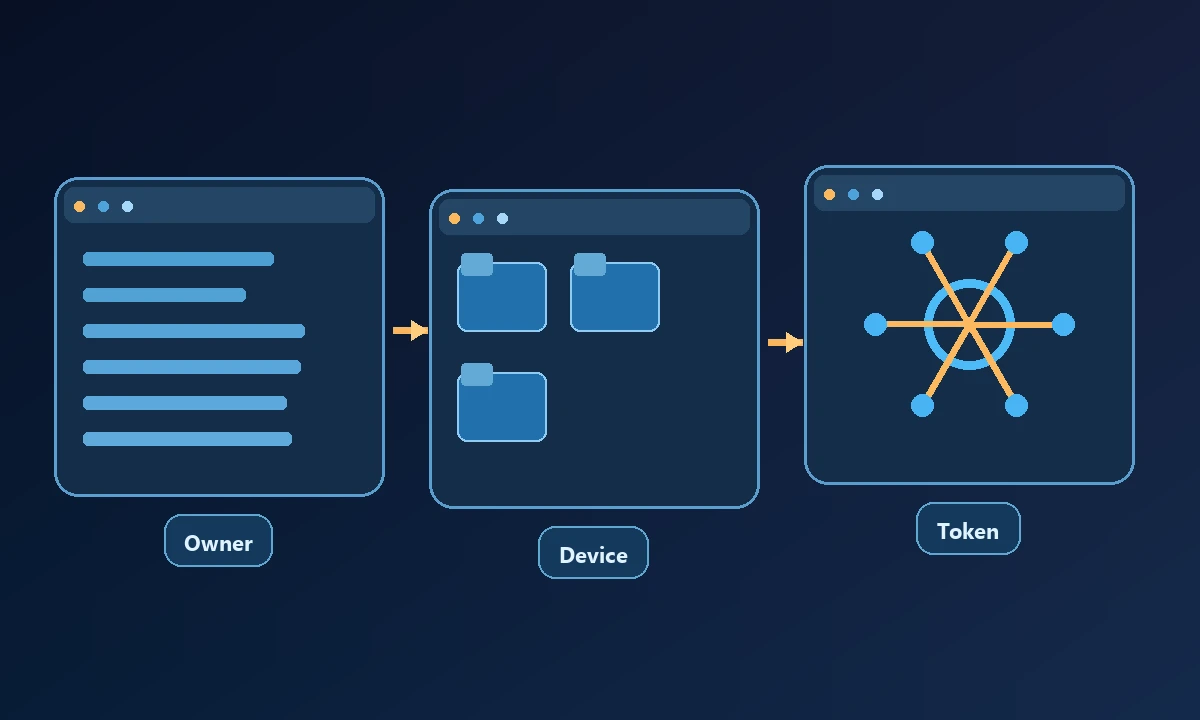
Owner and consent: Name the device owner, who authorized the connection and how that approval can be withdrawn.
Device identity: Confirm the expected machine ID and operating system rather than trusting a friendly computer label alone.
Execution context: Record whether the worker operates a local desktop, remote host or isolated hosted browser.
Client permissions: Verify the actual assistant and connector identity; a connected tool list is not unlimited authority.
A security review becomes useful when each answer can be demonstrated. Start by naming the owner of the computer and the account under which actions will run. The safe computer connection walkthrough covers the first connection; this checklist should go further and record evidence for every permission boundary. A green status indicator or a document saying 'encrypted' is not evidence that the system will reject an unauthorized command.
A useful security checklist has an evidence column beside every question. 'The agent is restricted' is only an assertion; 'the test user attempted to read a harmless file outside the permitted directory and received an explicit denial' is evidence. Mark items that do not apply rather than inventing success. For items requiring write permissions or credentials, use a test environment and have the system owner approve the exercise. This produces an auditable result that another technician can reproduce without guessing what the original reviewer meant.
Tool permissions and approval
Capability allow-list: Enumerate file, terminal, browser and native GUI actions enabled for this specific device.
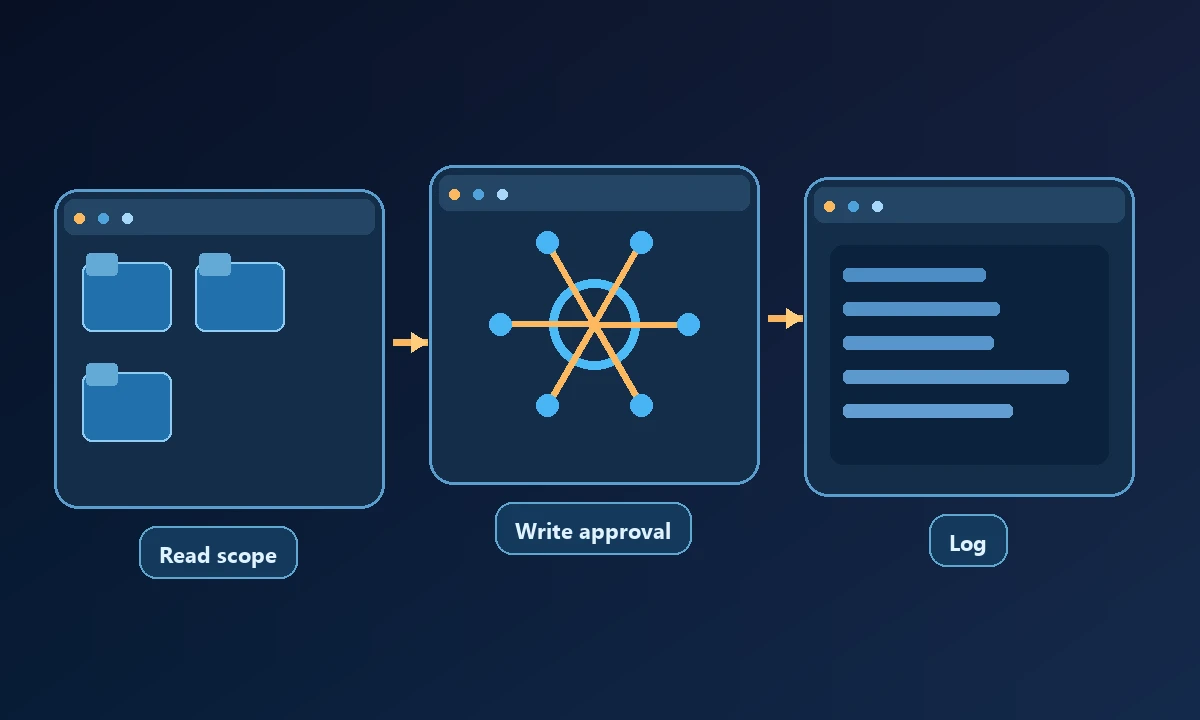
Workspace boundary: Test an allowed harmless file and a nearby path deliberately outside the approved workspace.
Read versus write: Demonstrate that reading diagnostic data does not automatically permit deletion or modification.
Browser profile: Check which signed-in account the agent sees and whether the user explicitly permitted that profile.
Verification and monitoring
Secrets handling: Confirm sensitive credentials are not printed into prompts, tool logs or generated artifacts.
Human approvals: Pick one material change and show that the system stops for a decision before executing it.
Audit trail: Record request, device, tool, time, approval and result without collecting unnecessary private data.
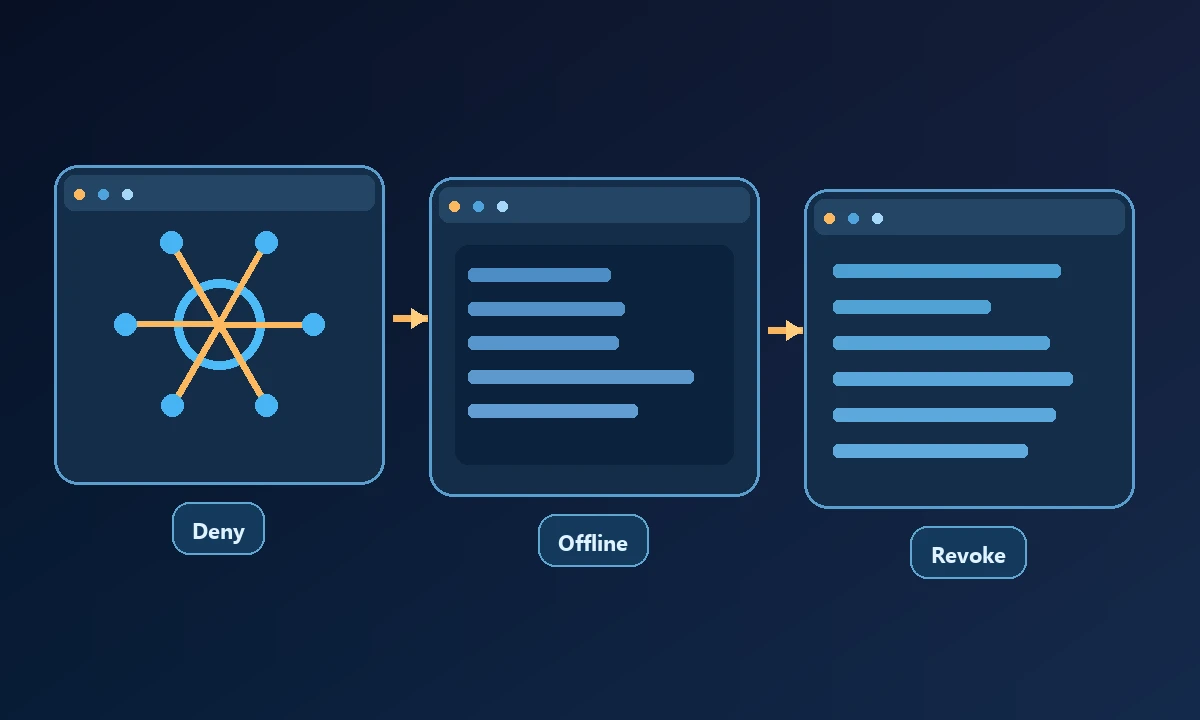
Failure reporting: Distinguish an offline device, expired token, inaccessible file and application-level error.
Operations and recovery
Retry safety: Ensure reconnecting will not repeat an irreversible payment, message or account update.
Revocation: Remove the test connector or permission and show that new requests are denied immediately.
Independent verification: Compare the assistant's claimed success with the real file, application or account state.
The NIST least-privilege principle supplies independent security context, but each check still needs a real operational test in your environment.
Use Noxgild's authorized-computer connection as a concrete test environment: can the operator identify the target device, retrieve a harmless file and see a clear refusal when asking for a path outside the permitted workspace? The security controls should establish which capabilities are allowed, but a reviewer must run the negative test. Repeat with the browser and desktop surfaces only if the owner explicitly enabled them.
The final checklist should include identity, device enrollment, workspace scope, tool allow-list, read/write separation, consent, browser profile, secret handling, approval, audit trail, timeout behavior, offline handling, retries, revocation and independent result verification. Test browser session permissions separately from machine-file access. Record each as pass, fail or not applicable, and name the person responsible for fixing a failed control.
Use the checklist on a real device
Assign each item Passed, Failed or Not Applicable with evidence. Do not count a control as passed solely because a vendor's product page uses the word "secure." If several entries fail, begin with identity and scope before testing more powerful commands. Consider a disposable testing device rather than a production workstation while fixing issues.
An effective checklist ends with the permissions you will leave enabled and the evidence required to know that those settings continue to work.