
Stagehand vs Playwright MCP describes two approaches to AI browser control. Stagehand is a developer SDK with AI-assisted browser actions and extraction. Playwright MCP is a tool server that exposes browser operations to an MCP client. Both can work with web forms, but the programming model and responsibility for verification differ.
Who owns the finished workflow?
A developer writing a reusable TypeScript workflow often prefers to keep control in application code. An assistant that needs to navigate from VS Code or another MCP client may prefer a tool server. Decide whether the deliverable is a stable program, a conversational browser skill or a deterministic browser test before selecting the integration.
A developer already maintaining a Playwright suite may need an AI-assisted step to cope with a changing form, while an MCP-native assistant might only need to inspect a page and click a known control. These tasks should not be judged by the same demo. Our browser automation tools overview separates program-owned tests from model-driven browsing before evaluating Stagehand and Playwright MCP.
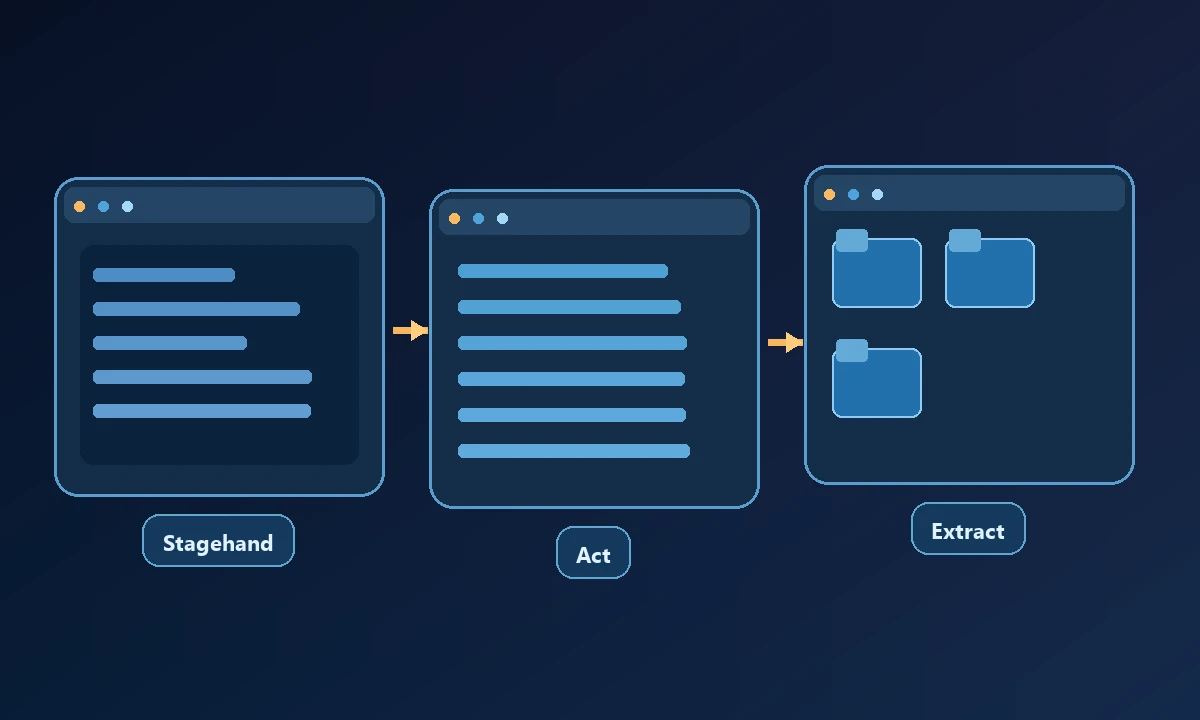
Stagehand mixes code with AI actions
Browserbase maintains Stagehand as an open-source SDK. Its current v4 release offers act, observe and extract, alongside Playwright-style page operations. Engineers can use conventional code where the path is known and an AI action when a site's markup is unpredictable. Stagehand works locally or with hosted Browserbase browsers.
Stagehand v4 changed its APIs from earlier releases, so scripts written against v3 require review. Its own source is free, but hosted browsers, inference and proxy usage have operational costs.
Consider a support portal where a dynamic field label changes after the user selects a country. With a code-owned Stagehand workflow, a developer can keep deterministic validation around the AI-assisted interaction. With Playwright MCP, the connected assistant can inspect the current accessibility snapshot and choose the appropriate control, provided its client tools and permissions allow it. In either approach, the result still needs a check against the submitted record. A click on the visible button is not evidence that the server accepted the correct country or address.
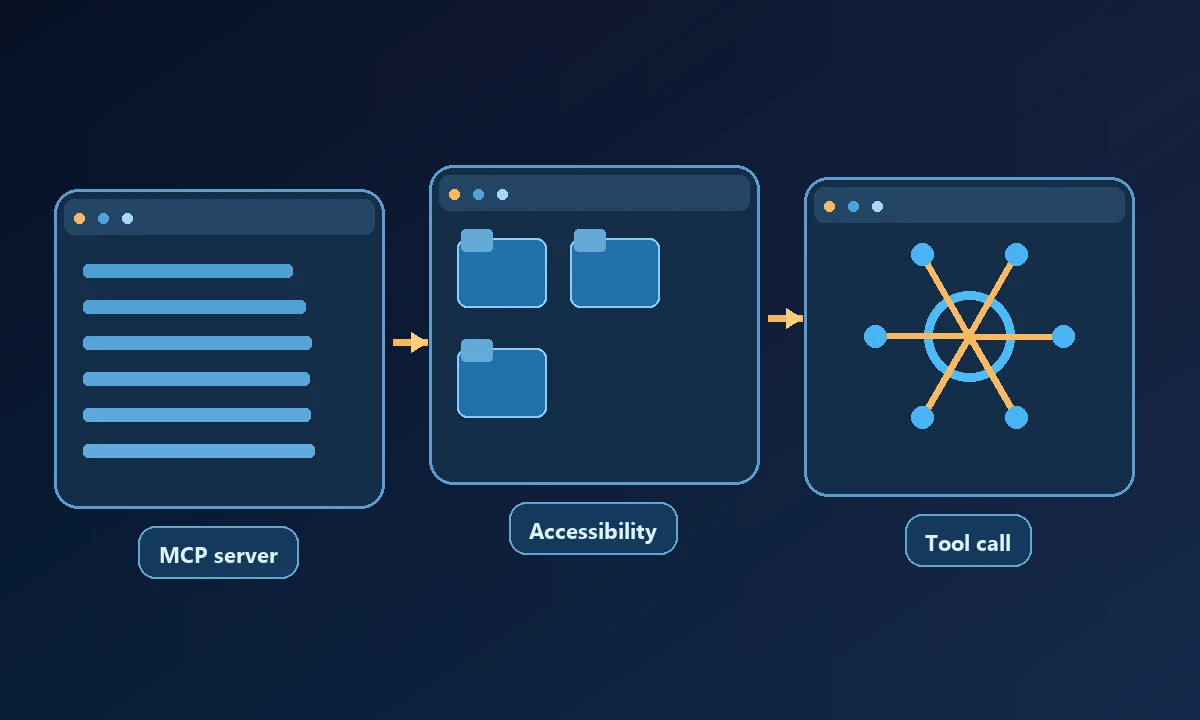
Playwright MCP exposes a browser to an assistant
Playwright MCP provides MCP tools to inspect and interact with pages using accessibility snapshots. The language-model client chooses controls and submits tool actions. It is suitable when an existing assistant needs a browser without a custom application for every site.
When a workflow ends with web data, a browser tool may be sufficient. If it must launch an installed Windows program or check a device-local file, Noxgild can operate that authorized computer through its enabled tools. A web-only operation could instead use an isolated cloud browser. This does not make Noxgild a replacement for Stagehand's programming model or Playwright MCP's browser interface; it provides a separate execution environment when the workflow crosses the OS boundary.
Neither tool guarantees that a button click achieved the business goal. Preserve a result predicate, such as a confirmation ID matching the submitted values, and stop on unexpected account or payment dialogs.
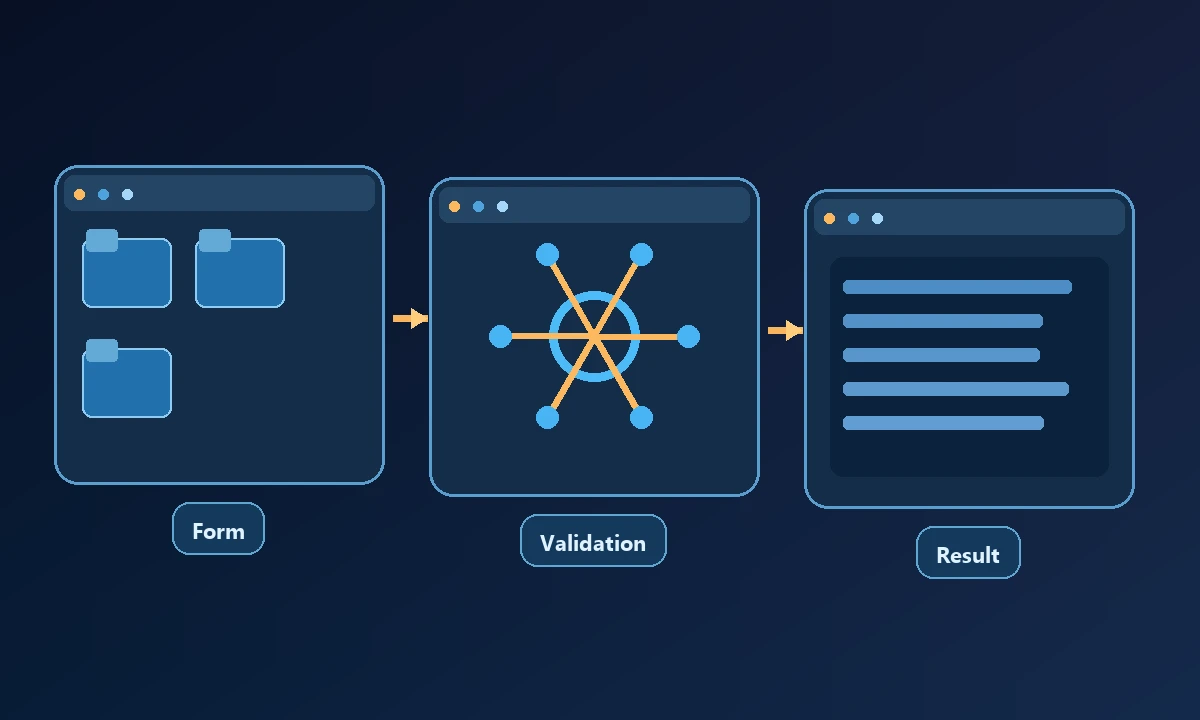
Run one comparable test
Automate a non-sensitive four-step form with both approaches. Fill inputs, submit, capture a confirmation and deliberately make one field invalid. Measure how each surfaces validation errors, whether it can retry safely and what evidence is available. The MDN accessibility overview explains why semantic page structure can improve the interaction process.
Test a known form submission with an invalid field and verify that neither tool claims completion before reading the site's response. Then, only if needed, add the device-local step and establish the computer's permitted capabilities. Good engineering distinguishes a tool invocation, a browser state change and the business record that proves success.
A browser is not the entire computer
Recommendation
Choose Stagehand for a program-owned browser agent that benefits from selective natural-language steps. Choose Playwright MCP for an MCP-native assistant using web tools. Keep independent assertions and permission checks regardless of which package runs the browser.