
Choosing AI browser automation tools is easiest when you stop comparing them as though they all sell the same product. Playwright MCP gives an assistant structured page actions. Browser Use and Skyvern can run more goal-directed browser tasks. Browserbase supplies hosted browser infrastructure. The right choice depends on who owns the automation logic and where the browser session must live.
A browser tool, a browser agent and a browser host are different layers
A tool knows how to navigate and click. An agent decides which step to take next. A host keeps a session available and observable, often with networking, persistence and resource limits. Some products combine layers; others deliberately solve only one.
Before buying, specify whether you need reliable selectors on a known website, flexible completion of changing forms, hosted browser capacity for hundreds of tasks, or access to a local browser already signed in to a private dashboard. A solution that requires reauthentication into a cloud browser may be wrong for the last task.
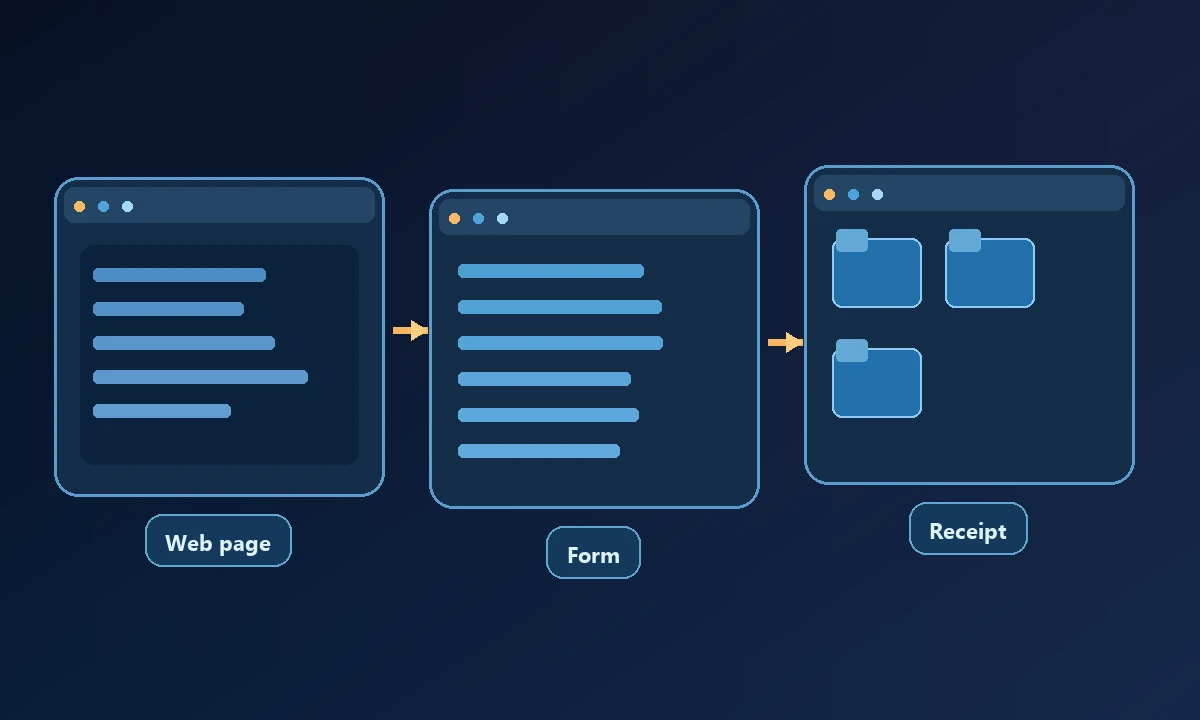
A browser agent that fills a form during a demo may still fail the business job when it submits a record to the wrong account. For example, a purchasing assistant must check vendor identity, confirm the order amount and save a receipt—not merely click Submit. The wider AI computer-control tools comparison helps decide whether the job is truly confined to web pages or depends on files and applications elsewhere.
Best options by actual job
Playwright MCP — direct browser tools for a coding assistant. A strong fit for agents needing accessibility snapshots, navigation, forms, testing and network inspection. Its capabilities are documented explicitly.
Stagehand — code-owned automation with AI-assisted actions. Appropriate for TypeScript developers who want understandable source code and can review how AI-generated actions are applied. Pair it with an appropriate browser runtime.
Browser Use — goal-oriented browser agents. Its open-source library is separate from hosted Browser Use Cloud. Choose based on whether the team wants to run its own agents or purchase hosted capacity.
Skyvern — browser workflows for portals and forms. It documents both a cloud UI for managed workflows and code-first browser automation. Useful where a portal changes frequently and the business result is form submission or data extraction.
Browserbase — managed browser sessions. A runtime provider for teams that already have automation logic and need capacity, persistent sessions or instrumentation. This is not an AI reasoning engine by itself.
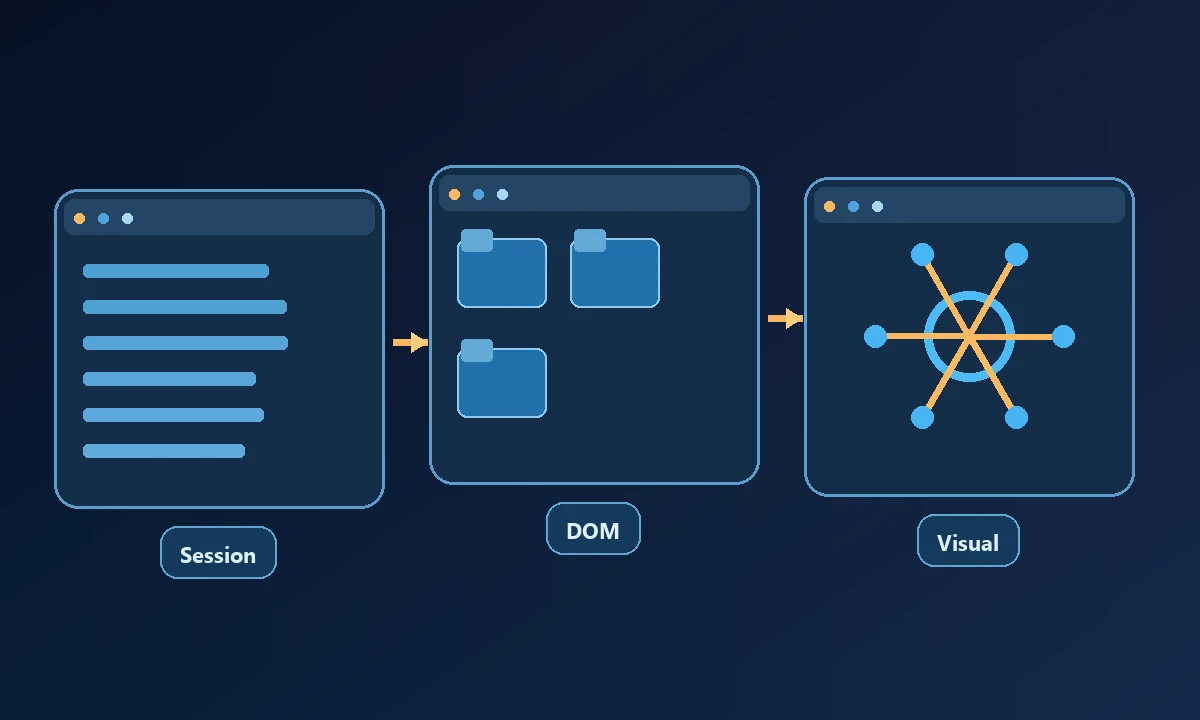
When a workflow needs a browser session that is already authenticated on a specific authorized workstation, Noxgild can work with that permitted browser context. That changes the setup problem: the assistant uses the account state explicitly available on the chosen computer rather than inventing its own. A separate hosted cloud browser is sensible for disposable research or isolated portal work, but it does not automatically share the workstation's cookies or saved tabs.
Puppeteer and Selenium — deterministic browser scripting. These are mature foundations when the page is predictable and engineers can maintain selectors and explicit assertions. Generative AI is optional, not a prerequisite.
Noxgild workstation Browser worker — existing authorized browser state. It matters when a real local computer and its signed-in session are required. Its workstation browser guide and separate Cloud Browser serve different jobs, rather than disguising a hosted session as the user's local one.
Claude Cowork computer use — agent-led screen interaction. On eligible plans and desktop configurations, Claude can operate a browser as part of a wider delegated task. It may be easier for a nondeveloper than assembling an SDK stack, but isn't a drop-in replacement for a programmable testing framework.
Reliability means being able to observe the result
For a known web application, scripted assertions and clear element selectors often beat a free-form agent's confident explanation. For a dynamic portal, a hybrid that can recover from shifted UI may save maintenance, though outcomes must still be checked. A screenshot of the browser after a click does not prove that a downstream order was saved or an invoice was sent.
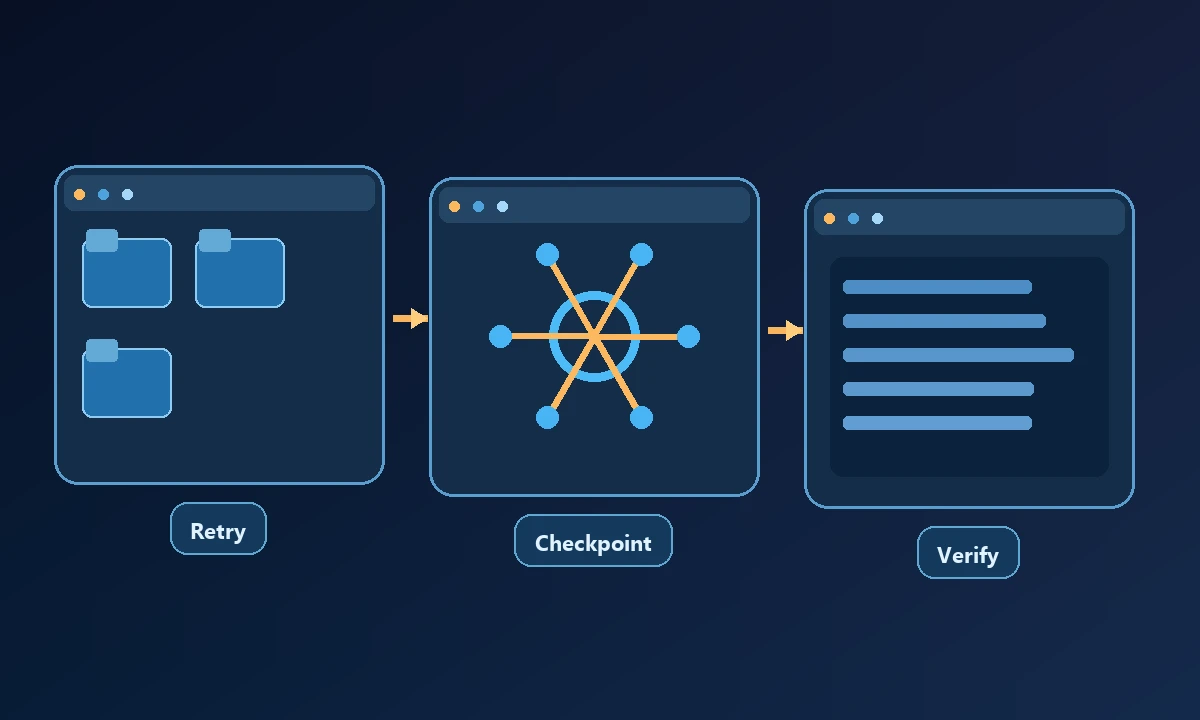
Look for isolated sessions, activity logs, timeouts, retry policy and ways to handle OTP, CAPTCHA and other protected human challenges. Browser content is untrusted input, so it must not automatically become permission to execute host-machine commands.
Test a realistic failure, such as an expired login or a changed form label, before paying for higher throughput. Can the worker stop without duplicate submissions? Can a person recognize which account was used? Read the computer-access safety practices alongside browser-specific controls, then define an acceptance check that proves the site's own final state. Browser automation is useful when it produces correct evidence, not when it produces convincing motion.
What to evaluate before an annual commitment
Run a real representative workflow five times with the same credentials and safety conditions. Document each failure, required human intervention, and the resulting business record. Compare maintenance time and billing units, not speculative benchmark claims.
When the task involves a real company machine, review Noxgild's security boundaries and execution scope alongside the browser-only options. The independent MDN guide to cookies explains why authentication state belongs to a particular browser context rather than an abstract “AI session.”