
Playwright MCP vs Noxgild becomes an important decision when an assistant must operate software. Playwright MCP exposes browser controls to an AI client; Noxgild connects a client to an explicitly authorized computer with distinct machine, file, browser and desktop capabilities. The required environment determines which connection is appropriate.
A task that crosses the browser boundary
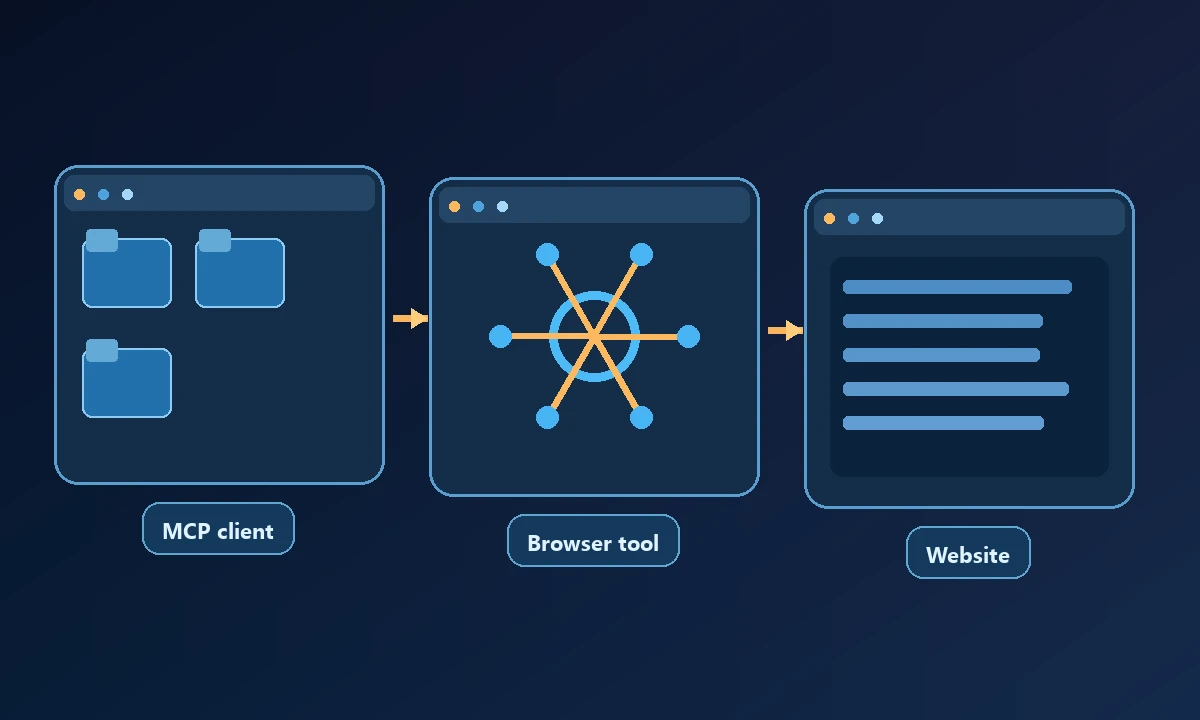
Consider an assistant that opens a vendor portal, downloads a CSV, runs a local accounting program and verifies a generated report. Playwright MCP can operate the portal within its configured browser, but the native program and local filesystem require another tool. Noxgild can expose those device operations when the computer is enrolled, reachable and authorized.
Do not confuse a successful web download with a correct local report. The final file needs a verification step on the machine where it was created.
When a developer asks an MCP client to read a website, Playwright MCP offers a sensible browser interface. The difference becomes material when the same job must create a file in an installed application on a separate Windows machine. The browser-versus-desktop automation explainer describes that control boundary: accessibility snapshots of a webpage do not amount to access to the wider operating system.
What Playwright MCP provides
Microsoft's Playwright MCP server lets an MCP-enabled assistant navigate and inspect websites using structured accessibility snapshots. Its tool interface makes web-page controls identifiable by references rather than relying only on screenshots. It can perform navigation, data entry and reading within the configured browser environment.
Browser sessions must still be set up correctly. Starting an MCP server does not grant blanket access to an employee's browser cookies or native desktop applications.
What Noxgild exposes
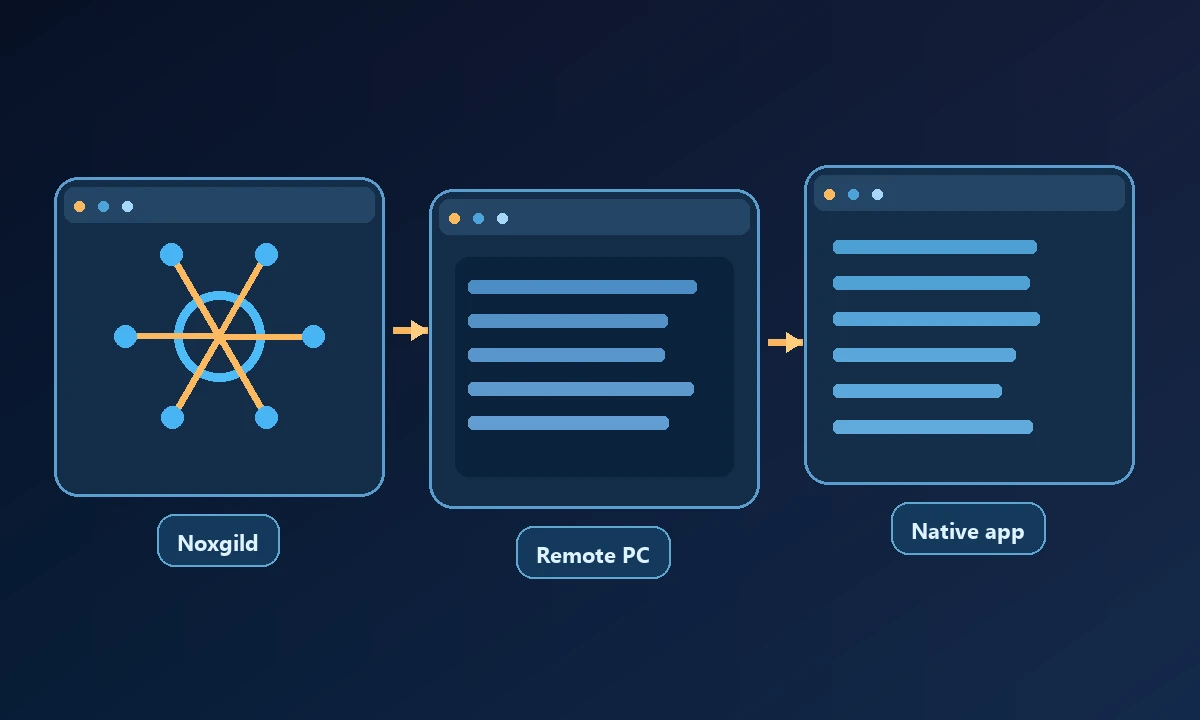
Noxgild can operate an authorized remote computer using the machine, file and desktop capabilities enabled on that target. This can complete a device-local step that is outside a browser-only server's remit. For a project that truly remains on the web, cloud browser automation or Playwright MCP may be enough without a machine bridge. You should not choose a remote workstation merely because the product can provide one.
Noxgild's computer-control product targets a known machine. Its capabilities reference separates file operations, commands, browser interaction and desktop controls. The device identity, authorized scope and command result all matter. An offline device or disabled capability is a meaningful failure, not a reason to silently try another computer.
The security controls and browser-mode guide explain why separate browser contexts and permissions should not be conflated.
Compare fit and maintenance
For a web form, Playwright MCP is a natural choice. For an installed program, filesystem or native window on a designated Windows PC, Noxgild's device layer addresses a different problem. You can combine both when the workflow genuinely needs each, but extra integration means more authentication, logging and failure handling.
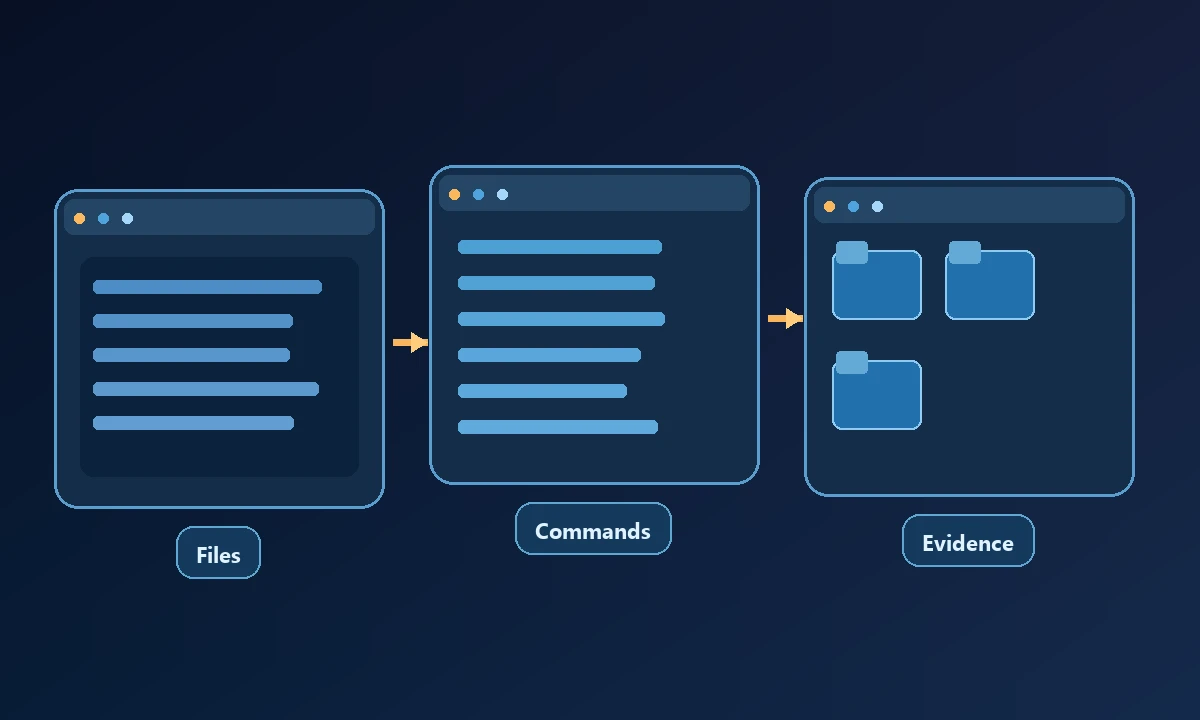
A browser-only assistant should be evaluated on page state, downloaded files and form confirmations. A remote-computer workflow needs evidence tied to the selected device and its executed commands.
A read-only proof before broader rollout
Ask the tools to retrieve a harmless page and identify a document. Then check whether an authorized remote device contains a known file. In a browser-only setup that second step needs separate file access. In Noxgild it needs an enabled file capability on the correct machine. The MCP specification describes tool interoperability; it does not itself authorize operating-system actions.
Prove the difference with two tiny tasks: inspect a public page and then check a known harmless file on the selected Windows computer. The first is browser work; the second needs explicit file/device authorization. The capability reference makes the second test's allowable operations clear. A reliable tool reports when a capability or device is unavailable rather than pretending a browser action completed an OS task.
Recommendation
Choose Playwright MCP for browser-first assistant tasks. Choose Noxgild when the job depends on a specific authorized computer. Keep the least permissions necessary and verify results at the boundary where the work actually happened.