
OpenClaw for business can be appealing to teams that want a customizable agent gateway instead of a tightly packaged service. OpenClaw connects language models, messaging channels, skills and optional device nodes. The benefit is flexibility. The cost is responsibility for configuration, updates, connected credentials, tool permissions and diagnosing failures across those parts.
What a business deployment actually includes
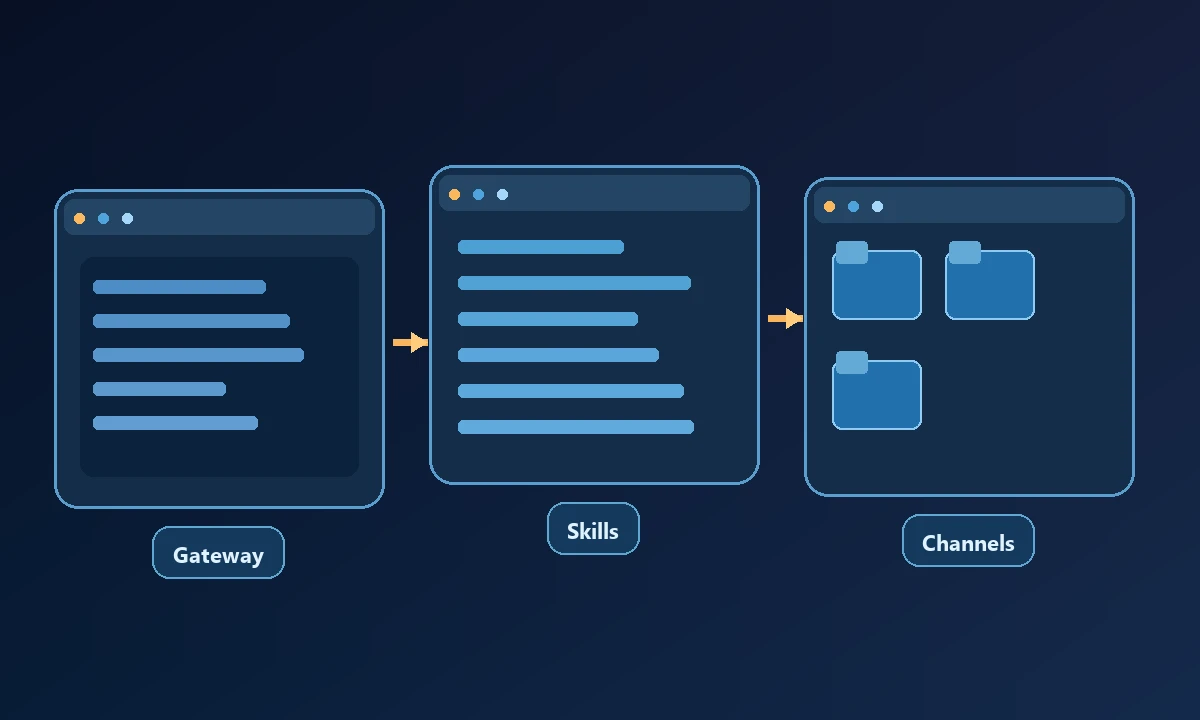
A functional gateway is more than an installed command. Teams must select model providers, secure the host, define messaging-channel access, manage skills or plugins, register optional nodes and decide which resources the agent can reach. A hosted server may be accessible to multiple people or services, so a mistake in access control can have broader consequences than a local experiment on a disposable machine.
A company's most important design question is which identity performs each action. A tool call that reads a customer record or sends a message needs appropriate application authorization even when it originates from a friendly chat interface.
Self-hosting an agent gateway may feel inexpensive until a credential expires during a customer-facing process or a plugin needs an urgent update. The business pays for that recovery time even if there is no large subscription invoice. The OpenClaw alternatives review separates gateway ownership from computer access, which becomes especially important once an agent can reach a real workstation.
Security decisions before rollout
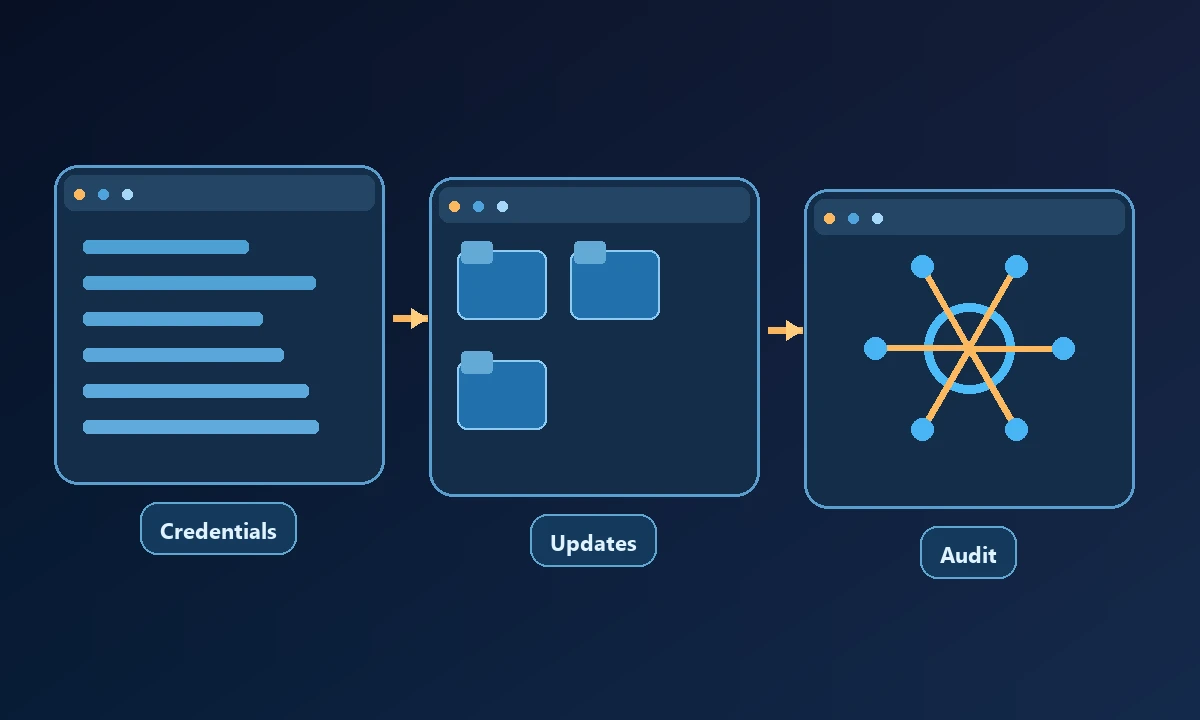
Treat downloaded skills and connected webpages as untrusted inputs. Review where skills come from, what commands they can invoke and which credentials they receive. Restrict the gateway account to needed resources. Rotate credentials when a team member leaves and test how node connections can be revoked.
The OWASP prompt-injection guidance provides general context for agents that process untrusted content, but it does not replace operating-system hardening or the product's actual access policies.
Maintenance is part of the price
Open source avoids certain license costs but does not remove the work of keeping dependencies current, protecting backups, monitoring failed tasks or updating integrations when upstream services change. A dedicated operator may need to maintain the gateway configuration and decide which proposed features should be enabled. Organizations should budget for testing after updates, particularly if an agent can send messages or modify production systems.
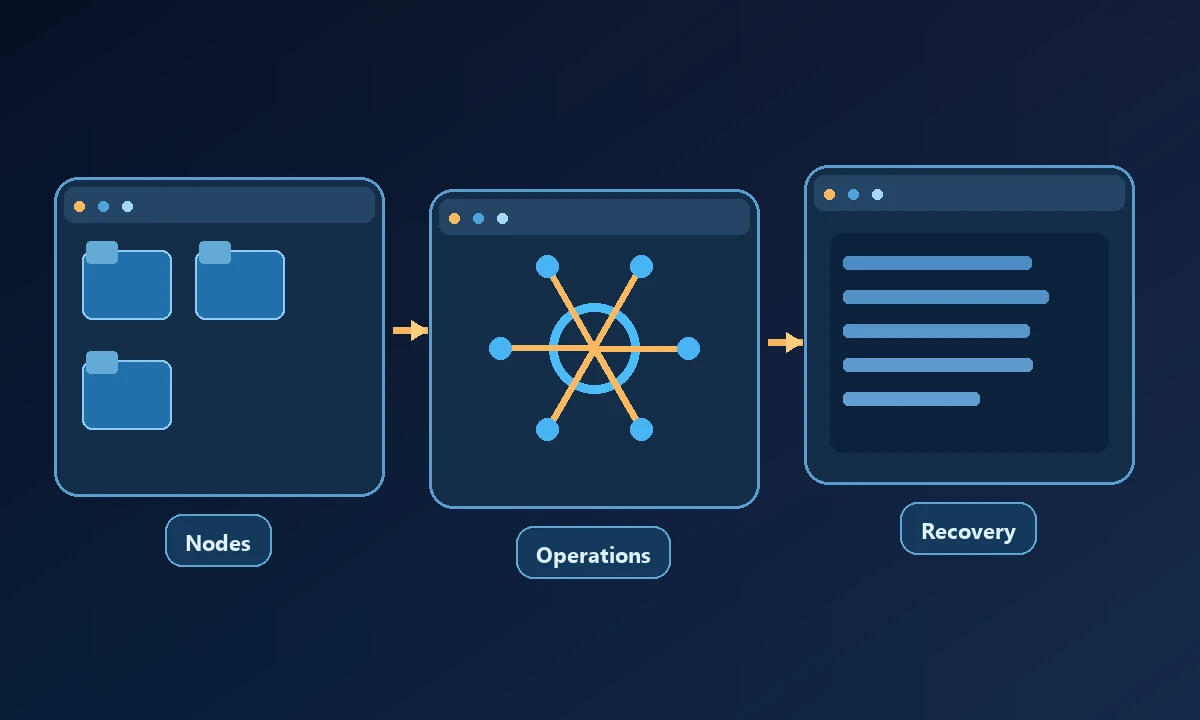
The more nodes and channels you add, the more important naming, ownership and incident procedures become. A task that reaches the wrong registered computer is a real failure even if every network call succeeded.
When a separate remote-computer product helps
For work requiring an authorized PC, Noxgild's remote computer operations can provide a dedicated device execution layer while the business keeps its existing agent strategy. The permitted machine capabilities should be treated as explicit access decisions, not an invitation to give every connected skill all commands. Moving execution to a device bridge does not eliminate the need to secure the self-hosted gateway and model provider.
A credible business pilot includes operational failure, not just initial installation. Rotate a test credential, disconnect one approved device and simulate a request outside the allowed workspace. Record who receives the alert, how the system fails and how service is restored. The computer-access security design is one source of controls to evaluate. Plan for ongoing maintenance only when the gateway's flexibility justifies the staff time and risk.
Noxgild focuses specifically on enabling authorized AI clients to reach named computers through a structured device tool interface. It can be assessed alongside an OpenClaw installation when the work involves Windows native applications, browser sessions or machine processes. That does not make Noxgild a replacement for every messaging channel or self-hosted gateway capability.
A pilot worth running
Use an isolated device and a narrow non-sensitive workflow. Capture the initial state, expected action, actual tool responses and verified final state. Test a permission denial, a disabled skill and an offline node. Document how a human can stop the process and revoke access. The correct business setup is the one the team can secure, explain and recover when normal conditions fail.