
Open Interpreter vs Microsoft UFO compares two approaches to AI-driven computer tasks: a model-assisted execution environment that can run code and commands, and a research-oriented family of Windows UI agents and multi-device orchestration components. Neither should be assumed to be a ready-made enterprise support subscription. The better starting point depends on whether your task is best expressed as a command or as interaction with an application interface.
How Open Interpreter approaches the job
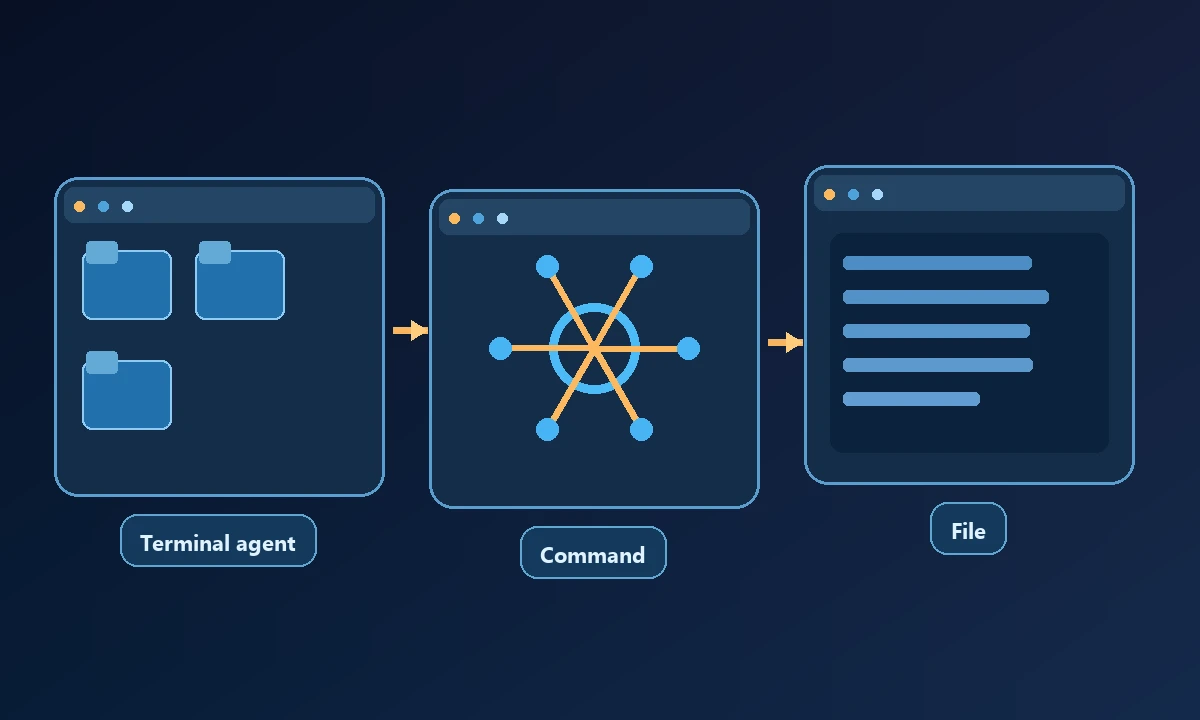
Open Interpreter turns natural-language requests into executable operations in the environment where it is configured. This can suit command-line workflows, data processing and scripts. Its actual ability to reach a graphical app depends on installed tools, permissions and the operating system. A terminal agent can check a process or edit a file without necessarily understanding the app's current window state.
A test engineer needs to extract a log and click through a dialog in a proprietary Windows application. A command-capable agent may handle the log quickly, while a UI-oriented framework can offer better access to the dialog's controls. Our Windows AI testing overview explains why these are separate assertions; writing a command and proving a native window changed are not the same kind of evidence.
How Microsoft's UFO project approaches the job
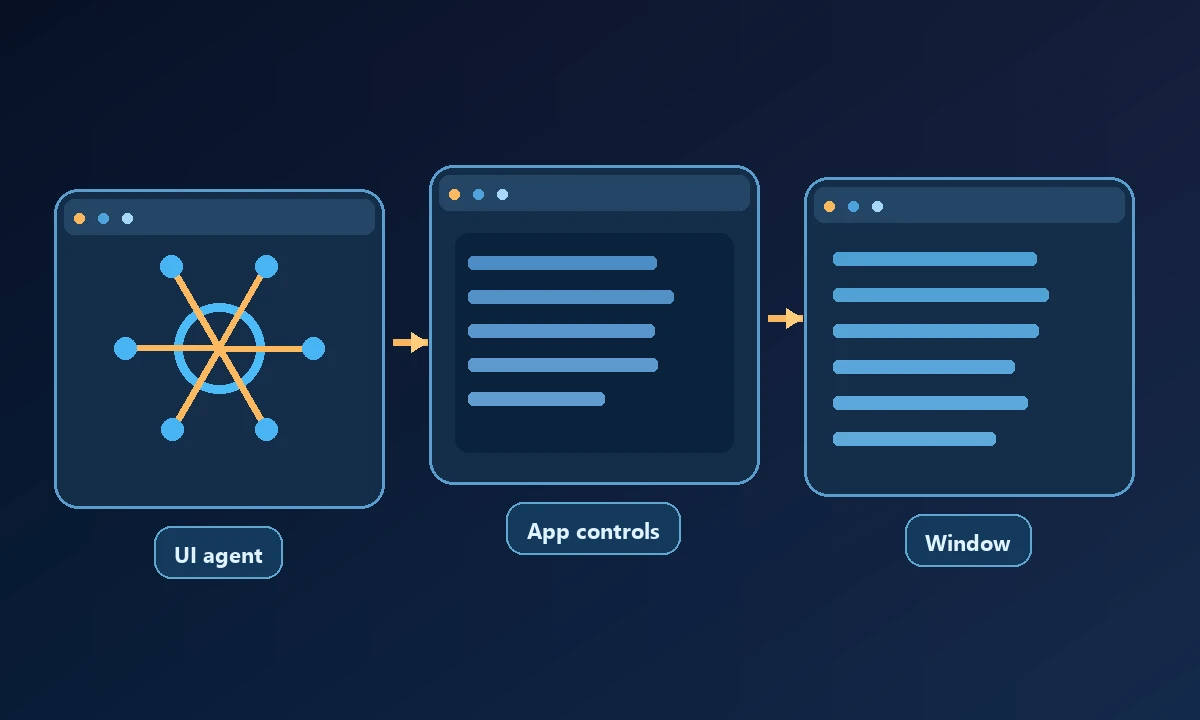
The Microsoft UFO research project has evolved through UFO² Desktop AgentOS and UFO³ multi-device orchestration. The official UFO documentation describes Windows UIA-based control detection, visual grounding options, application-level commands and orchestration workflows. UFO³ is broader than a single Windows-clicking bot, with a framework for coordinating device agents. Research implementations can require setup expertise and may not carry the same support guarantees as a commercial managed service.
For a Windows application with accessible UI controls, an interface-oriented agent may be a more natural research foundation than a shell script alone. For a simple log transformation or deterministic command, a code-oriented tool may be easier to verify and maintain.
Compare setup rather than marketing labels
Open Interpreter needs its chosen execution runtime, model and permission policy. UFO requires its framework prerequisites, model configuration and the appropriate Windows accessibility or visual tooling. Neither protocol magically transfers an existing browser login from another user profile. Both should be evaluated under a least-privileged test account before connecting sensitive applications.
A proof of concept should specify Windows version, app technology, expected control IDs or screen state and the final test assertion. If a task requires a proprietary program on a licensed workstation, the evaluation must run where that program exists.
Reliability and safety questions
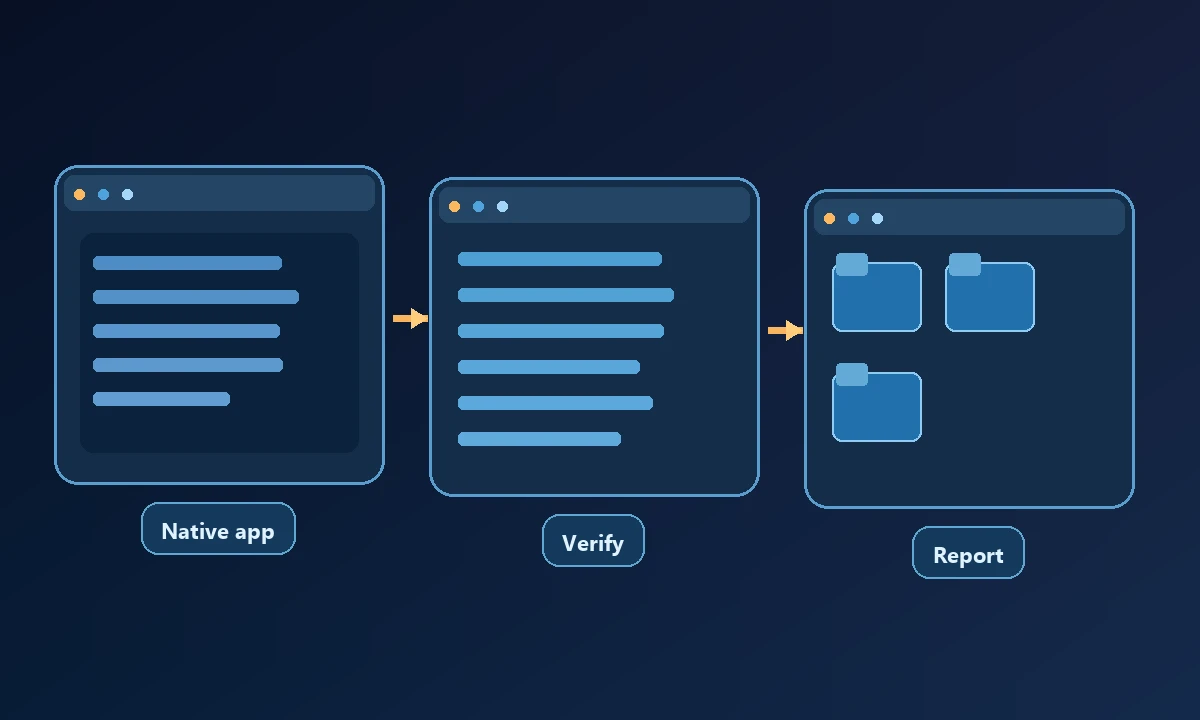
Can the agent identify the correct target window? Does it know when a command fails? Can it retry safely without repeating an irreversible action? Is a permission denial reported as a denial rather than an instruction to elevate privileges? These questions apply to both approaches despite their different architectures.
The W3C WebDriver standard provides useful background on observable automation commands and responses, though native Windows UI technologies differ from web automation.
Build two tests with expected outcomes: a deterministic command that produces a known file and a native UI action that reaches a recognizable confirmation. Then introduce a permissions failure. The security and scope model should prevent the assistant from escalating access automatically. The more reliable approach is the one that clearly distinguishes a failed step from a completed business task, not the one with the longest tool list.
Where a managed remote-computer bridge fits
When the application lives on a different authorized computer, Noxgild can connect to the target workstation and expose approved machine and desktop operations. Its ability to operate Windows applications matters when a workflow must reach the real installed software rather than a local test stub. A separate code agent or UI framework may still supply task planning; the bridge provides execution on the selected device.
The sensible choice follows the task: code execution where commands are reliable, a UI framework where native controls matter, or a remote device bridge where the main problem is reaching and proving work on a specific machine.