
The best AI-powered testing tools for Windows applications are not all AI products. Some are mature automation frameworks that give an AI assistant a reliable way to inspect controls and verify results. Others provide remote execution or visual interpretation. For a Windows desktop app, the useful shortlist begins with UI technology and repeatability, not whether a vendor has added "AI" to a feature label.
Determine what the application is built with
A conventional Win32 form, a WinUI 3 application, an Electron window and a browser-based management page expose different interfaces to automation. A browser driver can inspect DOM elements but may not identify an operating-system file chooser or a native dialog. Windows UI Automation exposes accessibility information for many desktop controls, but custom-drawn surfaces can still require vision or bespoke hooks.
A test that finds a button on a screenshot can still miss a bug if it never checks the screen that appears afterward. Consider a Windows appointment application that opens a confirmation modal, writes a local file and updates an account status. The developer automation tools overview helps distinguish code generation from execution of real UI assertions. For a release decision, the evidence is the app's state on the target machine, not a successful prompt.
Testing options with different strengths
Appium with the Windows driver provides WebDriver-style automation of native Windows applications using Windows UI Automation. Microsoft's current Windows App SDK documentation points to Appium's Windows driver as the successor path to the original WinAppDriver. Teams should check driver maintenance and supported Windows versions before migrating an existing suite.
Windows App SDK UI testing tools give developers a way to inspect accessibility trees, screenshots and controls in supported app workflows. They can make a coding assistant's proposed test steps more concrete, but compatibility depends on the app framework and installed tooling.
FlaUI and pywinauto are code-level Windows UI Automation libraries. They are valuable for custom test harnesses and repeatable control interactions. They do not provide a general reasoning agent on their own.
Robot Framework offers readable keyword-driven automation that can call platform-specific libraries. Its value is repeatable test organization and reporting; Windows desktop integration still depends on the relevant library and environment.
Playwright is a strong choice for embedded web interfaces and ordinary browser applications. It should not be sold as a universal automation solution for all Win32 controls.
For permitted test workstations, Noxgild can operate the authorized computer and use available native controls to interact with a running Windows application. The purpose of desktop application automation in QA is to reach controls and observe results that do not exist in a browser-only tool. It does not automatically supply an entire test framework, fixtures or assertion suite. Those still need to be defined and maintained by the team.
Noxgild can give an authorized AI client access to a remote Windows testing machine, including file, process, browser and desktop operations. That makes it useful for cross-surface debugging and visual verification, but it should complement deterministic assertions rather than replacing them.
A test plan that produces usable evidence
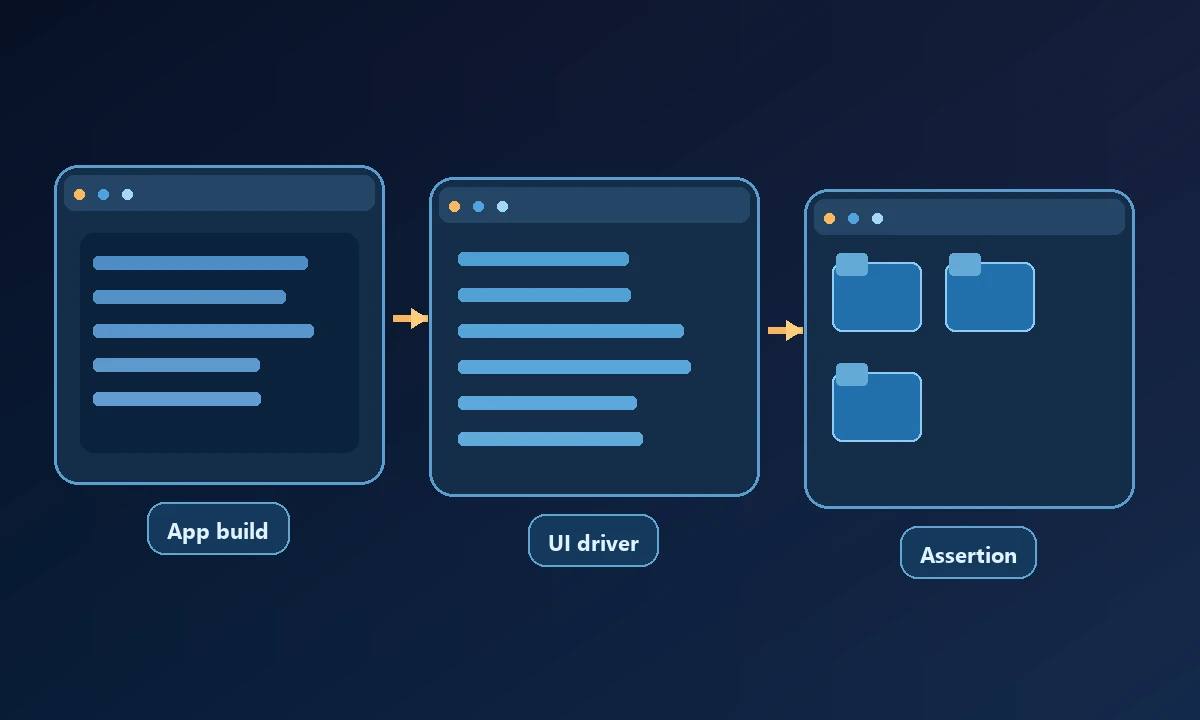
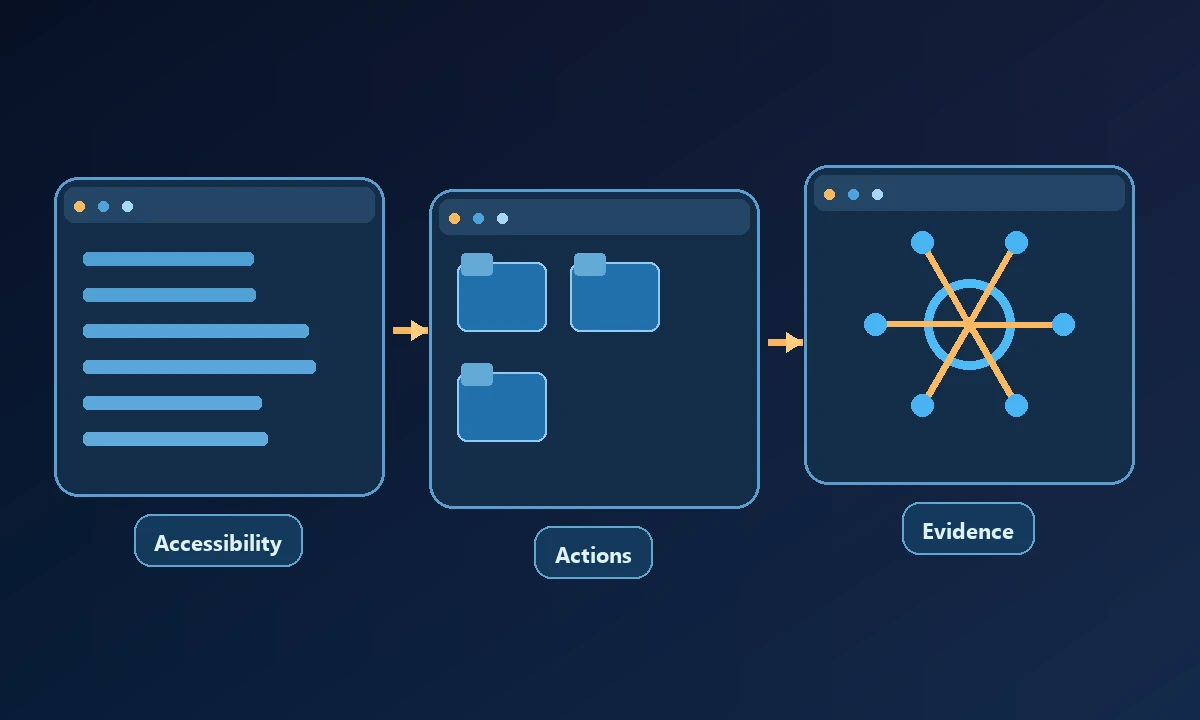
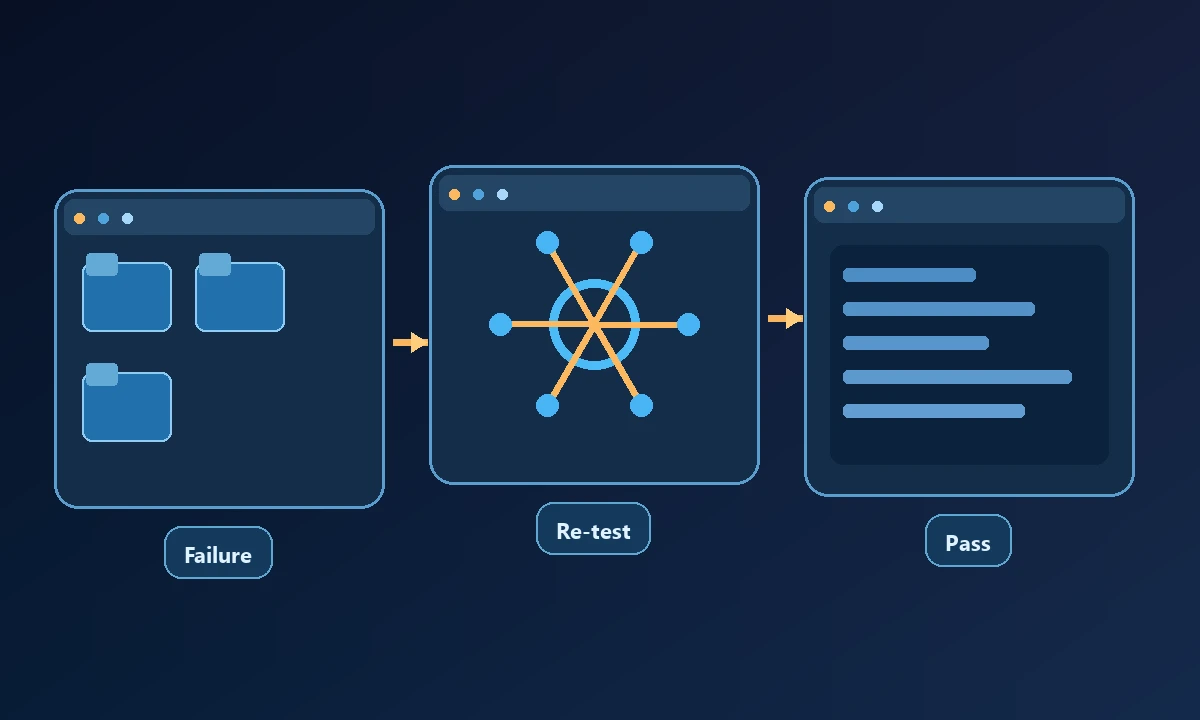
For each case, record the app build, Windows version, user session, starting state, action, expected result and actual result. Ask a tool to perform the action and collect supporting evidence, then compare that evidence with the assertion. On a failure, capture the exact error and make the rerun deterministic. If an app can only be tested visually, make the limitations explicit rather than pretending a pixel match proves the underlying business rule.
Pilot a single scenario with a known failing case. Save the expected final state, actual observed state, application version and device identity. Deliberately lock the desktop or introduce an unexpected dialog to verify safe failure behavior. The computer permissions model should prevent a test assistant from modifying unrelated customer data. A useful tool gives the engineer enough evidence to reproduce a defect, even when the test fails.
The W3C WebDriver standard describes a useful model of remote automation commands and responses; it is background reading, not a substitute for Windows-specific driver documentation.
Choosing a practical stack
The best result is a test that a colleague can rerun without guessing which screen an assistant clicked or which local profile was active.