
The best AI computer automation tools for developers help a coding assistant cross the gap between changing source code and proving that a program works. Editing files, running tests, inspecting a browser and interacting with an installed Windows application use different execution surfaces. Choose tools by the last part of the development loop that still requires you to switch windows and do it manually.
What the development loop actually needs
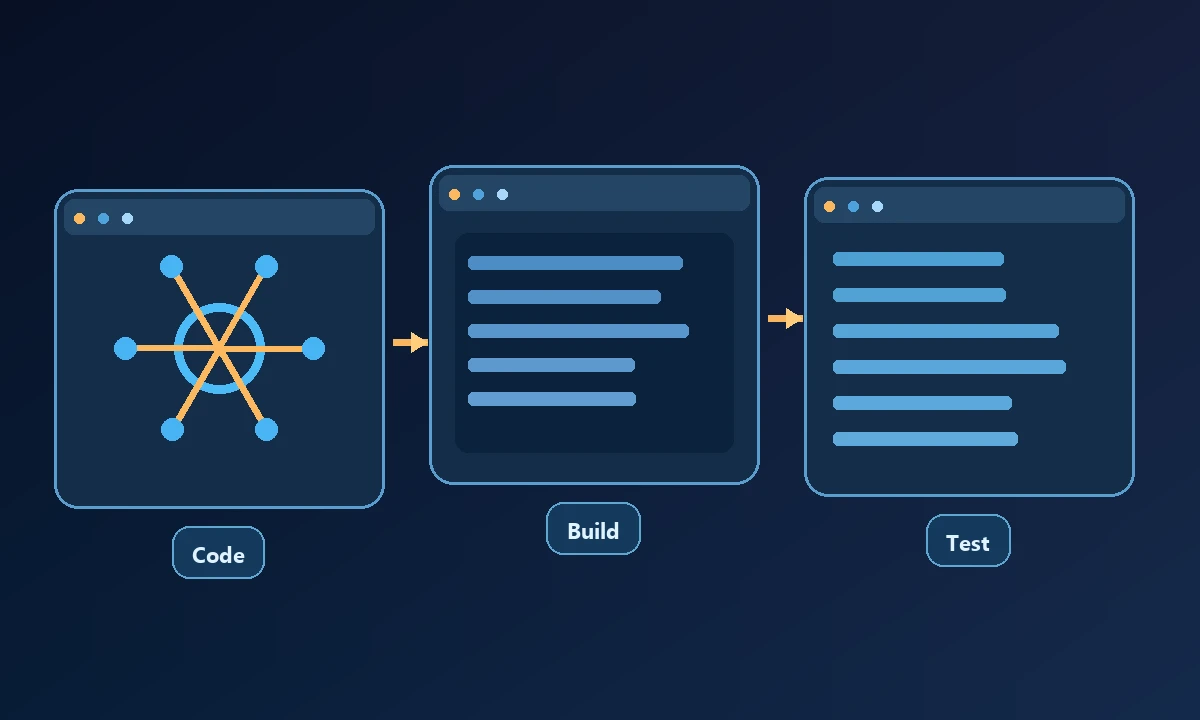
For a typical web change, an assistant edits code, starts the dev server, opens the app, runs deterministic checks and inspects the rendered result. A desktop application adds installers, signed-in user profiles, window focus, operating-system dialogs and sometimes GPU or hardware dependencies. A container may reproduce the source build without reproducing those local conditions.
A developer who spends the day changing source files has different requirements from someone debugging an installed Windows desktop app. For repository refactors, a local code agent may be the fastest answer. The problem becomes remote-computer automation when tests depend on a specific machine, browser profile or GUI state that a local sandbox cannot reproduce. The tool-category comparison separates the coding layer from that execution environment.
Tools and where they belong
Claude Code, Codex and Cursor are coding-assistant environments. They are designed to help reason about repositories, edit code and use permitted tools. Their exact integration and execution capabilities vary by account and environment; they should not be conflated with a particular remote-computer transport.
Playwright is useful for automating browser behavior and verifying UI states. A test that asserts a real result is stronger than a screenshot-only demonstration. For agent access, Playwright MCP offers browser-oriented operations, though it does not directly operate arbitrary desktop software.
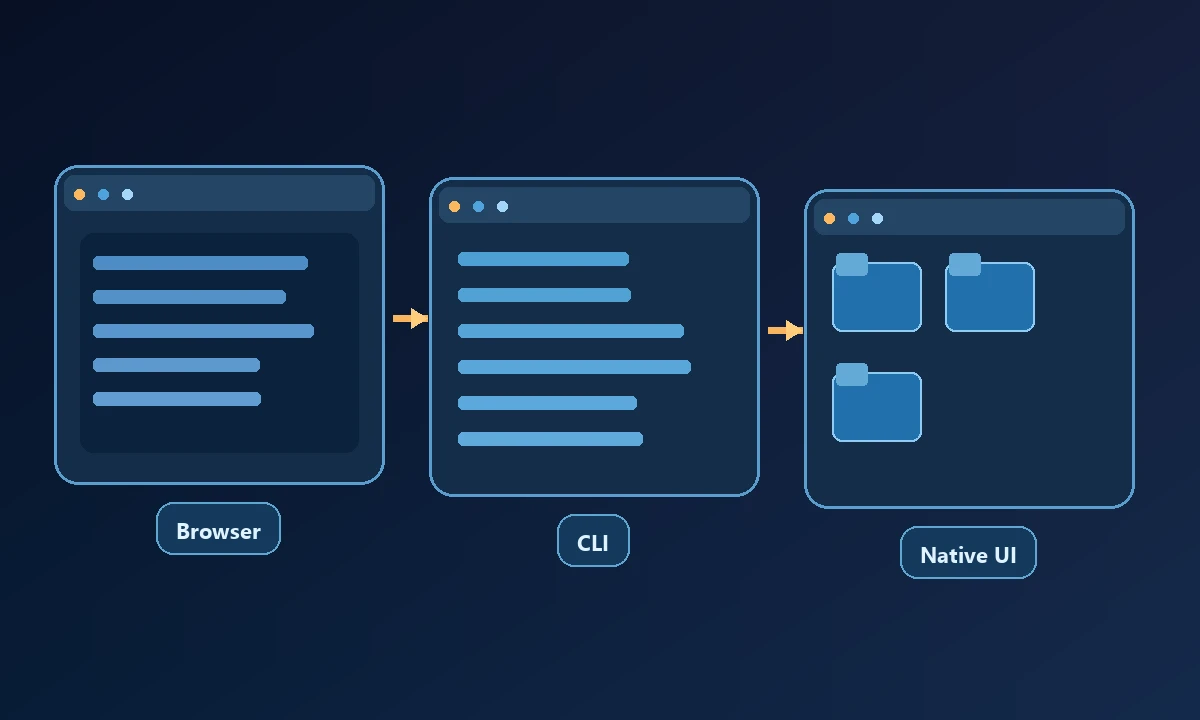
Open Interpreter supports local command execution with a more agent-like workflow. The selected setup and permissions determine how it can interact with applications. It may be appropriate for experimentation where the developer controls the host.
Browser Use and Stagehand focus on agent-oriented browser workflows. These tools are most relevant when the application is web-based, and a team is comfortable building or maintaining automation logic rather than only operating a packaged assistant.
Noxgild is relevant when the test environment is a particular remote machine. It exposes machine, process, file, browser and native desktop controls to an authorized assistant, helping developers reach an existing dev or QA workstation. It does not replace a test suite or turn an unsupported OS feature into a supported one.
When a test must run on an enrolled workstation, Noxgild can operate a designated computer through approved file, command and desktop capabilities. A developer can then check a known build artifact or inspect a running program on the device rather than accept a model's description of what ought to happen. If the last mile is an actual Windows interface, native application automation may close the gap while the normal coding agent continues managing source code.
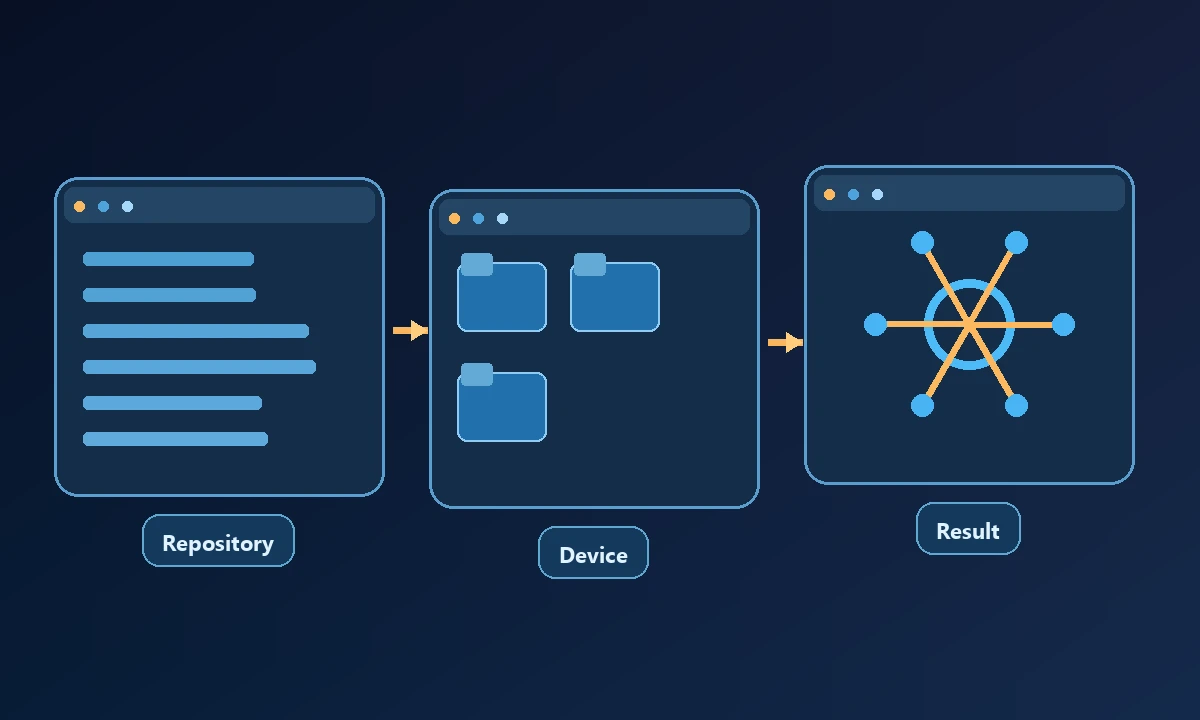
Appium with a Windows driver and Windows UI Automation tooling target native Windows interface testing. They can complement a coding agent by providing a deterministic automation layer in an environment where browser automation is insufficient.
Build a reproducible test before adding AI
Start with the simplest failing case and write down the expected behavior. If a deterministic script can exercise it, keep the script. Let the assistant inspect failures and suggest changes while the test remains the source of truth. When an actual desktop UI is required, record the window identity, application version and user session, and require verification after any attempted repair.
A sensible evaluation uses an existing regression case with a clear expected artifact. First run it where the editor lives, then on the target test machine, and compare the evidence. The device capability reference clarifies why two connected computers might expose different actions. Prefer the least complex stack that produces the same repeatable result, including an honest failure when a device goes offline.
The Model Context Protocol architecture explains how clients can discover and invoke tool servers, but it does not remove the need for per-tool authorization or tests in the underlying application.
Pick by your slowest handoff
The useful question is what evidence the assistant can return. A successful build, a passing test and a verified interactive desktop state are three different proofs; mature developer automation knows which one the task actually requires.