
This Open Interpreter review considers its public open-source approach to interpreting natural-language instructions and executing code or commands through a controlled local environment. It is a documentary assessment, not a claim that we benchmarked its latest builds on dozens of machines. Open Interpreter belongs to the flexible developer-tool category, which has different operational trade-offs from a managed remote-computer service.
What the project is meant to do
Open Interpreter allows a model-driven assistant to translate requests into executable steps on a connected environment. Depending on the build and configuration, those steps may involve Python, shell commands, file processing and other integrations. Its appeal is that developers can inspect and customize the underlying execution path rather than relying on an opaque hosted UI.
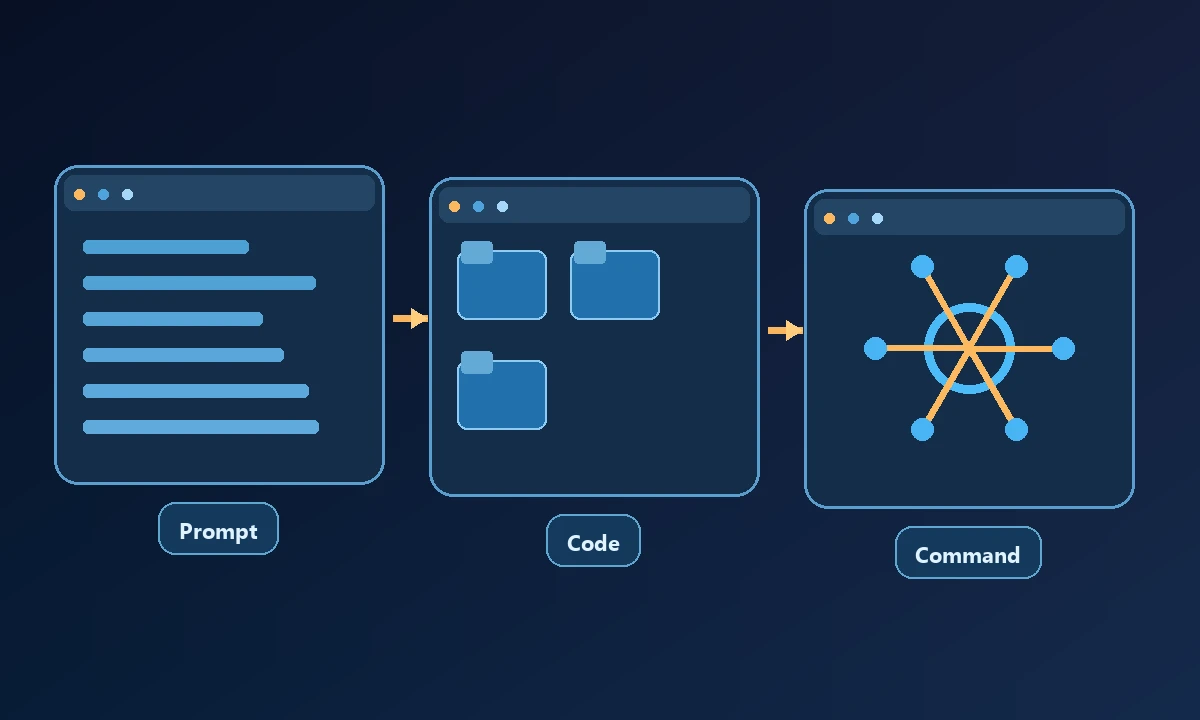
The relevant security boundary is the environment where commands actually run. Running a model-assisted shell under a powerful account can affect data and processes available to that account. A prompt that sounds harmless is not a permission policy.
Open Interpreter can be attractive to a developer who wants natural-language instructions translated into code and local commands. The question is whether the task is really a script or interaction with a native application that has no straightforward API. The developer automation roundup gives that distinction practical context: a successful code cell does not prove the user-facing application ended in the expected state.
Strengths for technical users
For prototyping, command and code execution can solve tasks that are awkward inside a browser-only assistant. A developer may ask for data transformation, log analysis, local file processing or a scripted change and receive concrete output. Open-source code also enables independent review and modification, though that creates a maintenance responsibility.
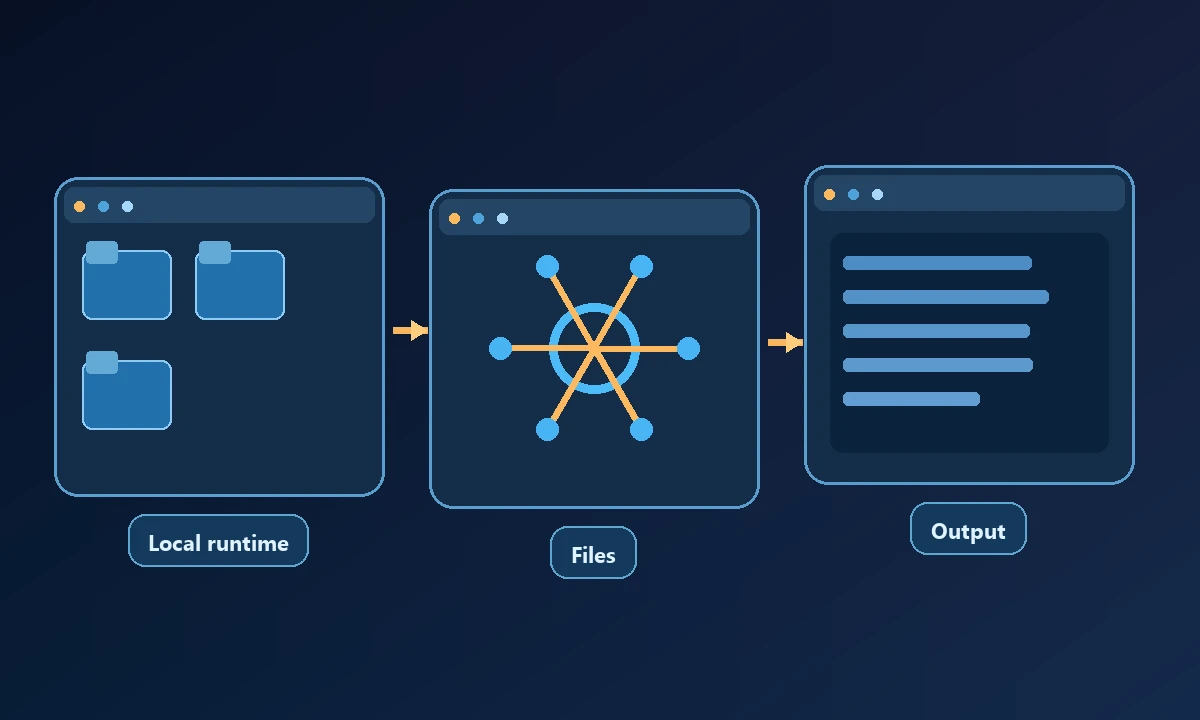
A skilled operator can pair a command-oriented agent with deterministic scripts and unit tests. The model can interpret ambiguous requirements while the script remains the auditable execution unit. For sensitive workflows, the operator should decide how much review is required before each command.
Limits to examine carefully
A tool that can execute code is not automatically a reliable native desktop controller. Windows accessibility, graphical dialogs and browser sessions may require additional drivers or separate tools. The supported platforms and setup steps also change as an open-source project evolves, so use the current maintained documentation for the exact release rather than a demonstration from two years earlier.
For operations that must happen on a selected computer, Noxgild can operate an authorized machine rather than relying solely on the interpreter's local runtime. When the task involves a Windows dialog or application window, native desktop control may be the appropriate additional surface. Noxgild does not automatically provide code-writing judgment; the assistant still needs clear instructions and a test that verifies its results.
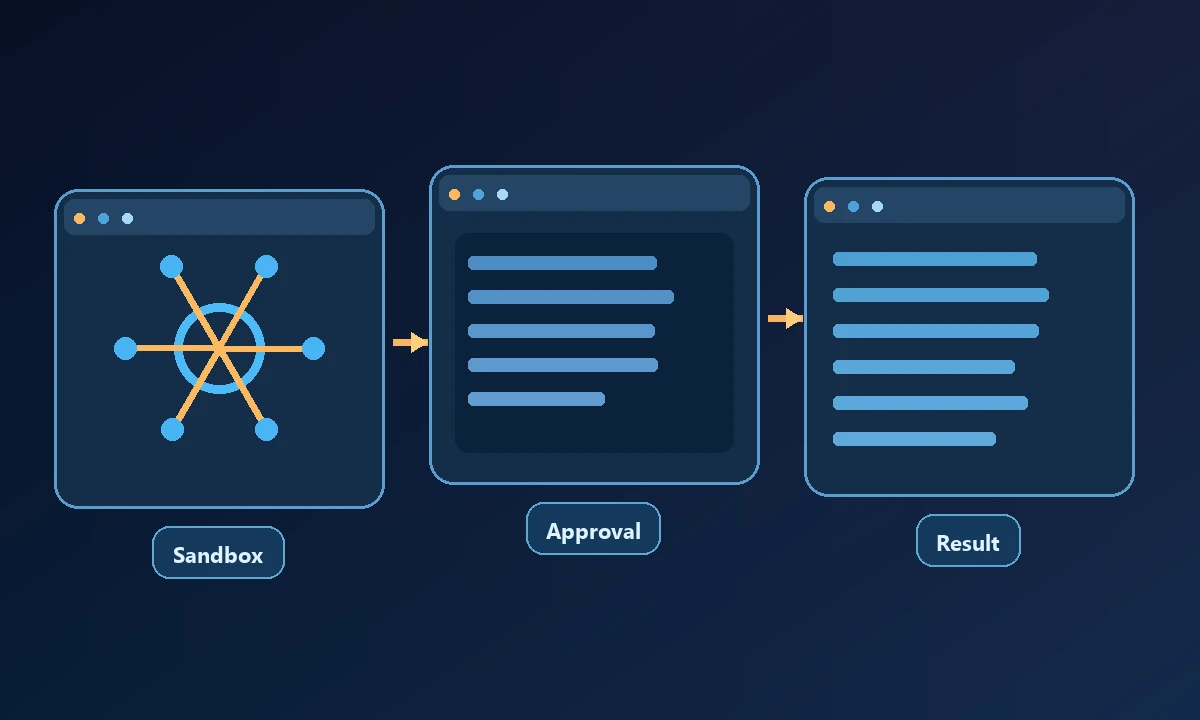
Ask how model providers are configured, where input data is sent, whether execution runs in a sandbox, how sensitive commands are approved and what logs are retained. These are configuration-dependent questions. A shell running inside a disposable environment cannot reach a licensed application on an unrelated office workstation unless that connection has been explicitly provided.
Cost and operational fit
The core project may be open source, but a team can still pay for model inference, hosted compute, setup, updates, logging and staff time. Compare those costs with a packaged tool only after selecting a representative workload. One-off personal experiments have very different requirements from an unattended business process.
Try a benign data transformation and a UI-only task separately. For the first, verify output files and logs. For the second, record the target window and final visual or application state. Review device permissions before allowing either assistant to alter sensitive files. A review that admits where a tool is simpler, rather than insisting on one winner, will help the reader choose a maintainable setup.
The MCP architecture explains one way independent tool servers can be connected to assistants; it does not imply a particular Open Interpreter installation uses the same remote protocol or access model.
When another approach is better
Judge Open Interpreter by a small, verifiable task in its supported environment and check that its failure behavior is visible. If you need native UI or remote fleet access, test those capabilities directly instead of assuming command execution covers them.