
A browser, terminal and desktop automation stack can be one product or several specialized tools. The right choice depends on which boundaries a task crosses. Consolidating everything into a single dashboard sounds attractive, but the team's real costs come from failed handoffs, duplicate permissions and uncertainty about what each tool actually did.
Map the work before counting subscriptions
Write down the operations in a typical workflow. A browser agent may sign in to an approved web app, a terminal command may transform downloaded files, and a desktop tool may operate an installed program. If any operation requires a particular computer or account, record that condition. The path is more important than the product logos in a software stack diagram.
A procurement manager sees three separate invoices for a browser automation service, a terminal agent and remote desktop software. Consolidating them sounds appealing, but those tools may operate in different places with different permissions. Our computer-control tools comparison helps reveal which capabilities overlap and which are genuinely complementary. Eliminating a service without checking the workflow can simply move the manual work back to an employee.
What each layer is best at
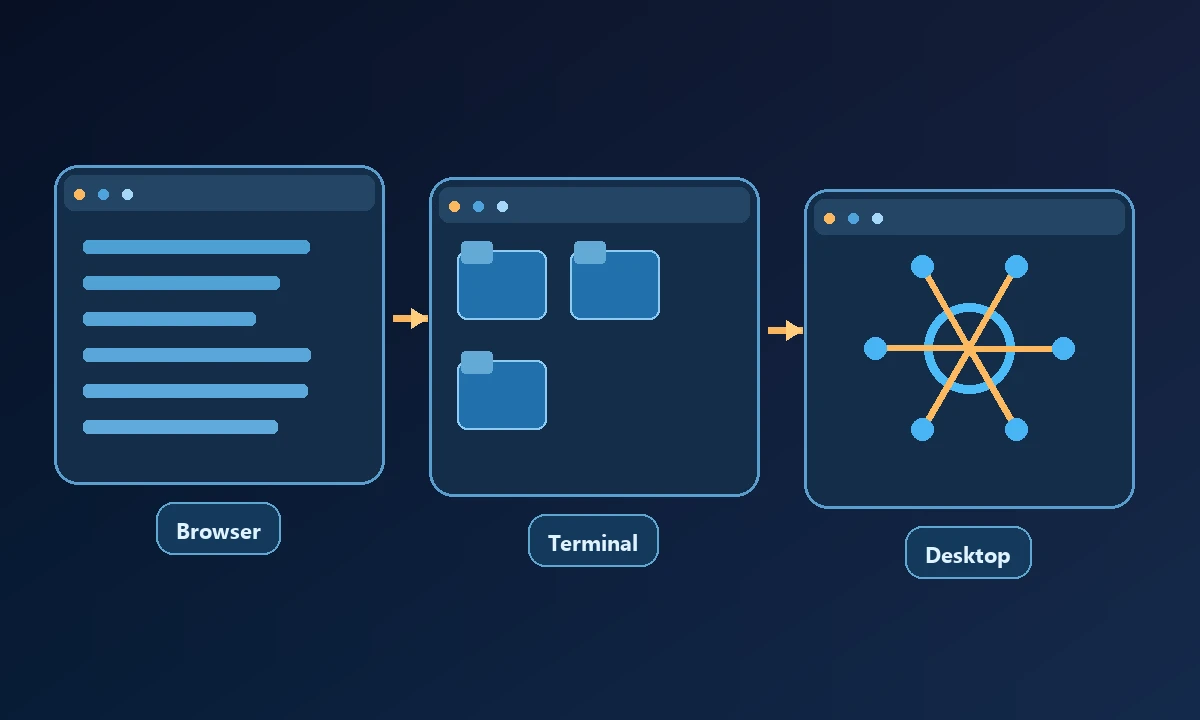
Browser automation can use accessible web elements, navigation and form behavior, often with deterministic assertions. It is less suitable for native application dialogs or local OS settings. Terminal tools can read files, execute scripts and inspect processes with structured output, but may not understand an application's graphical state. Desktop automation can reach native windows, though it may be sensitive to screen focus, accessibility support and display configuration.
Using one generalized tool for all three may simplify connection management but weaken a specialist's repeatability. Conversely, three separate tools can leave the assistant without a reliable way to know which machine or session each one is acting on.
How to compare an integrated platform with a modular stack
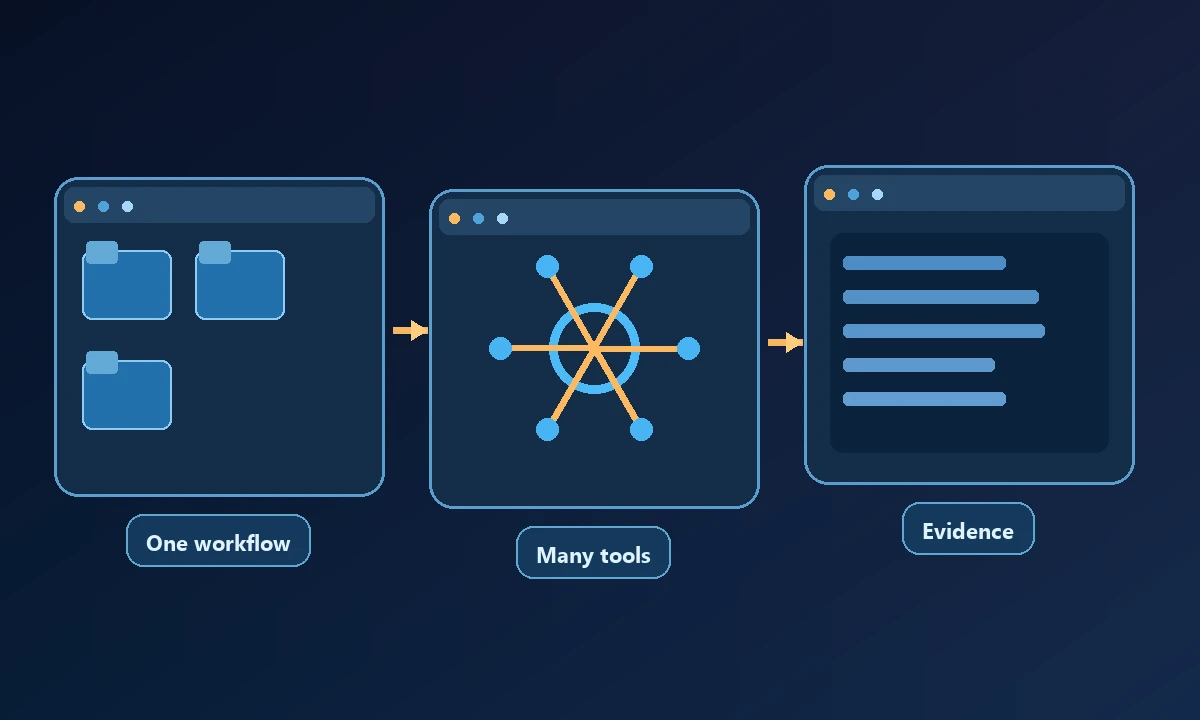
Test a single job across all required surfaces. Ask: Does the browser tool attach to the right profile? Does the terminal run on the expected machine? Can the desktop tool confirm the actual result? Does the system carry identity and audit evidence across steps? Then measure setup, failures, workarounds and support work rather than comparing feature checkmarks alone.
A module may be open source while the hosting, authentication or device bridge still costs money. A subscription may reduce operational complexity but should be evaluated against the controls you can actually verify. The MCP architecture offers a common tool interface, not a guarantee that every server shares the same trust model.
Where Noxgild fits
Noxgild can operate a permitted remote computer through machine, file, browser and desktop capabilities. That can reduce handoffs when all the relevant work lives on one enrolled device. For a disposable online research task, however, hosted cloud browsing may be a better fit than waking a workstation. A multi-surface product is valuable only when the organization actually uses and can authorize those surfaces.
Draw the existing task as a sequence of environments: where the request starts, where credentials live, where actions run and where proof is stored. Remove one tool at a time in a test environment, then compare correct outputs and recovery steps. The computer-capability inventory is a starting point for mapping the permitted surfaces. Consolidation succeeds when operators know where each action occurs, not when the vendor count looks smaller.
For an organization with existing RPA scripts or a strong Playwright suite, a device bridge should complement those tests, not replace them with unstructured clicks. A reliable stack should be capable of choosing a proven script where the task is deterministic and using model judgment only where it adds value.
The decision test
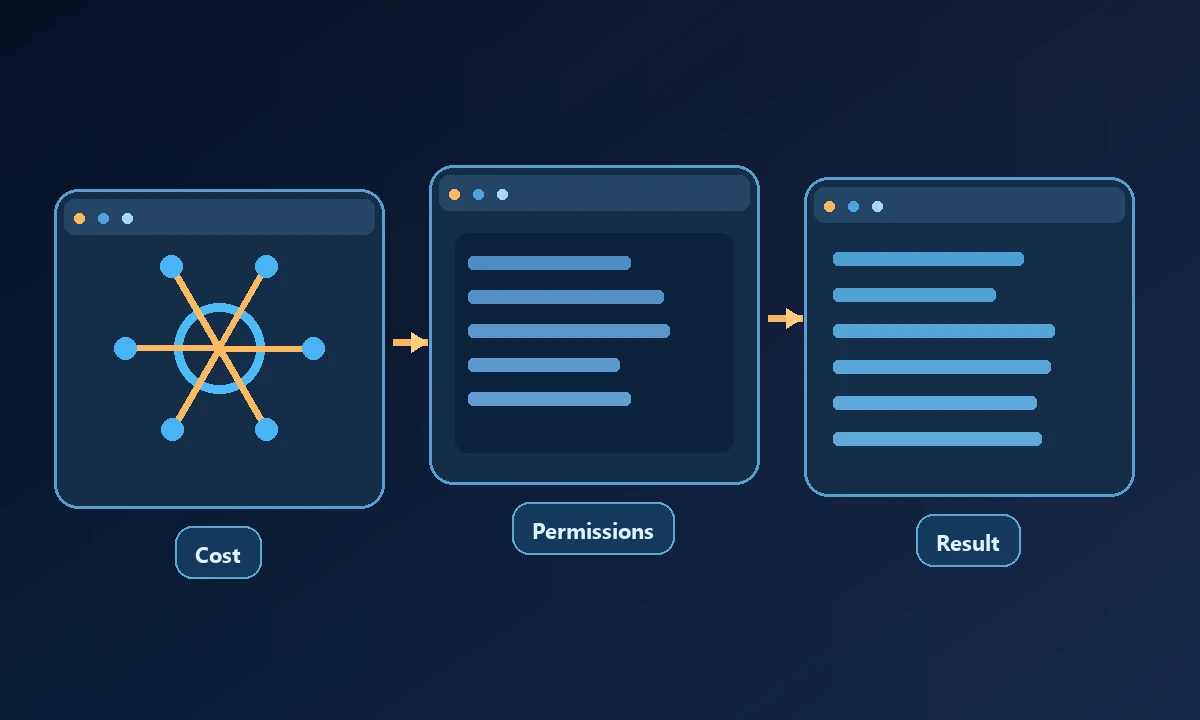
Choose one tool when it can perform every required operation on the right resource with adequate permissions, evidence and recovery. Choose several tools when a specialized component is materially safer or easier to maintain. Avoid consolidation that hides the execution location or makes an unauthorized operation look like an ordinary workflow step.