A Microsoft UFO review needs to distinguish UFO2, a Windows desktop-agent framework, from UFO3, the broader multi-device research project. Microsoft's public repository describes Windows UI Automation and native OS interfaces alongside graphical actions. That approach can help automate installed applications, but a deployment must still be tested against its actual Windows environment.
What the research project does
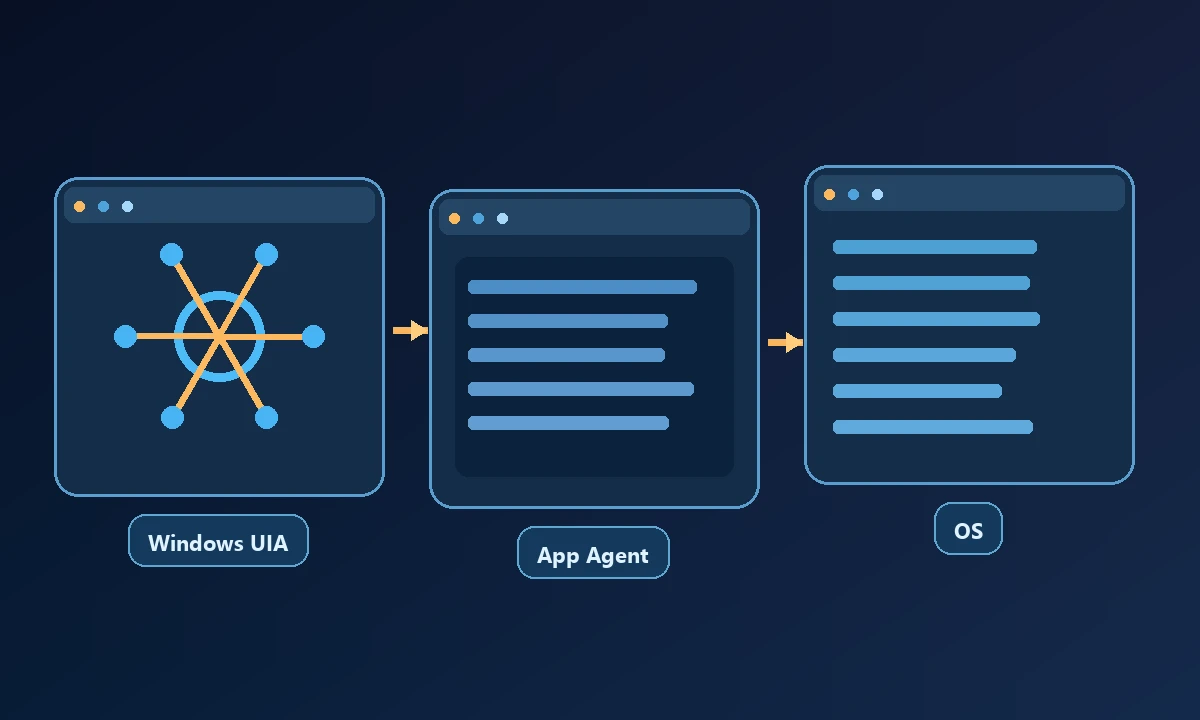
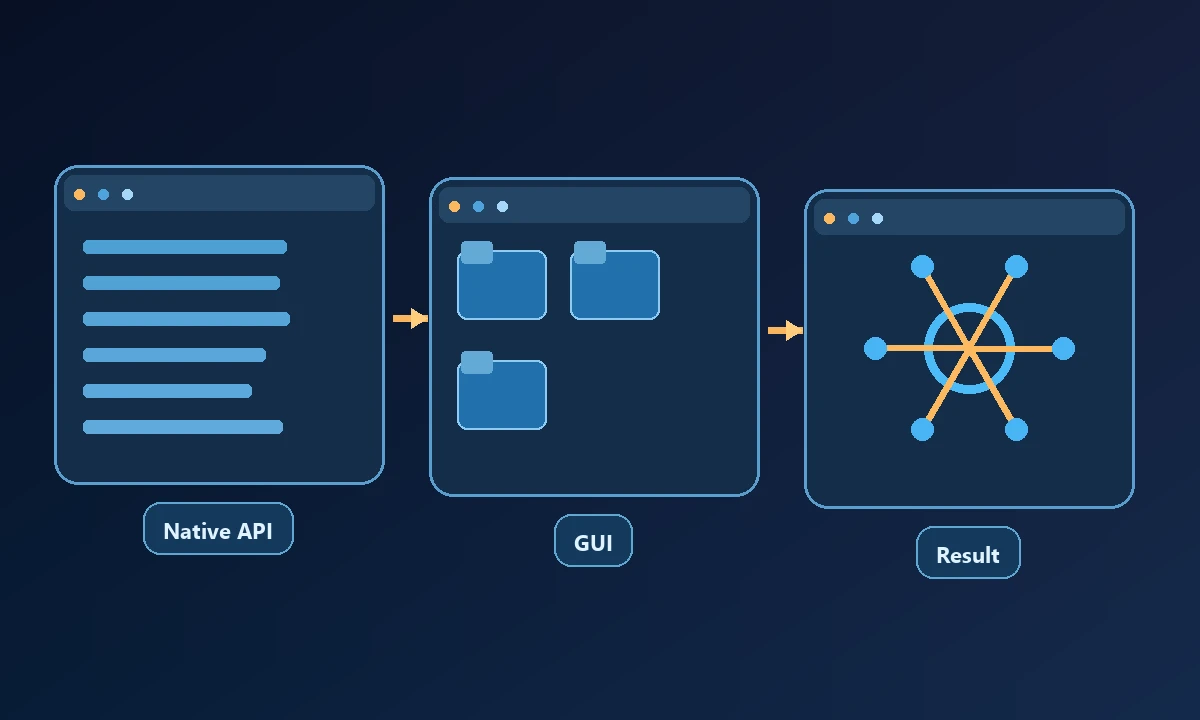
UFO2 focuses on operating Windows applications, combining semantic UI Automation controls with Win32, COM and visual actions where necessary. The architecture uses host and application agents to coordinate work across programs. UFO3 explores a Galaxy model for more complex multi-device orchestration.
Microsoft documents UFO2 as remaining available for Windows-centered tasks while Galaxy continues to develop. These are statements from the official project, not a claim that we independently benchmarked either variant in production.
A native Windows app may expose accessible control identifiers, while another program offers little more than a collection of visual elements. A review of Microsoft's UFO should distinguish those environments before judging the agent's promise. Our Windows AI testing tools guide provides a way to evaluate real control coverage, assertion quality and the work of maintaining an automation after a desktop update.
Why native Windows integration can matter
An automation that understands a button through the Windows accessibility tree may survive some window movement better than a hardcoded screen coordinate. A native API call can also avoid fragile keyboard sequences in supported applications.
Windows UI Automation exposes semantic controls in many applications, but coverage varies across legacy software, custom graphics, elevated windows and remotely hosted desktops. A team considering UFO should inventory the target programs before selecting the model or agent orchestration. One application may expose stable button names; another may require careful visual grounding and fail after a theme change. Record those dependencies in the test plan rather than treating a successful sample video as transferable proof.
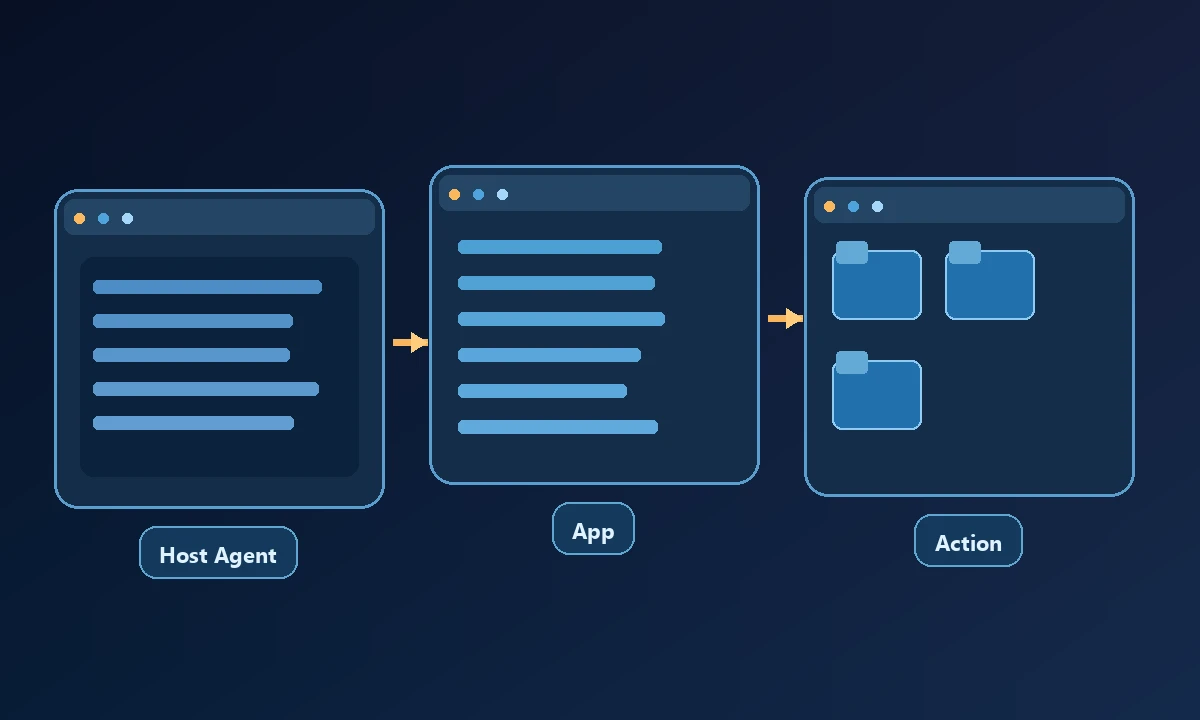
For example, an analyst might export data from an installed finance application, rename the file and open a second program to complete the workflow. The actual control support varies by application and version; a research demo is not sufficient proof for a proprietary program.
Implementation and security questions
UFO is a framework to install, configure and operate rather than a managed subscription that instantly automates every Windows application. Teams should review the current Python and Windows requirements, compatible models, dependencies, credential handling and any application-specific integrations.
Consider what happens when a modal dialog appears, a window is locked or an update changes a control name. Ask which user identity runs the action, what it can modify, and how the operator reviews failures. The NIST AI Risk Management Framework provides useful evaluation guidance.
How Noxgild differs
For an assistant that must reach software installed on a remote workstation, Noxgild can operate that authorized Windows computer through permitted device tools. Its native application automation is useful for reaching real windows and controls on the target machine. UFO remains an agent research framework with its own control and orchestration approach; using a device bridge does not remove the need to select the right UI method or verify the app's final state.
Test a harmless transaction on a Windows configuration that matches production. Record the program version, target window, action path and visible or stored confirmation. Deliberately interrupt the workflow so failures are surfaced rather than repeated. The device-access security policies help frame the permissions on the machine; a research demo cannot establish production reliability without that independent check.
A team may investigate UFO when building application-specific desktop automation and Noxgild when it needs a controlled bridge from a chosen assistant to a workstation. A hybrid setup would require careful permission and maintenance planning.
Test before adopting
Run the same non-sensitive workflow on two Windows configurations, deliberately produce an unexpected dialog and observe whether the agent halts or recovers safely. Record the final file or application state and every failure. Decide on repeatability and operational support, rather than screenshots of a successful demonstration.