
Incredible AI vs Noxgild is a comparison between an AI desktop assistant that works through the computer in front of the user and a device-targeted tool bridge for compatible remote AI clients. Both can be relevant to workflows involving browsers, files and applications, but they begin with different execution and interaction models. A buyer should test which computer and session each product actually controls.
What Incredible AI publicly offers
Incredible describes a Windows and macOS desktop app where users can activate an assistant by voice or text, let it inspect the current screen and ask it to click, type or work with documents and applications. Its public materials emphasize tasks in the browser and apps the user is already using, plus connected services. Incredible says it asks before sending actions and shows a control surface so users can stop it.
A desktop assistant can feel impressive when it operates the screen directly in front of the user. The comparison changes when the same task must occur on an unattended QA machine somewhere else. Our remote desktop automation tools overview helps distinguish local-assistant convenience from deliberate targeting and authorization of another computer. The location of the required application should decide the tool, not the quality of the product demo.
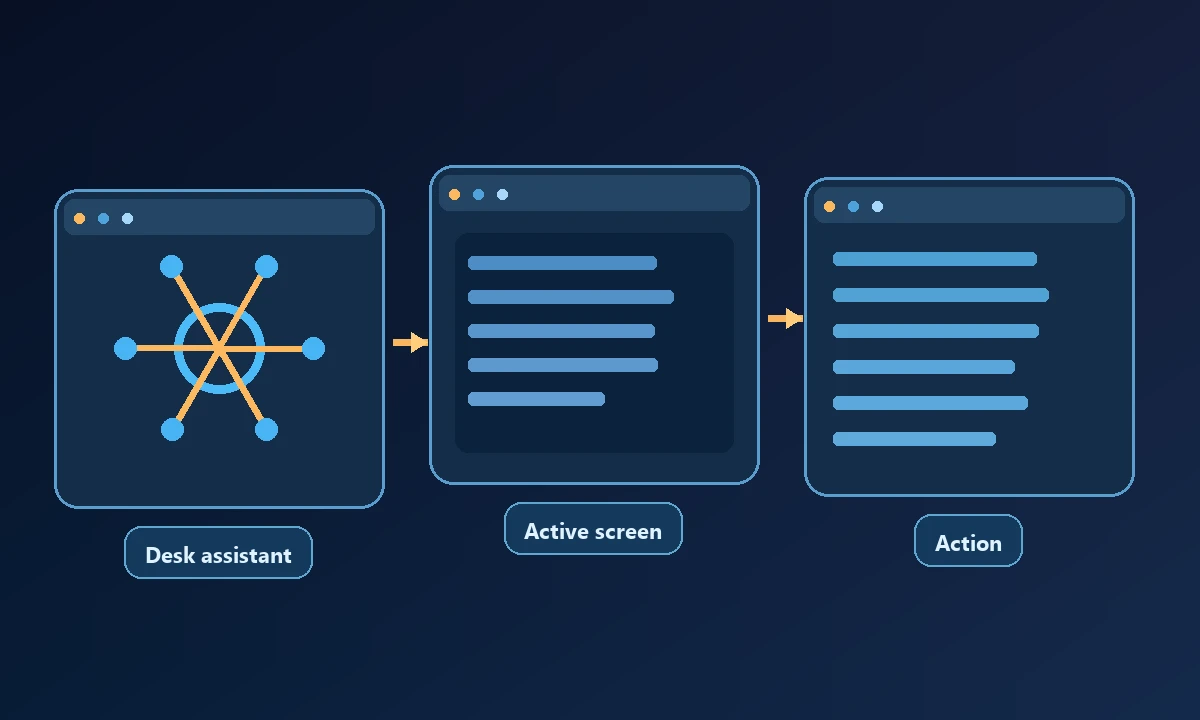
These are vendor-stated capabilities. We did not conduct a paid trial or verify every example shown in the marketing site. The product appears most natural when an employee wants assistance with the computer and application context already in front of them.
What Noxgild is designed to provide
Noxgild can operate a specific enrolled computer using its enabled machine, browser and native desktop capabilities. That is valuable when the owner's required files or applications live on a remote Windows machine. If the workflow must interact with an installed program, Windows application automation may provide the relevant surface while the AI client handles instructions. Do not assume that a locally focused desktop assistant and a remote bridge have identical access models.
Noxgild's core workflow is connecting an authorized computer to an AI client through a named device and structured operations. Its exposed surfaces can include machine information, files, processes, browser sessions and native desktop interaction according to the selected worker and permissions. That is especially relevant when the assistant is running somewhere else, such as a compatible web client, and must reach an existing PC.
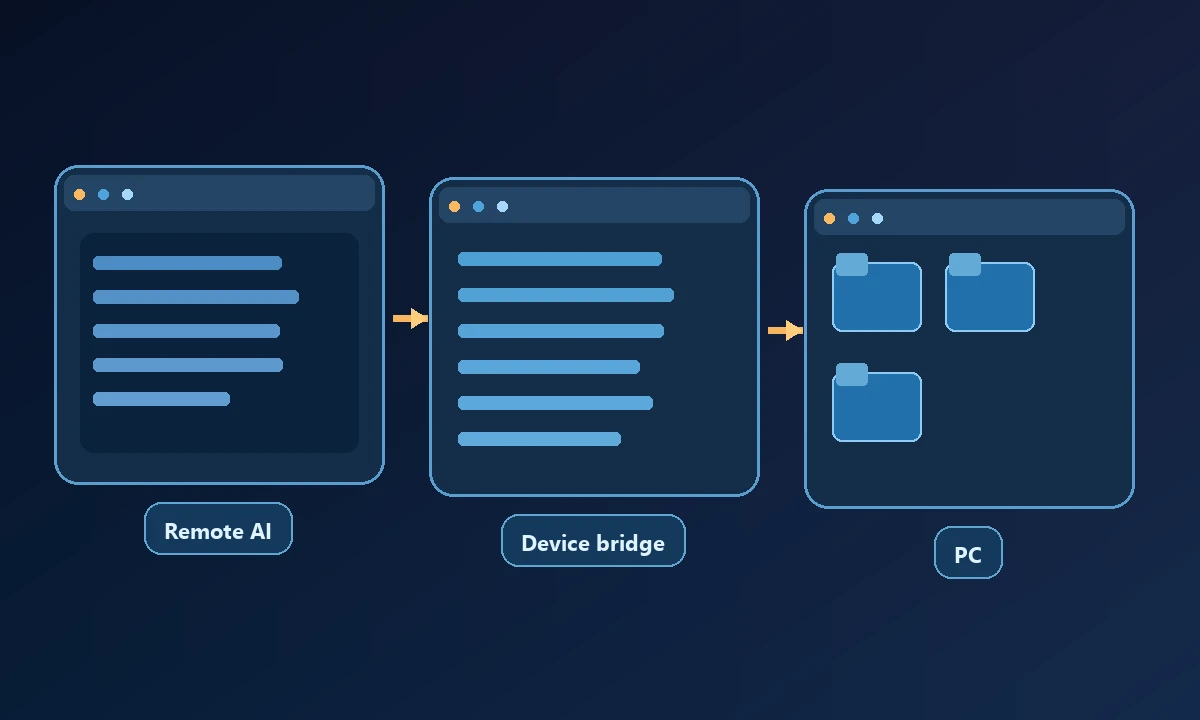
A remote path introduces device registration, connectivity and tool failures that a same-desktop interaction may not face. It also allows the operator to separate the AI client from the machine where the work occurs. Those differences are operational, not a universal ranking of one product above the other.
Compare the same workflow on the same machine
Ask the assistant to find a harmless file, read a public page and verify an application state. Record which user identity and browser profile it uses. A product that opens a separate cloud browser may not see the signed-in session on the workstation. A product that controls the current desktop may be a better fit for an employee-led task but may need a different configuration for unattended access from elsewhere.
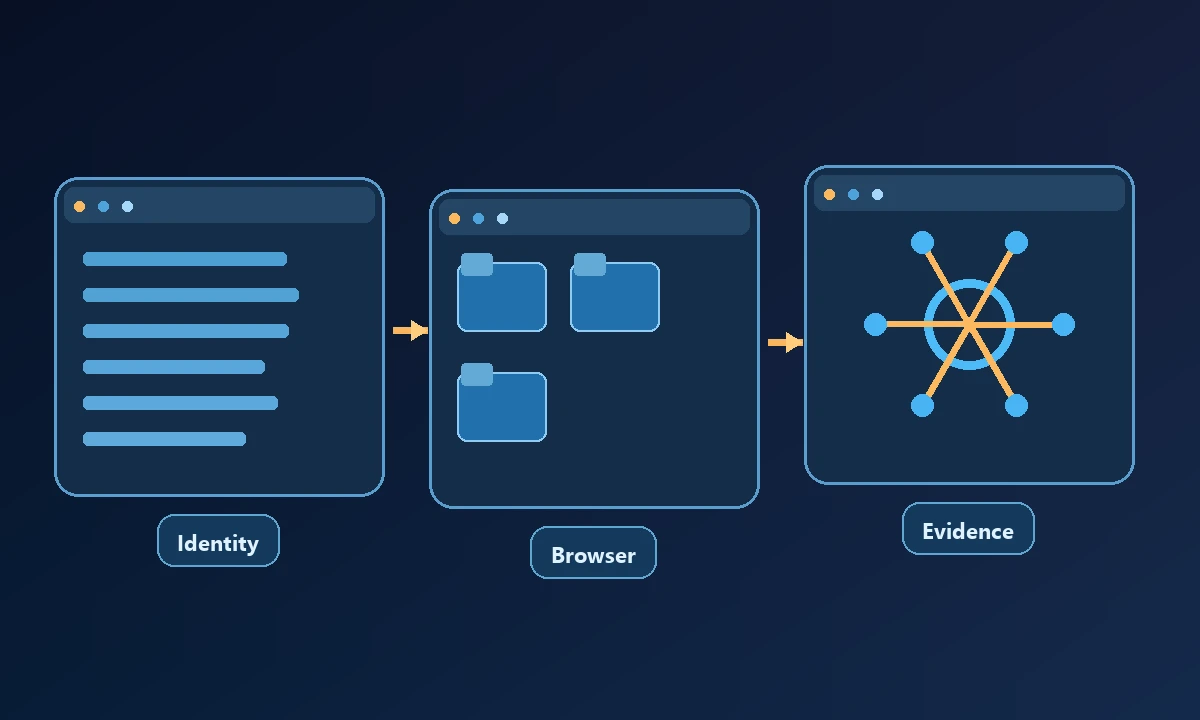
Check permission boundaries for sending email, changing settings and deleting files. The NIST least-privilege principle remains useful whether the interaction occurs on the local desktop or through a remote device service.
Run the same harmless action first on the operator's current desktop and then on the actual remote target. Record which machine executed, how login context was selected and what happened when the target went offline. The device-access policy should make the authorization difference explicit. Choose the simpler local tool if all the work is local; choose remote capabilities when the task cannot move to the operator's computer.
Choosing by use case
A good final test includes one deliberately failed operation and proof that the tool did not claim success. The winner is the setup that handles your real account, device and task under permissions your organization is comfortable granting.