
The best remote desktop automation tools for AI agents depend on whether the agent must operate an actual logged-in computer, a headless server, or a remote browser. Remote desktop software supplies a connection, while an AI execution layer decides what the agent can do with it. Confusing those roles can produce a system that connects successfully but cannot perform the work.
Start with the machine your agent must reach
Imagine an IT engineer at home diagnosing a Windows app running on an office workstation. A cloud browser can open a dashboard but cannot reproduce the issue inside the installed application. A terminal-only connection can inspect logs without seeing what appears on the screen. A remote desktop connection can show the screen, yet an AI tool needs permitted, testable controls to operate it. The minimum requirement is the complete path from the AI client to that particular workstation.
Remote desktop automation sounds like a single category until you compare a help-desk technician opening a native settings window with a developer running a headless shell command. Both happen on another machine, but only the first requires reliable interaction with a live graphical session. Our comparison of computer-control tools can narrow the choices by execution surface before you spend time evaluating features that will never be used.
Tools worth comparing
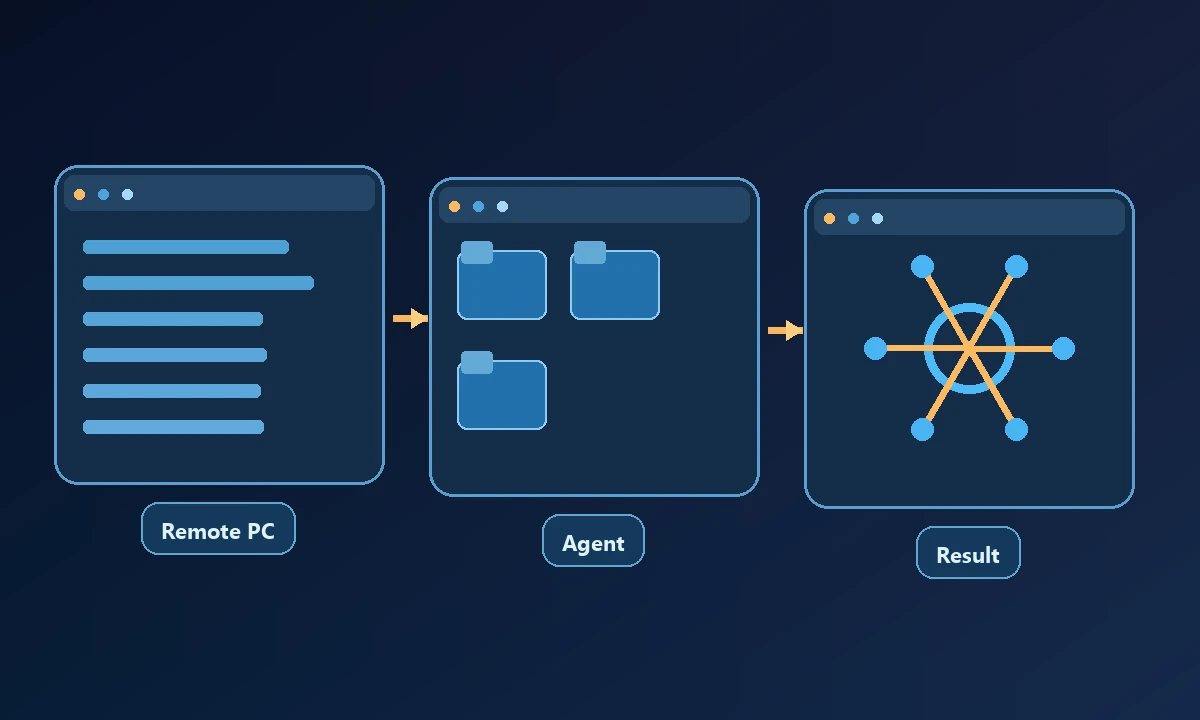
Noxgild targets authorized computers and exposes separate machine, file, process, browser and native desktop capabilities through a remote execution bridge. It makes sense when the assistant needs to inspect a real workstation and collect evidence of the outcome. The owner must still configure the device, verify the intended client connection and approve sensitive actions.
Desktop Commander Remote focuses on file, terminal and process control from web AI clients. Its local server is another option for an assistant running on the same machine. It is worth checking which UI interactions are required rather than assuming every desktop feature comes with shell access.
OpenClaw offers a self-hosted agent gateway and configurable remote nodes and browser pathways. It gives technical operators flexibility in where their agent runs, but they must maintain that infrastructure and understand its permission boundary.
Apache Guacamole is a browser gateway to RDP, VNC and SSH sessions. It supplies remote access infrastructure, not a finished AI agent. A developer can integrate it into a controlled automation environment, but must build the reasoning, tool bindings and checks separately.
MeshCentral is open-source remote device management, useful for inventory and remote administration. Its capabilities are primarily device management; an AI agent needs an authorized integration rather than treating remote administration as automatic AI control.
For a named workstation, Noxgild lets a permitted AI client operate the authorized computer with the tools that device exposes. A native application needs a different path from a browser tab, so Windows desktop automation is relevant when the technician must see and interact with the program actually installed there. An unavailable session or denied capability is a legitimate constraint; it is not proof that the assistant needs administrator rights.
RustDesk, AnyDesk and TeamViewer focus on remote support and screen sharing. They can be valuable to people and organizations, but should not be mistaken for plug-and-play MCP servers. Automating their interfaces may require additional software and permissions.
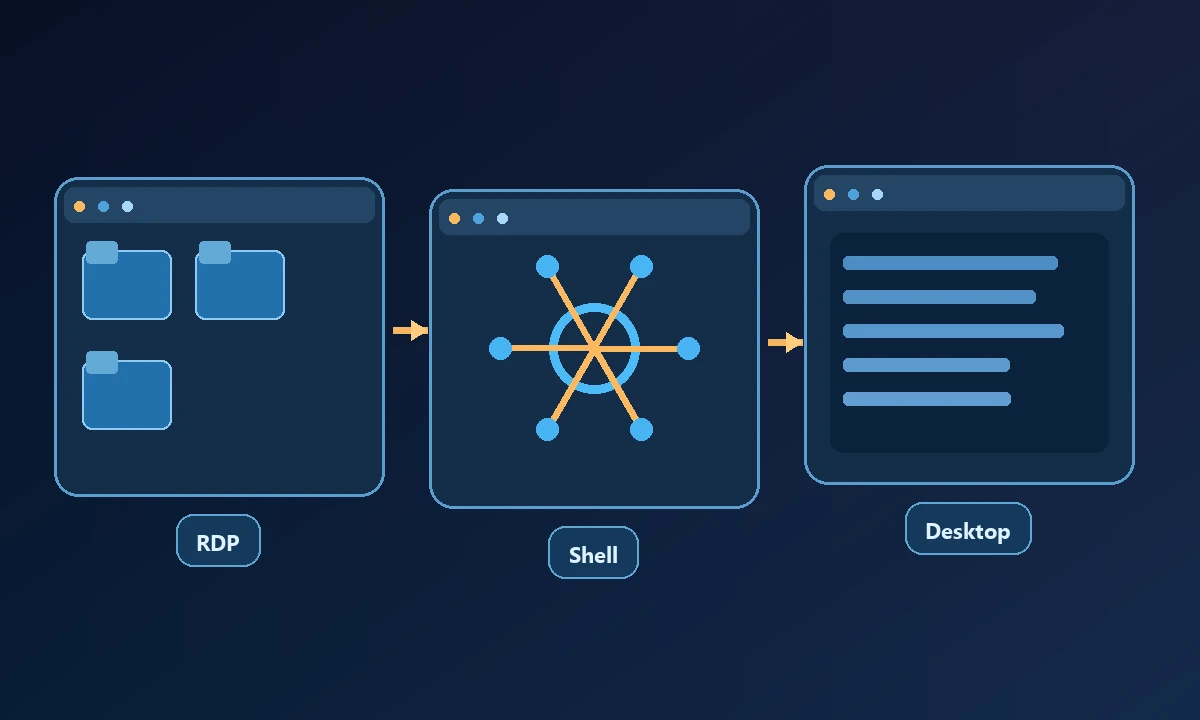
Remote Desktop Protocol and SSH are foundational transport choices. RDP exposes an interactive Windows session, while SSH usually exposes a shell. They may be components of a larger system, but neither is an intelligent agent by itself.
Compare the complete job, not the connection alone
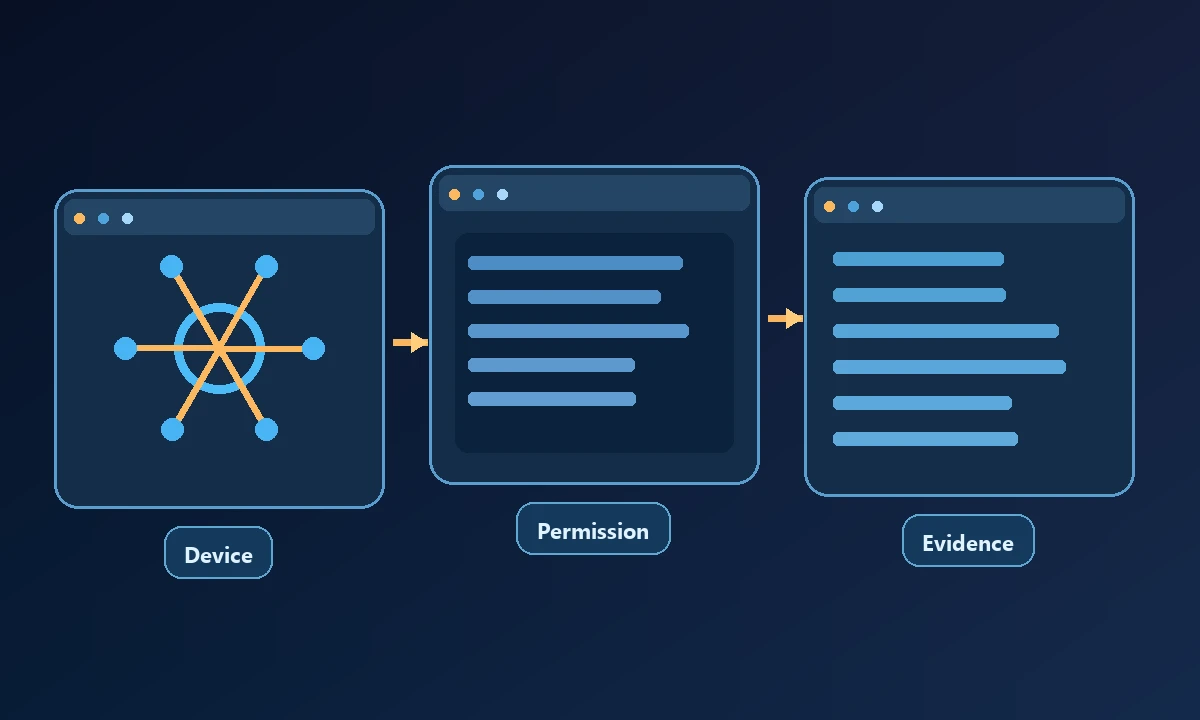
A useful evaluation asks whether the tool can select the target device, inspect its environment, execute a reversible test, report failures honestly and confirm the final result. Also examine authentication, account scoping, audit logs, disconnection recovery, simultaneous sessions and mobile access. A product with a polished remote screen may still have a weak story for agent-safe command execution.
Test one read-only operation on the target device, a benign graphical action and an intentional disconnection. The results should identify the machine and distinguish permission denial from transport failure. If your support workflow requires auditing, the IT-support operations page points to capabilities worth evaluating, but the service itself must demonstrate a verified result on your own test computer.
If your task involves confidential files, check where content is processed and stored, which service can initiate a connection and whether the user's session is reused. The MCP security and authorization specification provides a useful reference for token handling in HTTP-based MCP deployments, although it does not itself secure a remote computer.
How to choose for real operations
A practical trial should record the target machine, one approved task, the observed outcome and what happens when the device disconnects halfway through. If the vendor cannot show that sequence, a feature matrix will not answer the buying question.