
To choose secure AI computer control software for your business, test how it limits authority before testing how many tasks it can automate. An AI assistant with access to company files and applications can save staff time, but it can also amplify a mistake if the connected tool has broad privileges or reports success without evidence. A buying checklist should therefore resemble a security review and an operational trial.
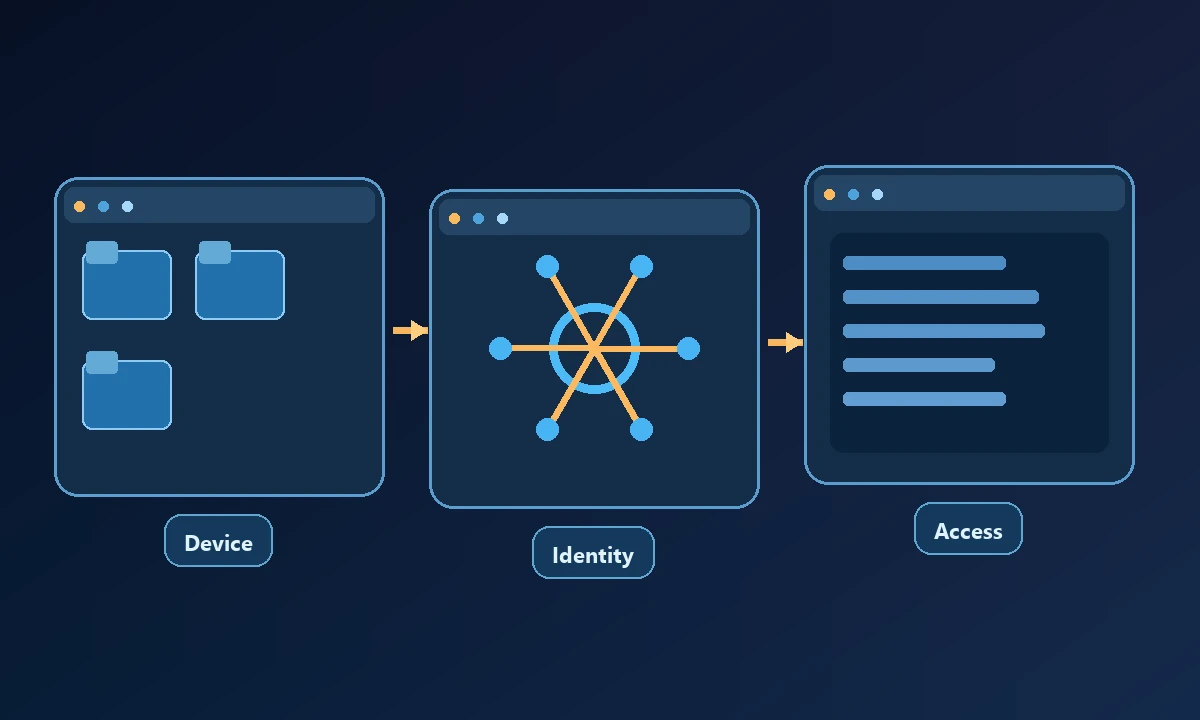
Begin with the intended computer and identity
Ask vendors to demonstrate which machine receives an operation and how the user authorized that machine. A remote service may have its own cloud computer, a connection to a user's workstation or both. Those are different environments. Confirm whether the product supports the exact operating system, existing user profile, browser mode and native applications in your workflow.
A purchasing team receives two security brochures promising encryption and approval controls. Neither tells the buyer whether an agent connected to the support laptop can unexpectedly touch an executive's workstation. The AI computer-control landscape shows that access ranges from a single browser tab to entire device capabilities. Start procurement by naming the data and machines the assistant must not reach, not by comparing badge counts.
Twelve questions worth asking
Who can register a device, and how can the owner revoke it?
Can an assistant be restricted to named computers and specific operations?
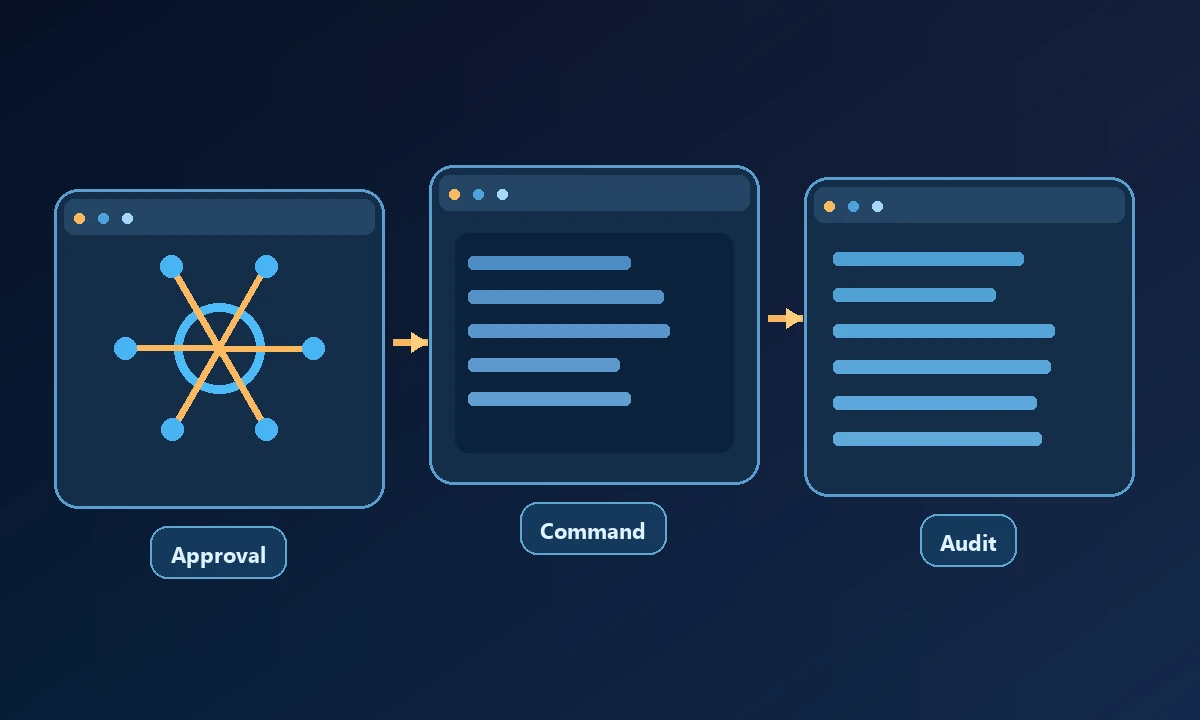
Are sensitive commands paused for a human decision, rather than approved through broad blanket consent?
Can operators see the actual command, target and result?
Are local files and browser sessions kept separate from other users?
Does the service log a failed operation as a failure rather than guessing success?
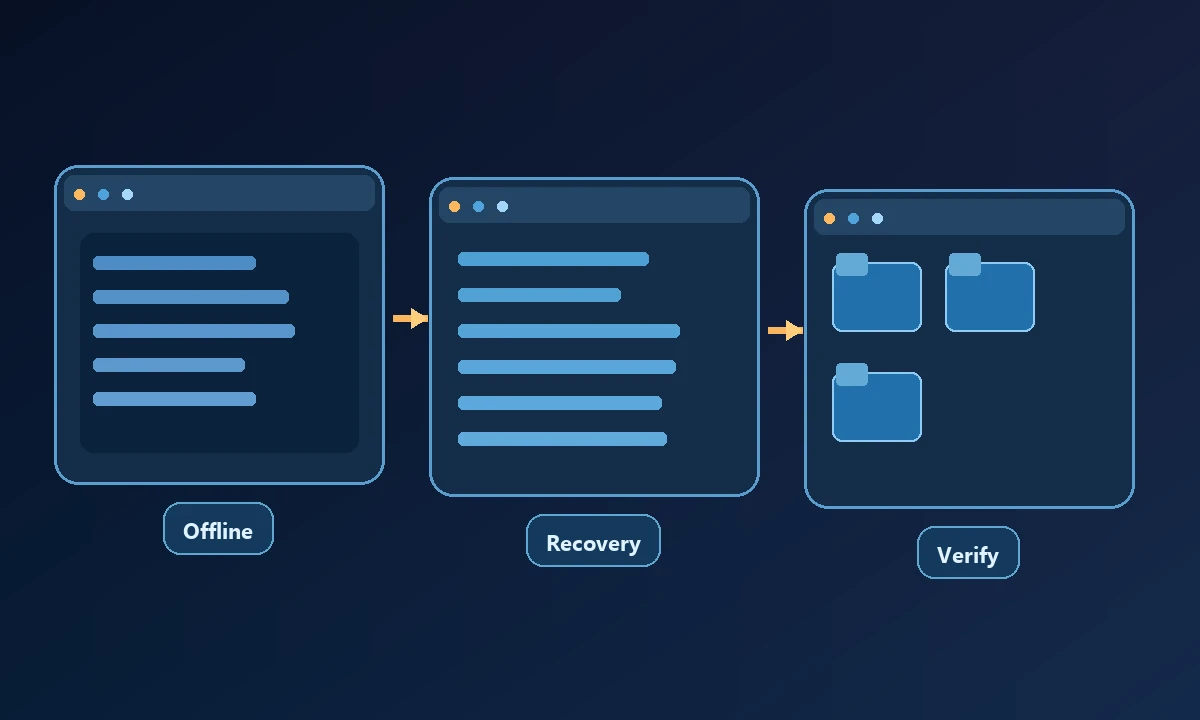
What happens when the device is offline or the tool times out?
Can credentials be used through a supported login flow without being pasted into chats?
Is there a documented process for rotating or revoking authentication?
Can a read-only support role avoid write and administrative capabilities?
Is there a way to review retained logs, access and data-handling terms?
Does the vendor provide clear recovery and incident-contact procedures?
The answers should be specific to the deployed plan and environment. A privacy statement or a list of security logos is useful background, but it does not replace the actual tool-permission model.
Include the application owner in the buying review. Security teams can approve network boundaries, but the finance or support operator often knows which actions are truly reversible. A tool that can change a customer address, send an email, or publish an update needs an approval policy tied to those consequences. Ask vendors to show one read-only task, one blocked request, and one write that pauses for a human decision. Record what the user saw before approving and whether the resulting audit entry identifies the exact machine and action.
Procurement also needs a recovery plan that does not depend on the original implementer. Who can disable the connection if an employee leaves? What is the operator's first step when the device is offline? Can the owner distinguish an expired browser session from a revoked machine permission? A written runbook with these answers is more valuable than a longer list of security slogans. If a product cannot demonstrate how its restrictions behave when something goes wrong, defer sensitive automation until that evidence exists.
With Noxgild, a supported AI client can operate a specifically authorized computer through capabilities that belong to that device. This is valuable when the business wants remote help without assuming blanket operating-system access. The relevant device security controls should be reviewed alongside the exact enrollment and workspace boundaries; marketing language alone cannot establish least privilege.
Test a low-risk workflow end to end
Choose one computer and one permitted read-only task. Inspect system details, retrieve a harmless file or check a process. Confirm the result independently. Then test a reversible operation with an explicit approval and capture its before-and-after state. Finally, deny an operation and disconnect the device. These negative cases reveal more about the platform's boundaries than a polished positive demo.
The NIST least-privilege principle supports granting only the access necessary for an approved task. It does not require every task to run with administrator privileges.
Write an acceptance test before the trial: read one allowed file, attempt a path outside the workspace, inspect the returned denial and verify the device identity. If browser credentials are involved, review signed-in browser handling as a separate permission decision. Ask the vendor what gets logged, what survives a disconnect and how an owner revokes access. A good purchase makes failure observable before anyone trusts it with production changes.
Compare procurement and operating costs
A low monthly fee may hide setup, training, access review and incident response work. A more integrated product may reduce handoffs but create greater dependency on one provider. Ask whether the product offers a clear device inventory and per-user access controls for future growth, even if your first account has only one workstation.
The right purchase is the one whose permissions, failure handling and proof of completion remain understandable to your staff after the initial demonstration.