
Does an AI agent need administrator access to automate a computer? Usually not for ordinary file reads, browser navigation or actions already permitted to the signed-in user. Elevated rights may be needed for specific system changes, but providing administrator access for every task is an unnecessarily broad default. The right permission follows the operation and the operating system's security model.
Myth 1: Every computer agent needs admin privileges
An agent can often read user-owned files, run allowed processes and interact with applications under a standard user account. Those actions should inherit the account's normal restrictions. An administrator token is not a universal prerequisite for useful automation, and a tool's inability to perform a forbidden action may be evidence that permissions are working correctly.
A support assistant cannot read a protected folder, so an operator considers granting it administrator rights. That shortcut often changes the threat model far more than the task requires. The computer-access security checklist shows how to test scope one permission at a time. If a particular file is blocked, first determine whether the agent has the correct user identity and workspace access; broad elevation should not be the default troubleshooting method.
Myth 2: A connected AI assistant automatically has full access
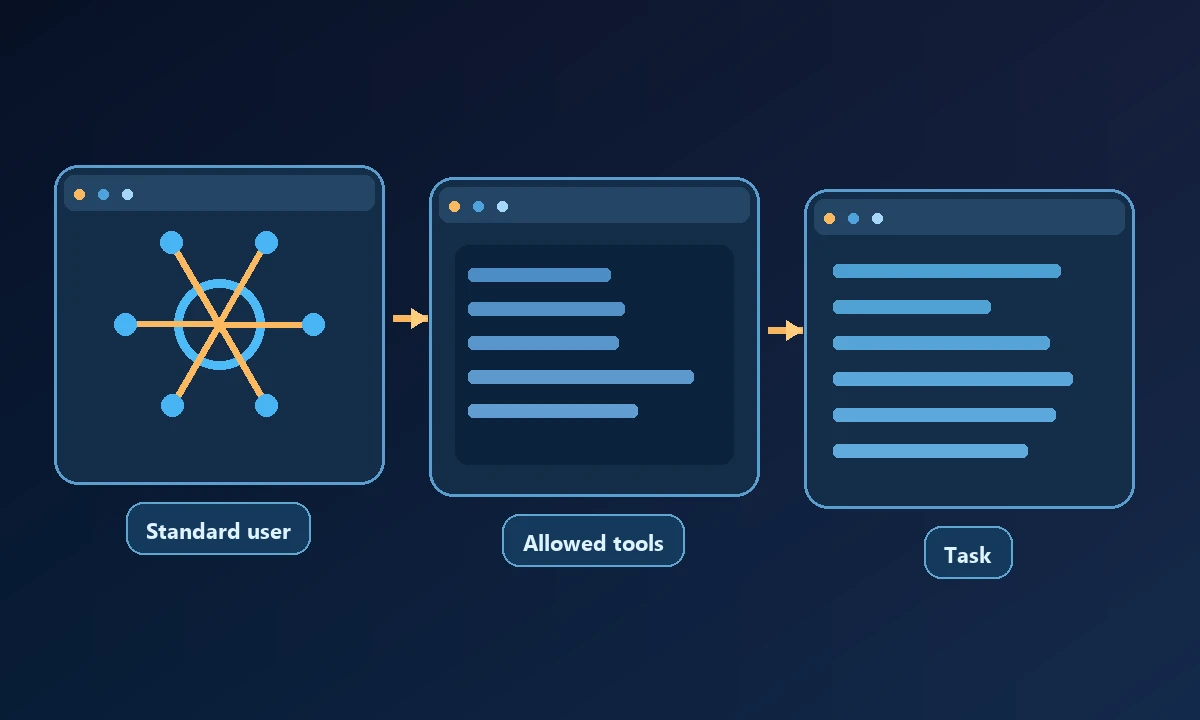
A connection may expose only a selected set of tools, devices or directories. The client must still invoke a supported operation, and the host's permissions apply. A tool's advertised command name does not prove every OS action can be performed. Test what the actual connected user can read and change.
Myth 3: An approval dialog makes any command safe
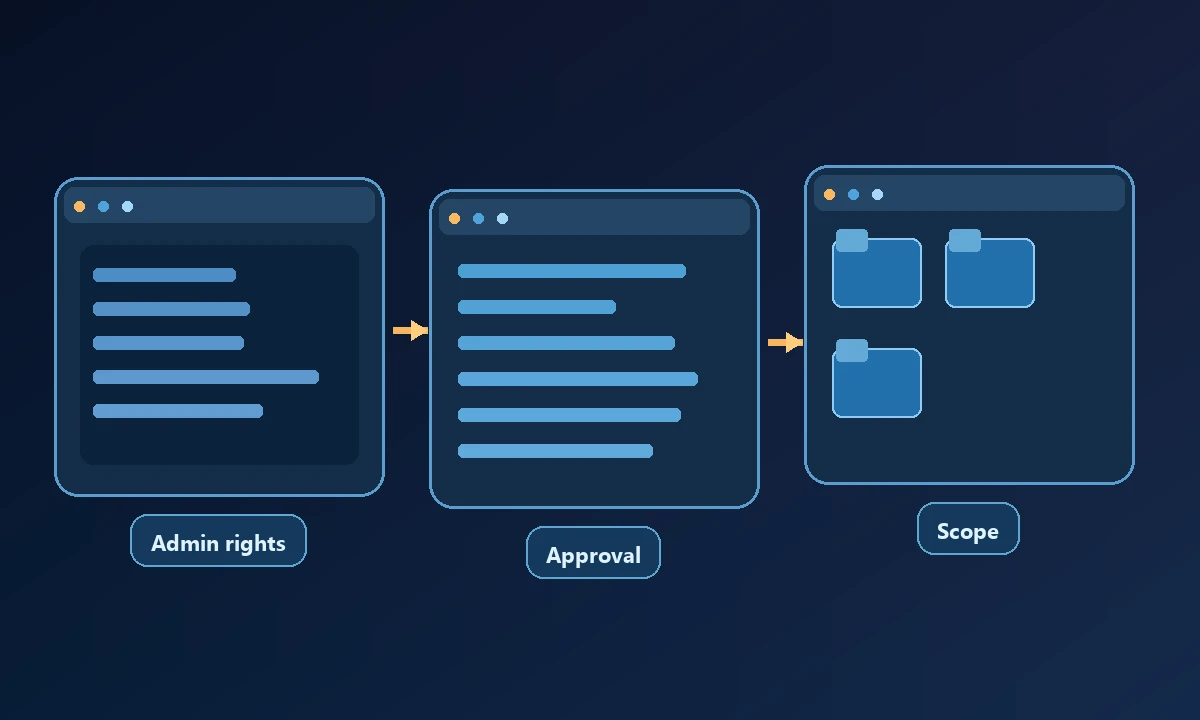
An approval can authorize the action shown, but it does not guarantee the command's outcome or the correctness of its target. An installation script can download additional content or modify paths the operator did not consider. Use narrow scripts, check the environment and verify actual results after executing an approved action.
Myth 4: Browser login and Windows admin rights are the same
A website session authorizes actions inside that web application. Windows administrator privileges authorize a different set of operating-system operations. A browser agent may be signed in to an account with a powerful web role while running on a standard Windows user session; the security boundaries must be assessed separately.
Noxgild's authorized computer operations make the target device and allowed capabilities part of the workflow. A permitted file lookup does not mean the assistant can modify system directories or install software. The computer-access security controls provide criteria for testing those boundaries with harmless positive and negative operations. When a task truly requires elevation, identify the exact action and obtain explicit authorized approval under the organization's normal controls.
Myth 5: Remote access eliminates local OS controls
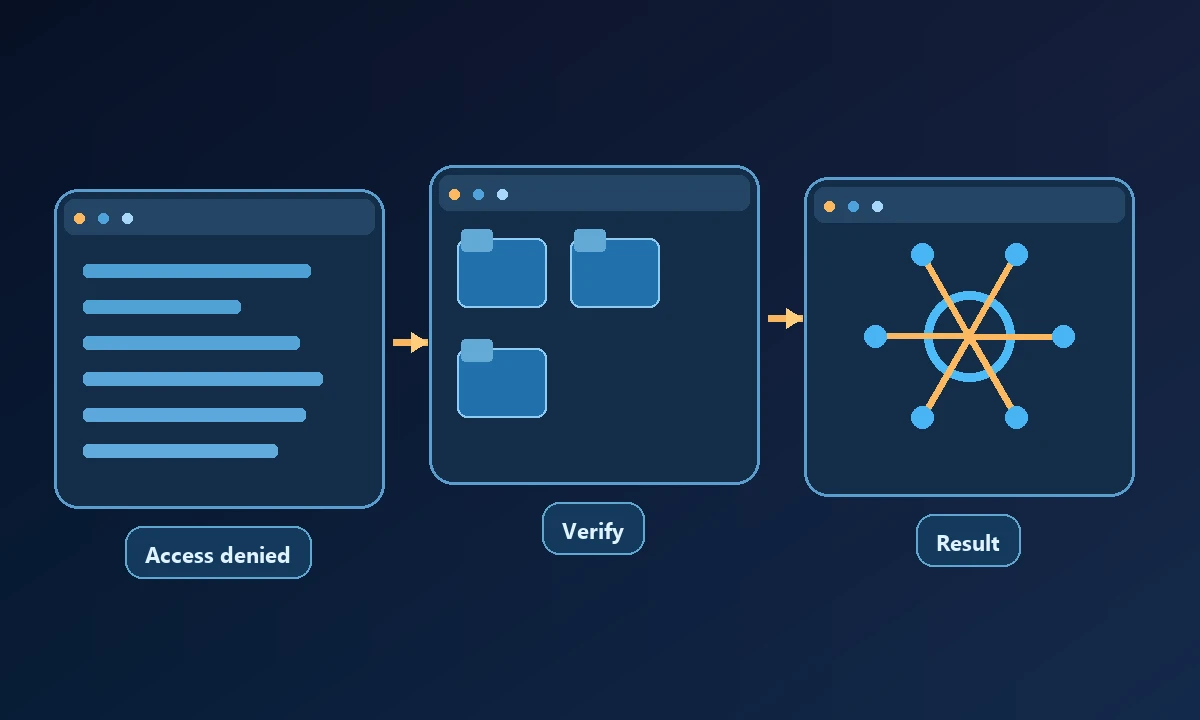
A device-targeted remote command still runs through a worker, service or process on the destination machine. Network authentication controls who reaches the endpoint; local permissions constrain what the destination process can do. A securely authenticated remote command can still fail because it lacks permission, and it should report that failure rather than bypassing it.
The NIST definition of least privilege supports granting the minimum permissions needed for an assigned function, whether performed by a person, script or connected assistant.
Try to reproduce the problem with ordinary user privileges. If a read-only alternative produces the required diagnostic evidence, stop there. If a privileged change is unavoidable, use a separate approved step and verify the outcome independently. The device capability inventory helps distinguish a disabled operation from a broken connection. Security improves when every exception has a reason and an expiry, not when every agent receives the keys to the machine.
When elevation really is required
Installing system-wide software, changing protected services, managing other users and editing system settings can require elevated privileges. For these tasks, use an approved administrative procedure with clear scope, a verified target and an audit trail. Prefer task-specific elevation rather than running the entire agent as an administrator continuously.
A reliable agent reports "permission denied" when that is the correct outcome. Making every command succeed by default is not the same as building safe computer automation.