
Desktop Commander vs Noxgild is a decision about execution scope and the amount of remote control you need. Desktop Commander is built around giving AI assistants files, terminal commands and processes. Noxgild exposes those operations alongside signed-in browser and native desktop controls through an authorized device. Neither is automatically the better choice for every task.
The short answer
Choose Desktop Commander when local file and terminal access is the job, especially if you want a free open-source local server and do not need a managed computer-control stack. Consider Noxgild when the task must move through files, a live browser session and a native application on a specifically authorized machine. If the task never leaves a cloud development environment, neither product should be purchased without identifying a genuine local dependency.
What the products actually expose
| Decision area | Desktop Commander | Noxgild |
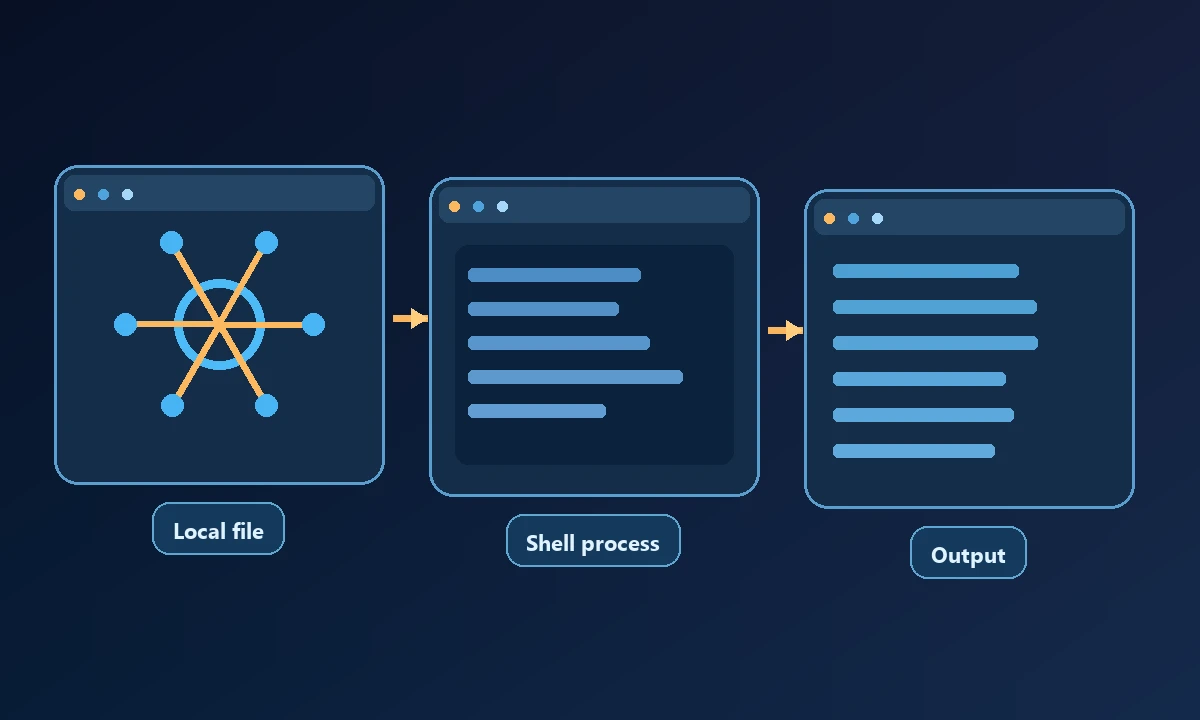
| Primary emphasis | Local and remote file, shell and process operations | Device-targeted file/process, browser and desktop operations |
A developer editing repository files may not need to leave a local shell tool. The comparison changes when an agent must work on a named QA workstation that is not the laptop running the chat. The earlier Desktop Commander alternatives analysis explains why execution surface matters; comparing only the number of advertised commands misses the central access question.
| Local setup | Open-source local MCP server | Connected authorized device runtime |
| Remote use | Separate hosted Remote MCP service (beta) | Remote MCP control plane and device workers |
| Native app GUI | Verify against current official capabilities | Documented native desktop worker |
| Browser work | Not its primary documented capability | Workstation browser worker; separate hosted Cloud Browser |
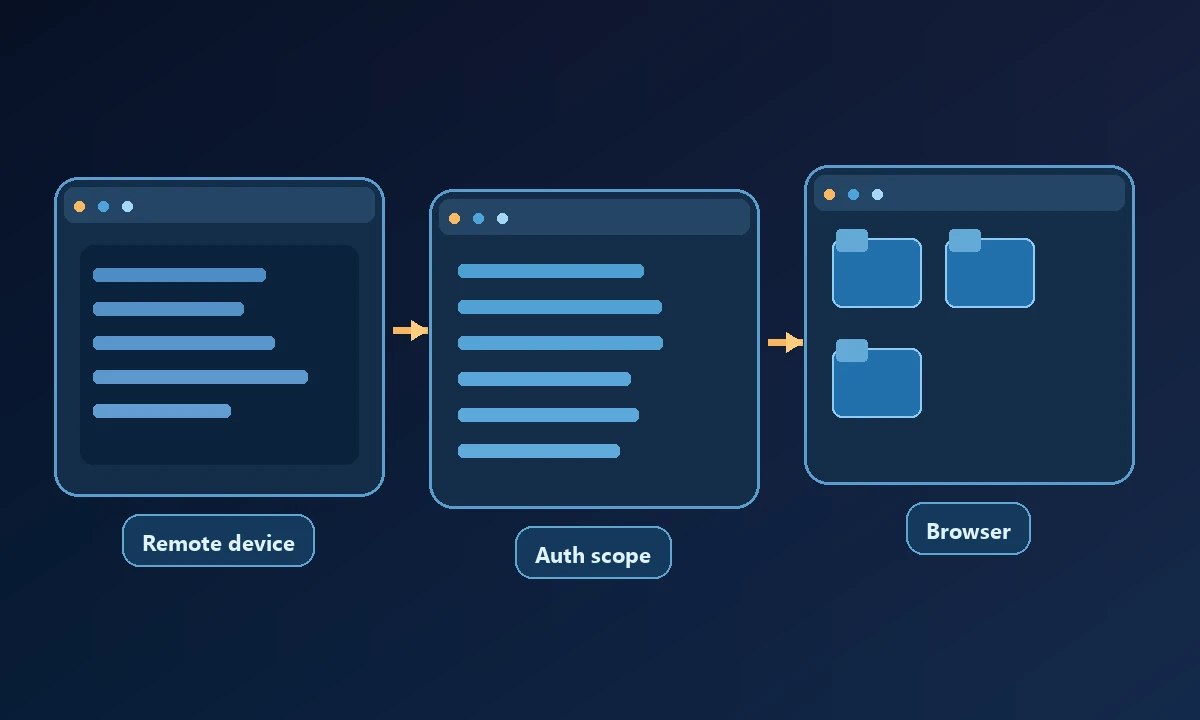
| Authorization | Local OS permissions; hosted OAuth for remote option | Account authorization, device identity, exact-command approvals where required |
| Public pricing | Free local server; hosted Free/Pro tiers | Free/Pro plan with different Cloud Browser entitlement |
This table compares publicly documented product positioning. It does not assert that an undocumented feature is impossible or that we benchmarked both products on the same computer.
What the published prices actually buy
Desktop Commander currently lists a free local server, plus hosted Remote MCP Free at 10,000 monthly calls and Pro at $20/month. Its local offering requires no subscription. Noxgild lists Free at 10,000 normal tool calls per 30-day account cycle and Pro at $20/month, with higher-volume usage and 40 Cloud Browser hours. Those numbers should be rechecked immediately before publication because both products can revise their plans.
The meaningful difference is operational coverage. Paying nothing for local file access is compelling when an agent sits on the same machine. Paying for hosted device connection only makes sense if you actually need off-site execution, a persistent connected machine, desktop control or separate browser compute.
Where Desktop Commander is a better fit
A developer working inside one repository may not need another account-backed control plane. A local MCP server with ordinary filesystem operations and shell access is direct, familiar and easy to pair with an IDE or coding assistant. Desktop Commander's remote offering also helps bridge files and shell from web-based AI clients; Noxgild should not claim remote access is exclusive to its product.
If your task is “search these files, run this test command and summarize output,” compare the smallest local setup first. It may be lower friction than a remote-managed operator.
Where Noxgild is a better fit
Noxgild can connect an assistant to an authorized computer, letting the workflow operate within permitted machine, file, browser or desktop capabilities on that device. For an application whose state is visible only in native windows, Windows application automation becomes a genuine reason to consider a device bridge. Neither feature implies that Noxgild should replace Desktop Commander for a straightforward local code task. The better tool is the one that matches the environment and permission owner.
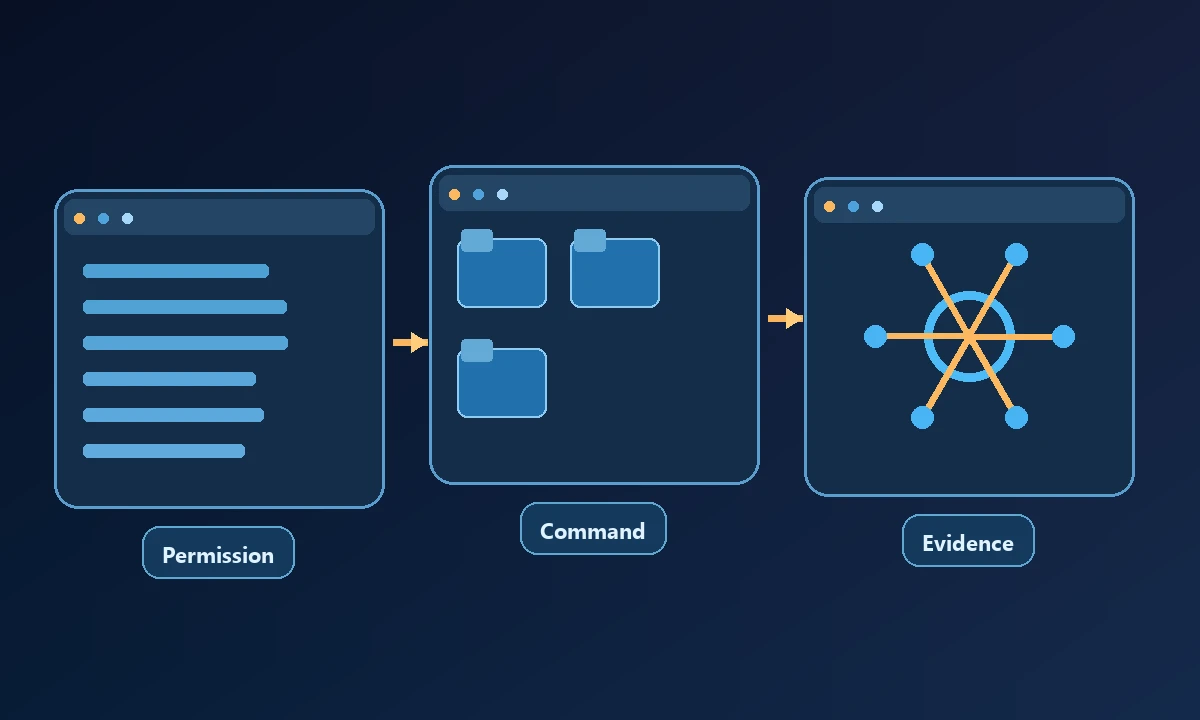
A QA workflow might require starting a development server, inspecting a logged-in staging web app, then opening a native desktop application to verify behavior. Noxgild places these as separate machine, browser and desktop capabilities, all associated with an explicitly selected authorized computer. That wider published scope is the reason to consider it.
Instead of relying on a comparison matrix, run two harmless checks: read the same known project file, then inspect a window or browser state that exists only on the remote machine. Measure which result is verifiable and how the product handles a disconnection. A useful security review asks whether device identity and capability restrictions are enforced before executing, not whether the word 'secure' appears on a pricing page.
Noxgild also documents one-command approval and unknown-outcome handling, which matter when a page contains untrusted instructions or a network interruption occurs after a consequential operation. These policies need to be validated on a real account and task, not treated as a promise that automation can never fail.
The deciding question
List the operations for your hardest normal task. If all of them are file or shell calls, Desktop Commander deserves the first trial. If you need browser state and native windows, verify the Noxgild worker against that exact case. If you are primarily delegating a general business task to an AI assistant, you may need to evaluate the assistant separately from its computer bridge.
Noxgild's product documentation provides current system scope. To understand the boundary independent of either vendor, see the MCP specification.