
The right Desktop Commander alternatives depend on what you want to change about the workflow. Desktop Commander offers local and remote paths to files, terminal commands and processes. If that is already exactly what you need, switching may add complexity without a benefit. The alternatives become relevant when you need native desktop interaction, a different hosting model, or a more task-oriented assistant.
Why look beyond Desktop Commander?
Start with the gap you can name. Does a user need to click through a Windows application that has no API? Is a remote operator required to choose among multiple computers? Does the team want a browser agent that handles forms, or an AI workspace that produces a finished business deliverable? Those are different purchases.
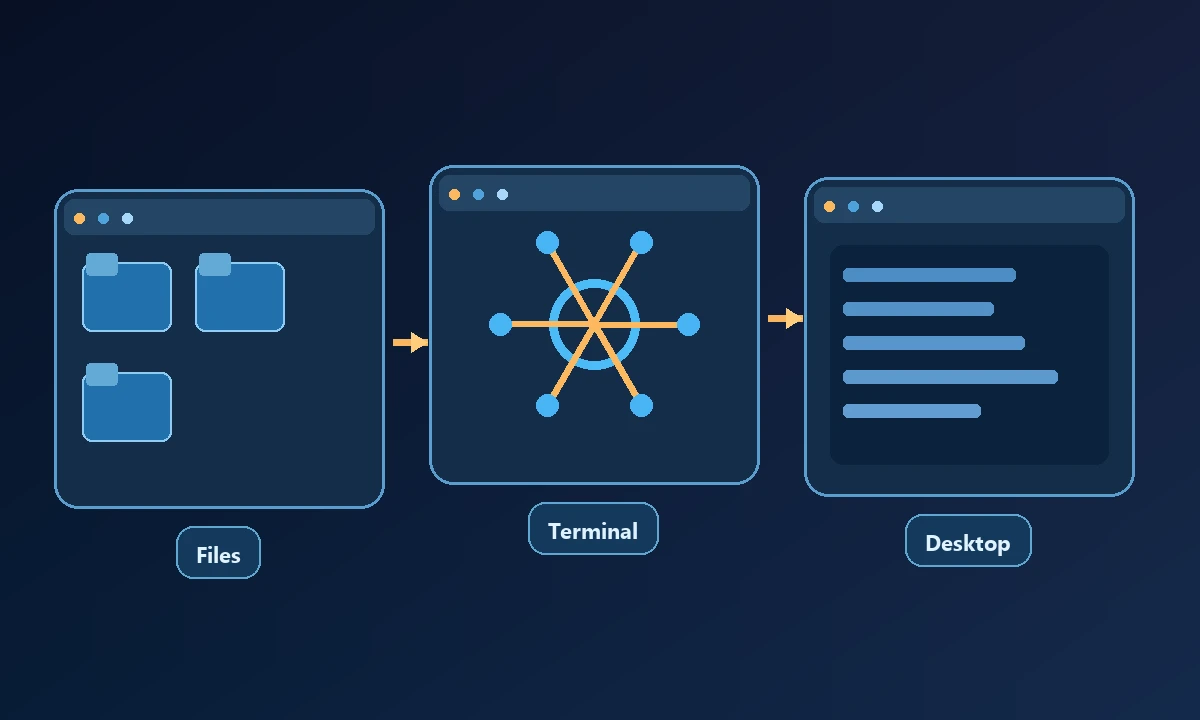
Desktop Commander documents a free, open-source local MCP server and a hosted Remote MCP offering. Its official positioning emphasizes filesystem, shell and process work. We should not infer undocumented limitations, but neither should we treat that focus as proof of comprehensive native desktop control. Record the actual missing operation before comparing anything.
Alternatives at a glance
| Option | Best-fit job | What to verify |
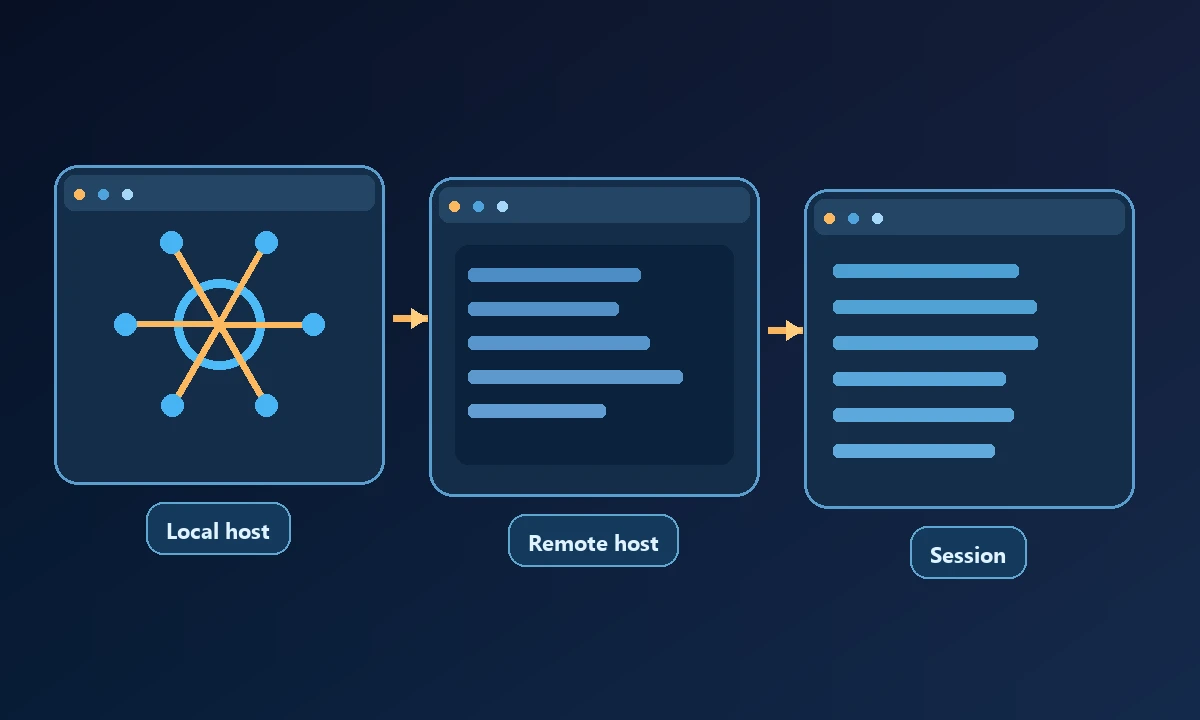
| Noxgild | Remote authorized machine with browser and native GUI | Platform-specific controls and permission policy |
Replacing Desktop Commander for a frustrated file-editing task may solve nothing if the developer still needs exactly the same local shell operations. A better reason to switch is discovering that the job also requires a Windows dialog, a logged-in browser or a second authorized machine. Our broader comparison of computer-control tools separates those needs; the category contains code tools, browser agents and device bridges, not seven identical substitutes.
| Open Interpreter | Local coding or desktop agent | Model, OS permissions and desired UI path |
| OpenClaw | Self-managed agent gateway and remote browser nodes | Hosting and operations responsibility |
| Playwright MCP | Browser accessibility automation | Whether the task stays entirely in the browser |
| Claude Cowork | Delegated tasks across available tools and screen | Plan, desktop prerequisites and runtime behavior |
| Browser Use | Programmatic or hosted browser agents | Browser-only scope and production costs |
| Skyvern | Business portals and forms | Cloud/UI versus code-first deployment |
A shortlist is not a claim that every row can replace every Desktop Commander operation. Several are alternatives only for a narrower task.
The seven choices in context
1. Noxgild is the closer candidate when a remote AI client must operate more than file paths and terminal processes: it has a specific computer execution layer, local browser automation and a native desktop layer. Its downside relative to a local-only open-source tool is the need for an account, authorized device runtime and service connectivity.
A team working with an installed finance application may need the assistant to operate native Windows applications on a specific computer. Noxgild provides device-targeted operations within the user's authorization, including permitted machine and desktop capabilities. If the workflow merely needs a report from an account already open in an owner-approved browser, the signed-in browser option may be the relevant part instead. In both cases, the value is completing the actual task, not acquiring a longer tools list.
2. Open Interpreter supports local developer work through its terminal agent and documents a separate desktop experience. It can be attractive if the person running the assistant is already at the machine and wants control over model or workspace. Verify its current app, sandbox and permission requirements.
3. OpenClaw fits teams prepared to operate an agent gateway. Its browser documentation explains local control, node-host proxying and remote CDP connections. This flexibility comes with configuration and security maintenance that a managed remote bridge abstracts away.
4. Playwright MCP is a direct answer when the missing capability is browser navigation, element snapshots or a web test. It does not claim to replace filesystem and native desktop operations.
5. Claude Cowork is for people wanting the assistant to accomplish a task, not just expose tools. Its computer-use feature is subject to client, plan and operating-system requirements. It can complement or compete with a workstation bridge depending on which environment the task needs.
6. Browser Use targets browser agent development and hosted browser work. Developers gain task-oriented web automation, but local desktop file and OS requirements demand another tool.
7. Skyvern is useful for multi-step web portal workflows and document/form processes. Its code and cloud UI paths suit a different buyer than a repository-focused shell tool.
Cost and ownership considerations
A published $0 local server can be the cheapest choice until a team needs remote connectivity, support and managed policies. Desktop Commander currently advertises a free remote tier with 10,000 monthly tool calls and a $20 Pro tier; Noxgild advertises 10,000 tool calls per 30-day Free cycle and a $20 monthly Pro tier including hosted Cloud Browser allowance. These similar headline prices do not mean identical entitlements or test coverage.
During evaluation, ask each candidate to read one known file, attempt a harmless unsupported operation and report what it did. Then run the desktop-only or browser-session step that triggered the search for an alternative. Document permissions using Noxgild's security boundaries as one example of controls to examine. A tool that performs fewer kinds of actions reliably may be preferable to one that promises every surface but cannot prove completion.
For self-hosted alternatives, include computer uptime, updates, network security and model/provider charges in the cost calculation. For managed products, read the current official limits before publishing or deciding. A price comparison without billing units will mislead readers.
How to pick without buying two overlapping tools
Choose a narrow representative job. For a filesystem refactor, compare access boundaries and terminal reliability. For an authenticated admin portal, compare local browser attachment and human verification. For a native Windows dialog, demand a real UI demonstration. Noxgild's security model is particularly relevant to the last two cases because browser content and local commands occupy different trust surfaces.
Before spending, the Noxgild plan comparison helps estimate a paid bridge against a free local server. The MCP introduction explains how the client/server tool boundary works. Once the required surfaces are clear, a single well-matched tool may be enough.