
This Desktop Commander review evaluates the product from its publicly documented file, terminal, process and remote-access workflows. It is a document-based assessment, not a claim that we completed a controlled hands-on benchmark or interviewed paying customers. The important question is whether its tool surfaces match the job you want an AI assistant to do.
The short verdict
Desktop Commander is a credible option when an assistant needs to inspect and change files, run shell commands and interact with development processes. The free local MCP server is an accessible entry point for desktop-client workflows. The remote offering expands the connection model to web AI clients and connected devices. Users whose primary need is native Windows UI automation should confirm their exact required controls before assuming file and terminal tools cover them.
What it does well
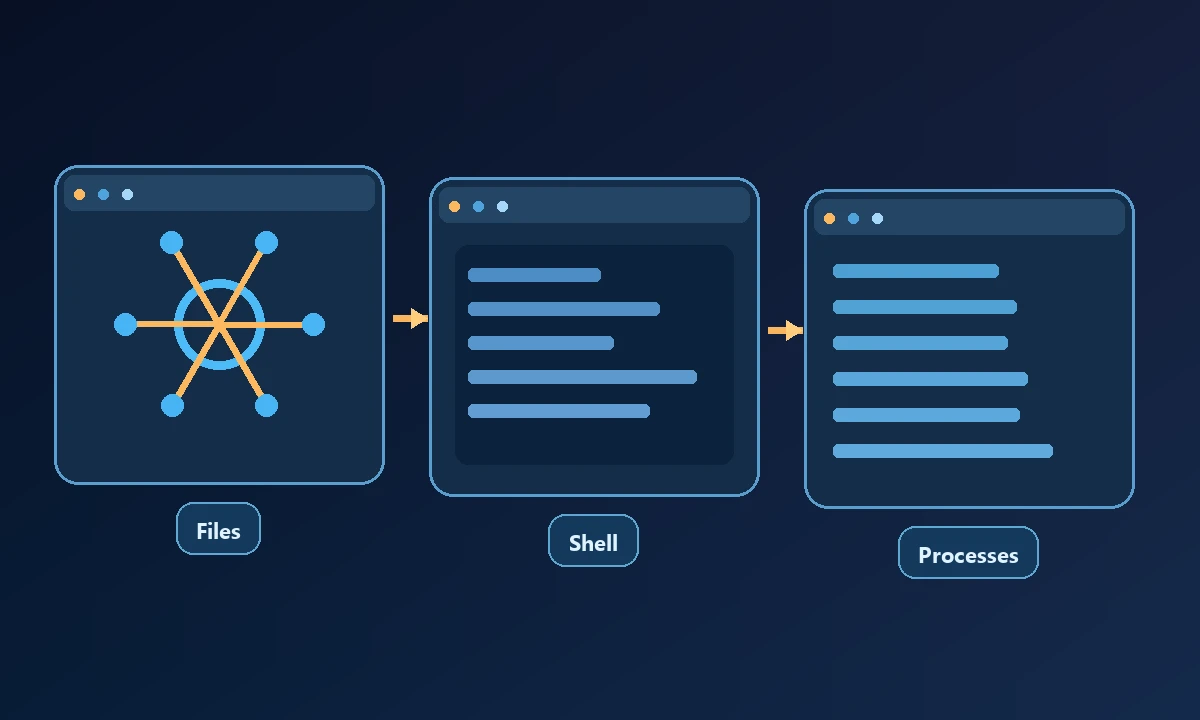
The product's published MCP capability list emphasizes file operations, directory searches, content editing, terminal execution, REPL interaction, long-running process management and configurable allowed directories or blocked commands. These are useful abstractions for development and operations work because the assistant can receive structured tool output instead of relying only on screen interpretation.
A positive Desktop Commander review should acknowledge what a local command-and-file assistant is good at before asking where it stops being sufficient. For a software engineer applying edits, inspecting logs and running tests in a local workspace, a familiar shell tool can be the right answer. The local-versus-remote MCP discussion becomes useful when the resources being changed live on another computer.
A task such as finding a configuration error can use searches and targeted reads. A coding task can inspect a file, patch a specific block and run tests. Those are concrete activities that benefit from a file/terminal interface even when an AI client cannot see the user's desktop.
Local versus remote access
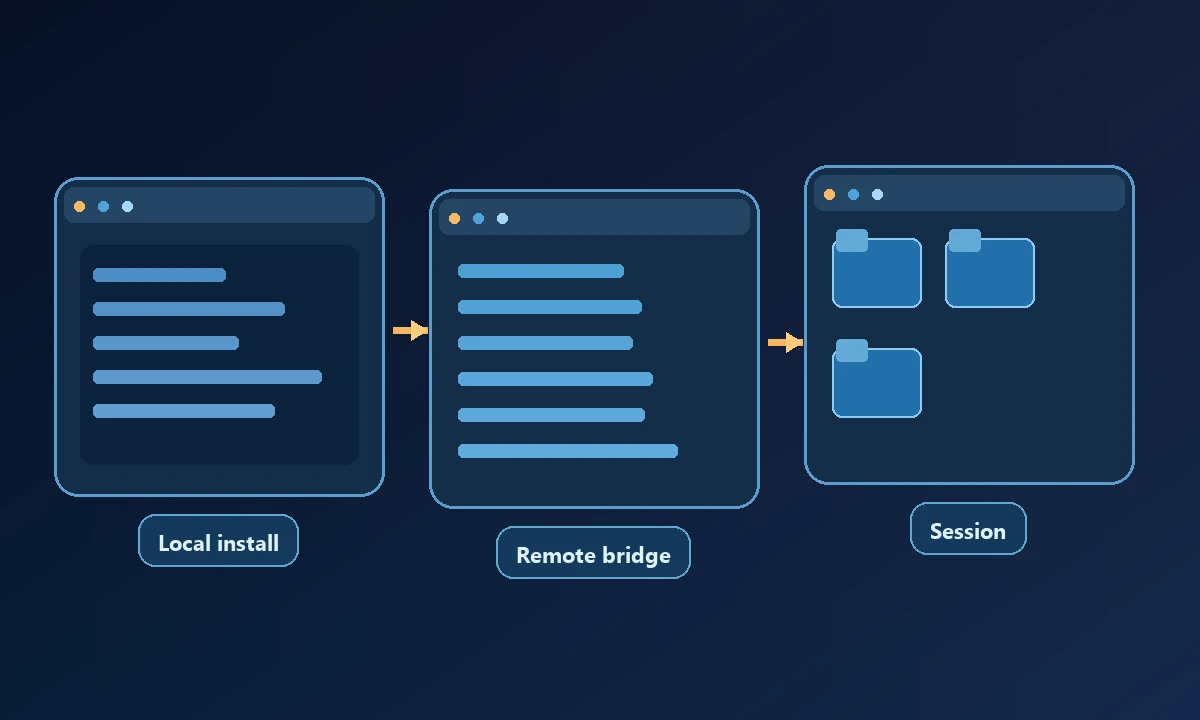
The local open-source server runs alongside a compatible client and operates with the host's applicable permissions. Remote MCP connects web assistants to devices via a service. That adds device identity, online status, network reliability and account configuration to the tool chain. An organization should treat those details as operational requirements rather than incidental setup steps.
The published pricing in October 2026 was Free with 10,000 monthly calls for the remote product, Pro at $20 per month with unlimited calls, and a separate free local server. Those are vendor-stated terms, not a price we tested by subscribing.
An approved task on a remote Windows workstation creates requirements that local file editing doesn't cover by itself. Noxgild can connect an assistant to an authorized computer, exposing enabled files, commands and desktop capabilities on that particular machine. If the operator has to interact with a browser already signed into a support portal, the existing browser-session option may matter more than the number of available shell commands.
Limitations to check before committing
File and terminal access are powerful but do not prove that a tool can reliably click a proprietary application's native dialog. A user may still need a desktop automation layer, UI accessibility library or visual browser controller. Also ask how the remote service handles offline devices, overlapping requests, timeout reporting and permission escalation. Read the official documentation for the specific feature instead of extrapolating from a general "computer control" slogan.
Security is equally practical. Allowed-directory controls are useful but do not make every command safe; a script can access network resources or invoke another process according to its permissions. Teams should limit the connected account, audit important changes and avoid publishing credentials into chat output.
Who should use it
A developer with a local repository, a terminal and a compatible desktop assistant has a clear reason to evaluate Desktop Commander local. A remote worker who needs the same machine from a web client can test its remote offering. A business needing native UI on a known remote computer should compare separate device/browser/desktop execution tools instead of assuming the same architecture works everywhere.
Evaluate Desktop Commander against its real fit, not an invented failing. Use a known project for local operations, then separately test the remote-only step and document exactly which component performs it. The Noxgild security model offers criteria for device scope and approvals, but a comparison should credit Desktop Commander for tasks it handles well. The reviewer should end with a choice driven by the user's environment, not a forced switch.
How to evaluate it yourself
Give each candidate one repeatable job. Record the initial device state, the exact operation requested, the tool output and an independent verification. Repeat with a disconnected device and a refused permission. The MCP introduction helps explain the underlying client/server model, but only your own authorized trial can establish whether the product fits your workflow.
The verdict: Desktop Commander deserves consideration for structured file and shell work; broader GUI control and remote operational requirements should be confirmed rather than assumed.