
Claude Cowork vs ChatGPT Computer Use is a practical question about where an AI assistant works, which files and applications it can reach, and what a user must approve. Both ecosystems have evolved beyond basic chat, so a comparison based on last year's interface can be misleading. The right answer depends on the specific version, connected tools and task, rather than a blanket claim that one assistant operates every computer.
Start with the task, not the model name
Suppose you want to organize documents, research a vendor portal, update a spreadsheet and check an installed desktop application. The first three actions may run entirely within a supported cloud workspace or connected app. The native application may require access to a particular local Windows or Mac computer. A product demonstration that succeeds on a website is not proof it can reach an arbitrary installed application.
Suppose one assistant summarizes a shared folder while another is asked to change a record in an application that exists only on a Windows computer. Calling both tasks 'computer use' hides the very thing the buyer needs to know: which environment will execute the action. Our AI computer-use introduction separates reasoning, tool access and actual device control without assuming either vendor can reach every installed app.
Where Claude Cowork can fit
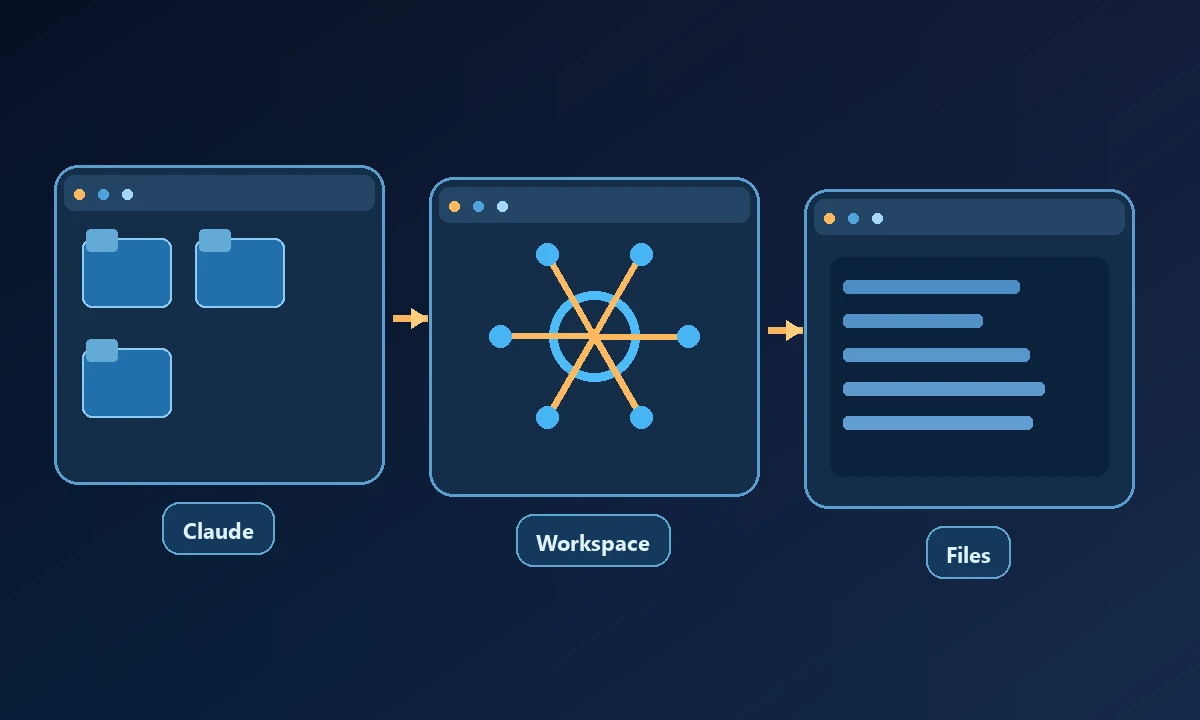
Claude Cowork brings agent-oriented workflows into Anthropic's desktop experience. It can work with user-authorized local and connected material subject to the product's current permissions, account eligibility and available features. Its strengths may include making progress on document-intensive tasks without manually prompting every step. Verify any platform-specific computer-control availability in the live account before designing a workflow around it.
For sensitive workplace content, check whether a file stays on the user's device, is uploaded for model processing or is accessed through a connected service. The answer may differ from one operation to another. Giving an assistant a folder is not the same as approving unrestricted access to every process on the machine.
Where ChatGPT computer-use workflows can fit
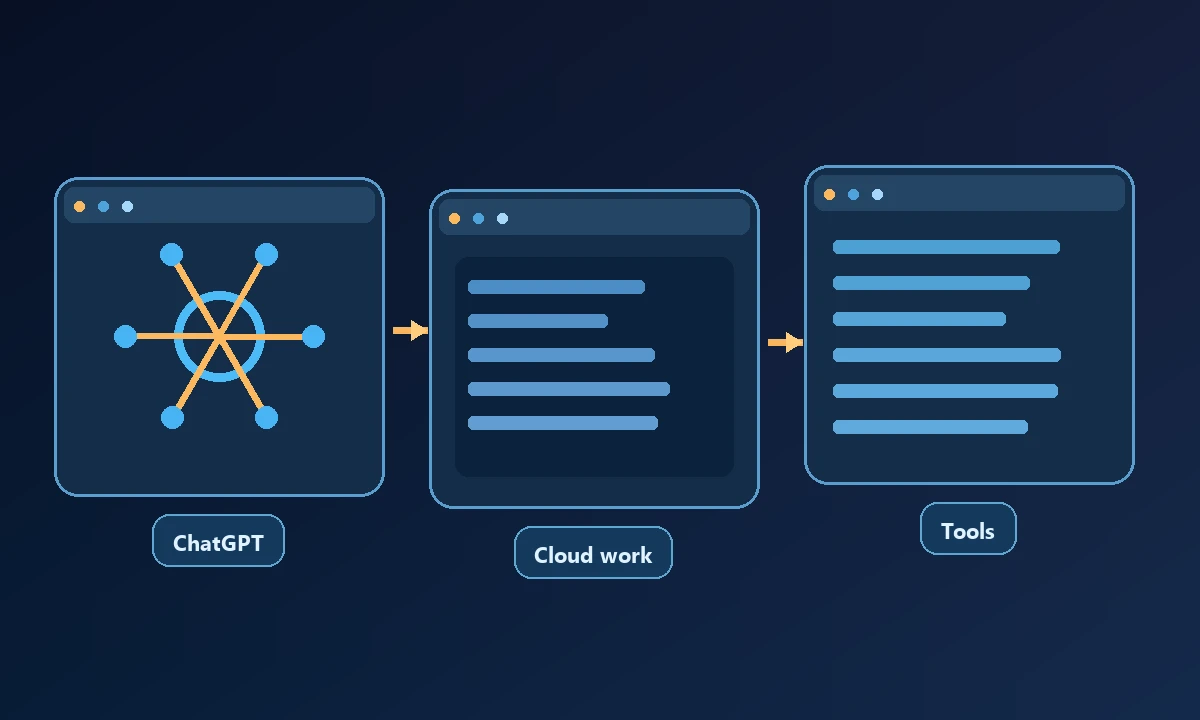
ChatGPT Work can navigate supported websites and use connected applications and files to carry out multi-step work. Computer-use capabilities may add graphical interaction, but the available environments, access controls and authentication are product- and plan-dependent. A cloud computer is a distinct environment from an employee's already signed-in browser profile.
For example, an assistant might compare documents in a connected drive without needing to enter the organization's desktop session. If a job requires a locally installed accounting application, test whether the selected ChatGPT workflow has a supported connection to that particular computer rather than assuming the cloud environment shares its windows.
Compare security questions side by side
Ask which identity executes a tool call, how a permission prompt is expressed, whether the tool can access saved browser sessions, how credentials remain protected, what logs or confirmations exist and what happens when a workflow stalls. Also consider whether the assistant can actually verify the result after saving a file, changing a setting or submitting a form.
The MCP authorization model explains some of the responsibilities of HTTP-connected tools, but it does not authorize an assistant to bypass the operating system's controls.
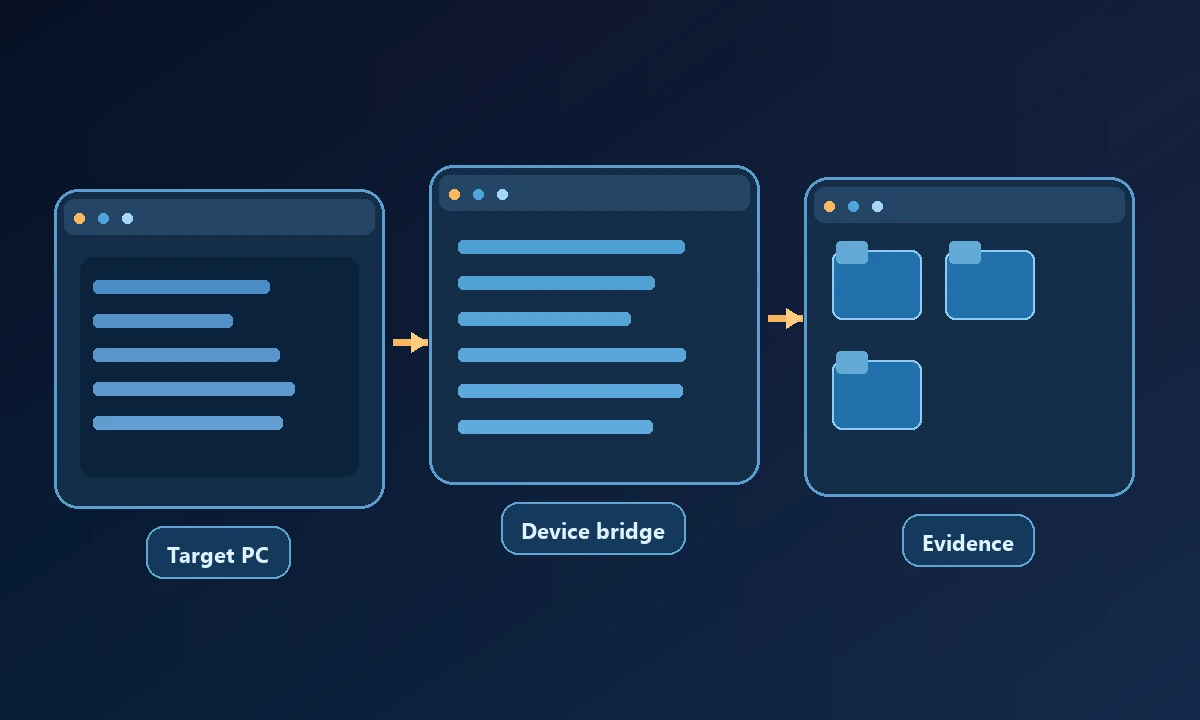
Compare both assistants on the same permitted deliverable and include a step where a file or window exists only on a named device. Record which tool can reach it, which identity it uses and whether output can be independently checked. The computer-access security requirements matter in either arrangement. A usable assistant does not become redundant merely because a separate tool is required for remote device access.
When a separate remote-computer bridge matters
For a team committed to Claude, Noxgild's supported Claude connection can expose authorized computer capabilities without requiring a switch of reasoning assistant. The exact Cowork configuration and connector permissions must be tested, because an integration available to one Claude client may not behave the same in another. If a task needs a selected workstation rather than a cloud sandbox, remote computer control addresses that execution boundary.
Try the same low-risk task in the exact environments you intend to use. Record the assistant, target computer, authorized scope and verified outcome. Choose the setup that completes the workflow under an acceptable permission model, rather than judging a marketing demo in isolation.