
This Claude Cowork review examines the current product's documented approach to multi-step work rather than claiming a hands-on test we did not perform. In October 2026, Anthropic has been bringing Cowork tasks more closely into the broader Claude experience, including desktop, web and mobile access on eligible paid plans. Availability and where individual tasks execute depend on plan, deployment and the product's ongoing rollout.
What Claude Cowork is for
Cowork lets a user hand over work involving documents, tools and connected information. A request may involve organizing files, preparing an analysis or working across a service. That is a meaningful difference from a single-turn chatbot answer. It also creates more responsibility for deciding which files, applications and permissions the assistant may use.
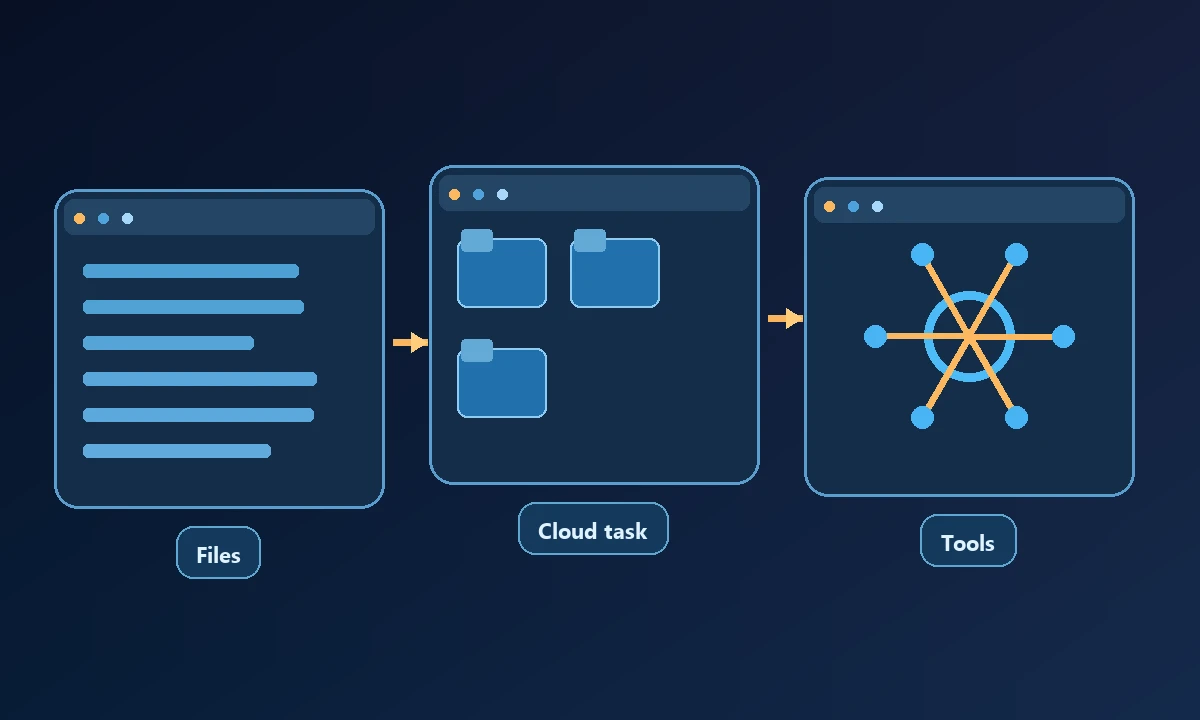
Anthropic's October 2026 documentation states that new Pro and Max Cowork tasks run in the cloud, while connected local folders remain on the user's device and the desktop app provides access while open. Existing older local tasks may continue under their original environment. Those details matter when a task depends on a locally installed program or a specific saved browser session.
A project manager wants Cowork to reorganize documents and produce a brief. That is a sensible use case to test before comparing it with software designed to click through an installed desktop application. The Claude-versus-other-assistants comparison examines those execution differences without treating a cloud task as if it automatically controls every employee workstation.
Where it can save work
Document-heavy workflows can benefit from having the assistant gather information, organize a deliverable and check related files without repeated manual copying. Connected tools and browser capabilities can extend that workflow, subject to plan and organization settings. The buyer should evaluate a real deliverable and the steps taken to produce it, not just the quality of the written summary.
Limitations that deserve attention
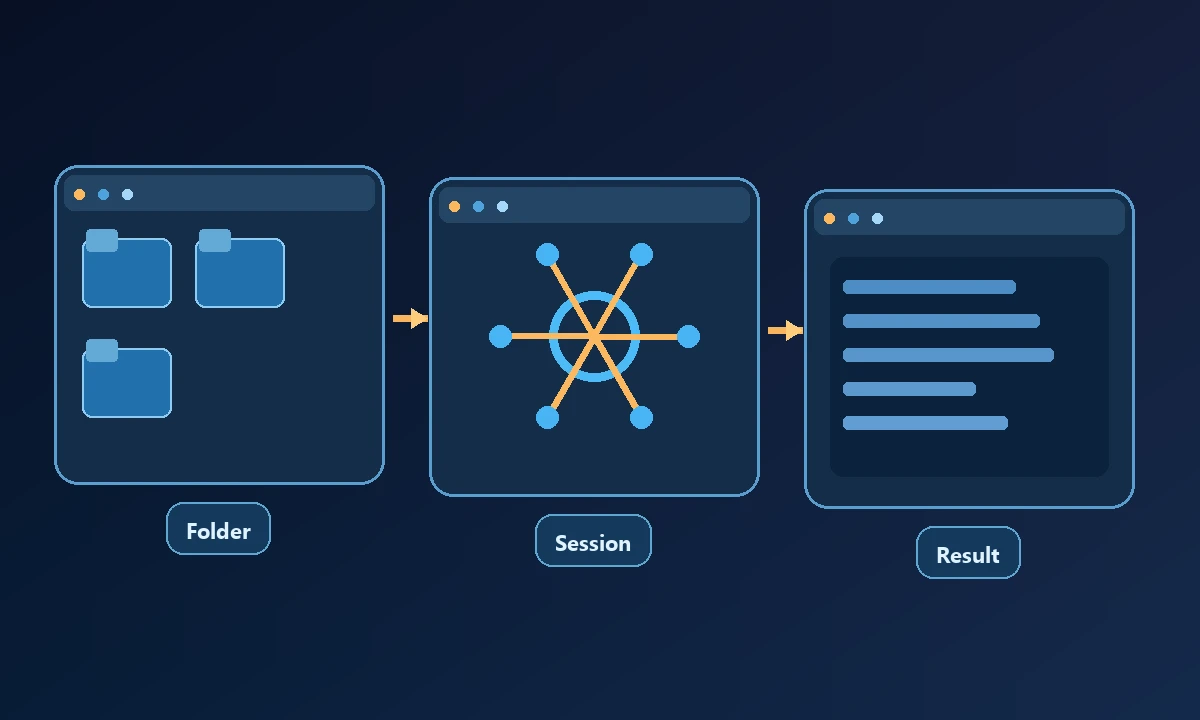
A connected local folder is not the same as unrestricted native desktop control. The user should verify whether the chosen Claude client can operate the particular remote computer, signed-in browser and application required. A cloud task may need to fetch a copy of a file, and an app outside the supported integration environment can require another tool or an ordinary manual step.
Paid access does not mean unlimited consumption. Cowork tasks may use more of an account's allocation than a short chat. Plan limits, task availability and admin settings should be reviewed before depending on it for unattended business operations.
Security questions for the buyer
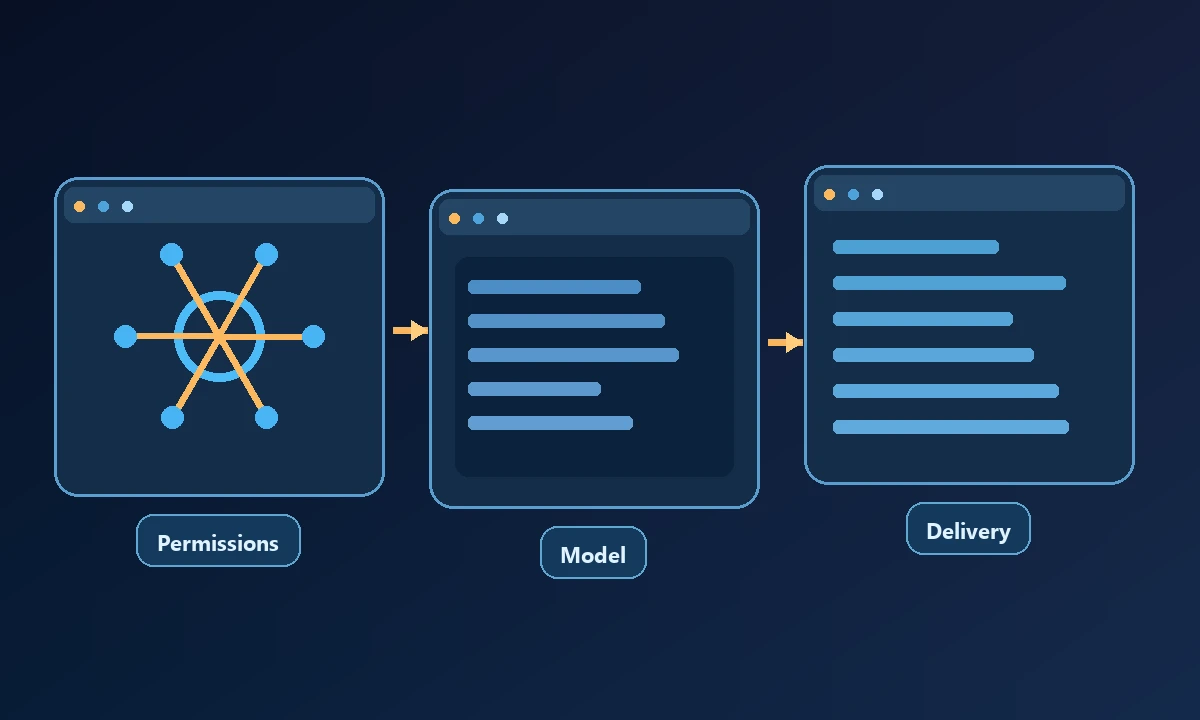
Ask what data is fetched, where copies are retained, how access is revoked and what happens when an agent encounters untrusted webpage instructions. Require clear confirmation before sending messages, changing records or deleting files. A completed workflow should include an observable result and a realistic account of failures.
The MCP security and authorization model provides background for some tool connections but does not govern every Claude feature.
Evaluate Cowork first on a document task using sample data, then add a remote-device step only if the business process demands it. Record where the source files lived, which account supplied any external data and how the output was verified. The computer access policy becomes relevant to that second step. A review should credit Cowork's managed delegation where it helps and describe device-access dependencies without implying an unsupported integration works automatically.
When another computer-access layer fits better
If a Claude-based workflow genuinely needs data or a program on a selected computer, Noxgild can connect supported Claude clients to authorized device operations. This allows the team to keep Claude for planning while a separately permitted tool reaches the machine. For a workflow that depends on an authenticated website open on that machine, its signed-in browser context may matter; availability in a specific Cowork configuration still needs a direct connector test.
The verdict is conditional: Claude Cowork is worth evaluating for supported cross-file and connected-app workflows, while remote native-computer work needs a separate capability check in the actual environment.