
ChatGPT Work vs Noxgild compares a delegated AI workspace with a device-access tool integration. ChatGPT Work can plan and complete multi-step tasks across files, supported websites and connected applications. Noxgild exposes scoped capabilities on a particular authorized computer. The right setup depends on where the task must run.
A cross-environment support task
Imagine a manager who needs a report from connected business data, a summary of incidents and a diagnostic check on a specific Windows computer. Work may handle the reporting through its available cloud environment or apps. The diagnostic requires permission to reach the named device, whether through a supported local connection or a separate remote tool.
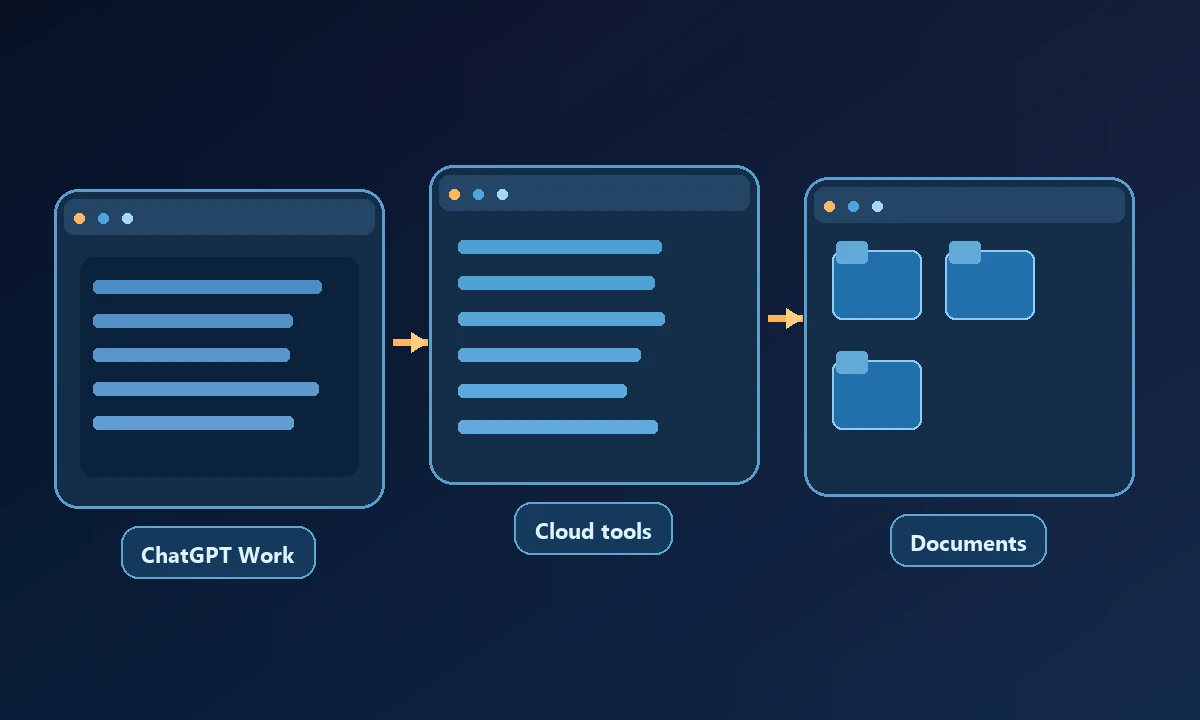
Do not assume that a cloud environment inherits an employee's installed applications or saved browser sessions. Conversely, current Work configurations can support permitted local computer access in some setups, so it is also inaccurate to describe Work as always cloud-only.
A manager may prefer ChatGPT Work for research, connected files and delegated deliverables, then discover that a particular diagnostic requires a named office computer. That doesn't mean the whole task should be moved into another agent product. Our AI computer-use introduction distinguishes the assistant's reasoning workspace from the tools that touch an operating system. Some Work configurations can access local environments with permission, so the actual account deserves testing before assuming a missing feature.
What ChatGPT Work contributes
Work is built for research and multi-step deliverables. Its cloud browser can operate supported public and signed-in websites inside its own environment. Connected app data is another permitted source. Access to a local computer depends on plan, workspace settings, supported desktop configuration and user authorization.
OpenAI's current documentation describes local computer access for eligible Work Cloud arrangements, with separate permissions and environment boundaries. Check the actual account and device rather than importing assumptions from a marketing demo.
What Noxgild contributes
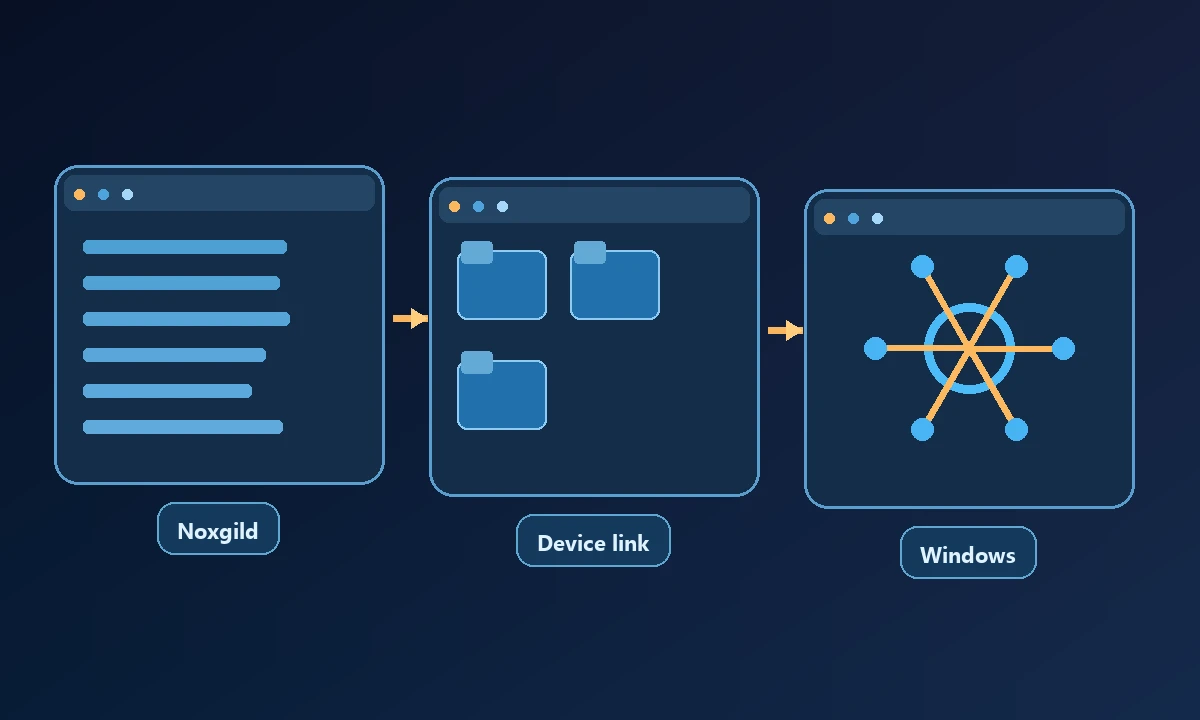
Noxgild's remote computer-control capabilities can give supported clients a route to permitted operations on an enrolled device. The client-specific ChatGPT connection information must be checked for current availability and eligibility before claiming that a particular Work setup can use it. A product connection is valuable only when it actually closes a gap left by the user's permitted tools, not when it duplicates a capability Work already provides.
Noxgild is a tool-access layer rather than a general research assistant or a replacement for the model doing the reasoning. The chosen AI client must plan actions, check results and respect device permissions.
Compare the true responsibilities
Work coordinates and produces outcomes using the resources available to it. Noxgild supplies an access path to a specific device; its presence does not create additional AI judgment. When a computer goes offline, device-targeted steps may be unavailable even if a cloud task can continue other research.
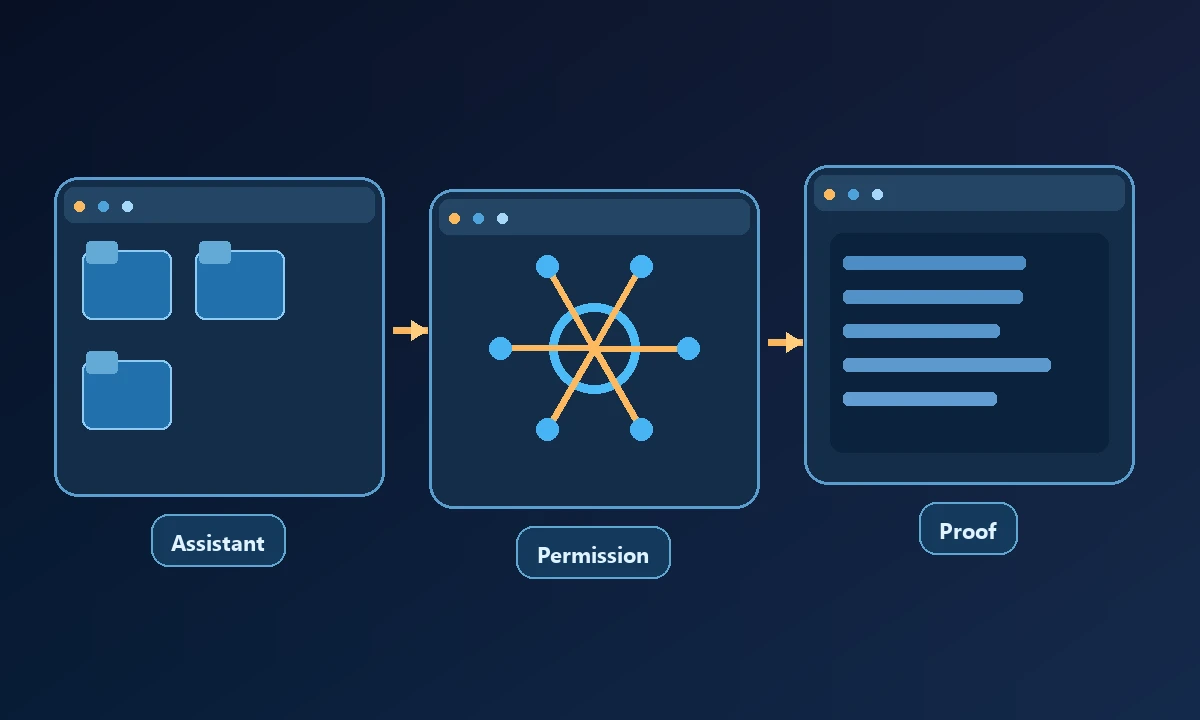
A useful comparison records the executing identity, target machine, browser profile, authorization method and verified result for each step.
The small test worth running
Start with a harmless research and file-creation task in Work. Next perform a read-only check on the designated Windows computer using an authorized connection. Confirm that the output refers to the correct device. The MCP specification covers client-server tool communication; permission to access an OS resource remains separate.
Give the system one cloud-friendly deliverable and one read-only request against the named workstation. Check which environment runs each step and whether the result proves the right device was used. The computer-access safeguards should govern any added device permission. Use Work's existing capabilities if they already finish the job; add a remote bridge only for a proven, supported execution need.
Selection rule
Use Work's available capabilities when they already meet the entire task. Use a dedicated computer bridge when the required remote device or third-party assistant is not otherwise reachable through an approved path. Avoid installing overlapping systems without a concrete missing capability.