
The best MCP servers for AI computer automation solve different problems: giving an assistant access to a filesystem, driving a browser, operating a graphical desktop or reaching a remote device. “Best” is therefore less about a star count and more about whether the server exposes the right *kind* of action, with permissions you can defend.
What makes a computer-automation MCP server useful?
MCP standardizes how a client discovers and calls tools. It does not, by itself, grant an agent permission to run an arbitrary command on your laptop. A server decides which tools exist, which computer or service receives each call, how authentication works and what happens when the operation fails.
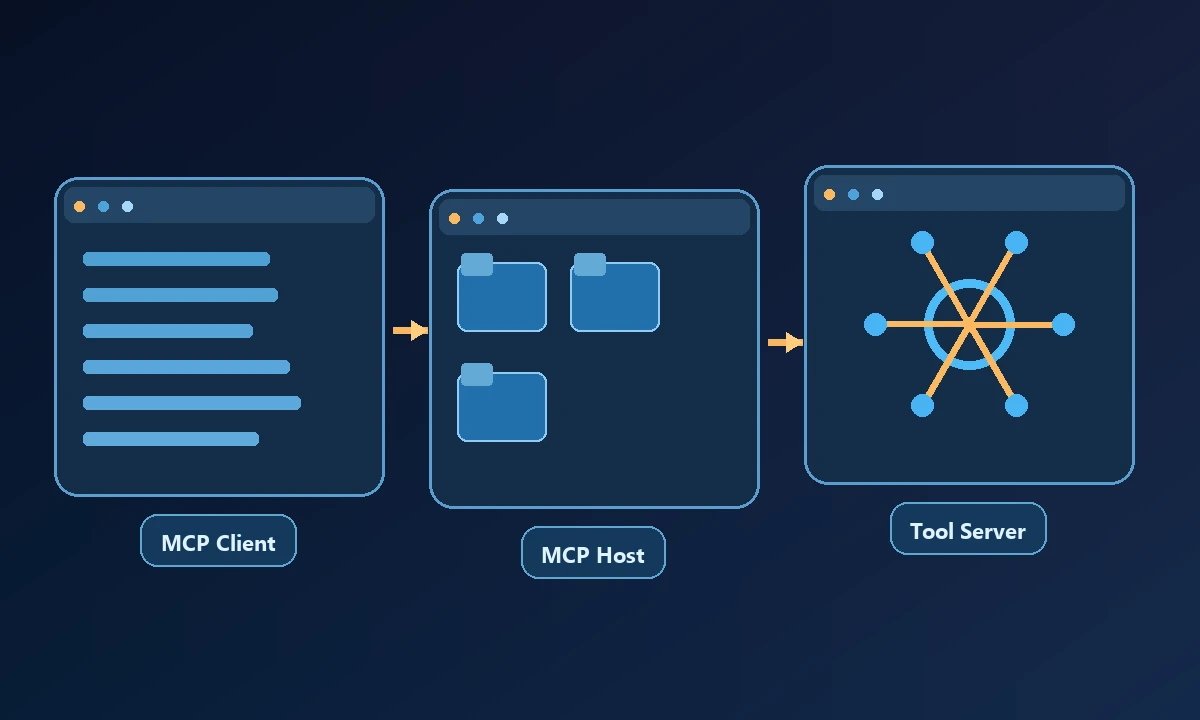
For a practical evaluation, separate tool scope (files, browser or desktop), execution location (same computer, hosted session, remote computer), and authorization (OS permissions, OAuth, keys, approvers). Confusing these layers leads to familiar mistakes: installing a browser server and expecting native app control, or installing a local shell tool and expecting it to be reachable from a phone.
Start with the tool that would actually complete the work. If the assistant needs to inspect code in its local directory, a nearby filesystem MCP server may be sufficient. If the requested action belongs on a workstation across town, transport and device authorization become part of the job. The broader AI computer-control comparison makes that distinction clearer than a list of MCP server names; shared protocol support does not make the underlying systems interchangeable.
Choose the server by capability
Microsoft Playwright MCP — browser interaction and testing. A strong baseline for structured browser automation. It uses accessibility snapshots to identify elements; additional capabilities can extend the available testing, network and storage tooling. It is an MCP interface to the browser automation layer, not a general remote Windows or macOS operator.
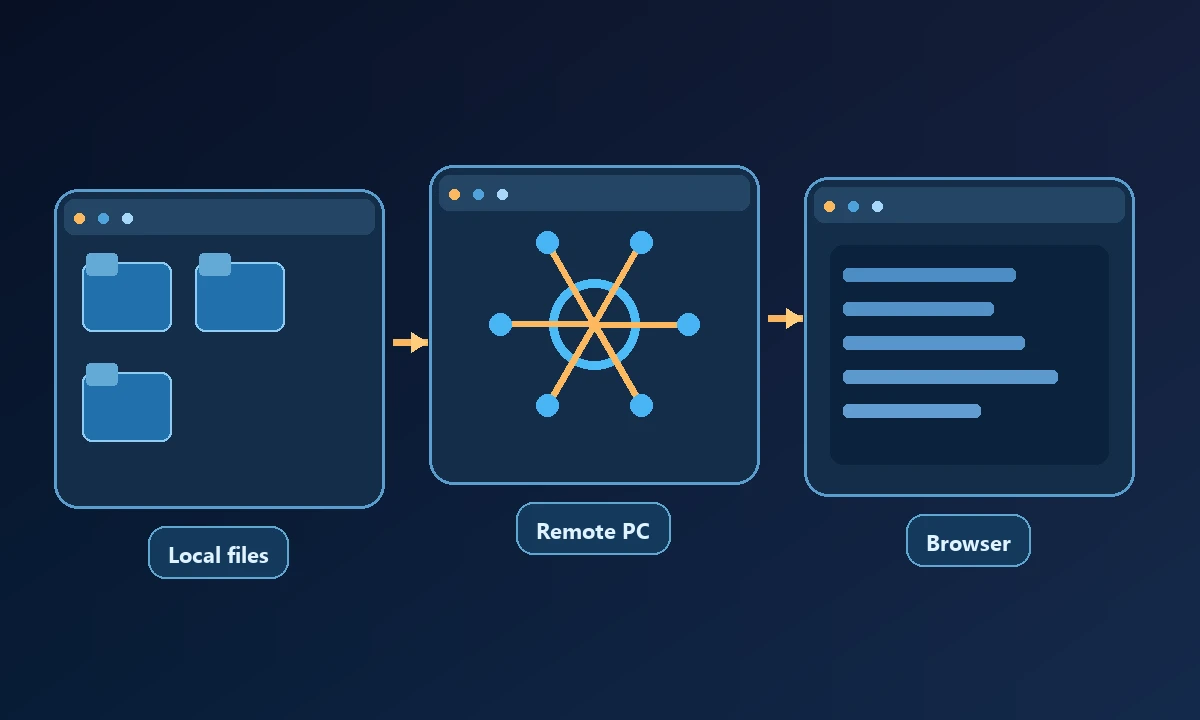
Desktop Commander local MCP — file and terminal access. Useful when the assistant should read and edit an existing working directory or run development commands on the same machine. Its local distribution is open-source. When that workflow must travel beyond the workstation, review the separate Remote Desktop Commander beta and its hosted authentication model.
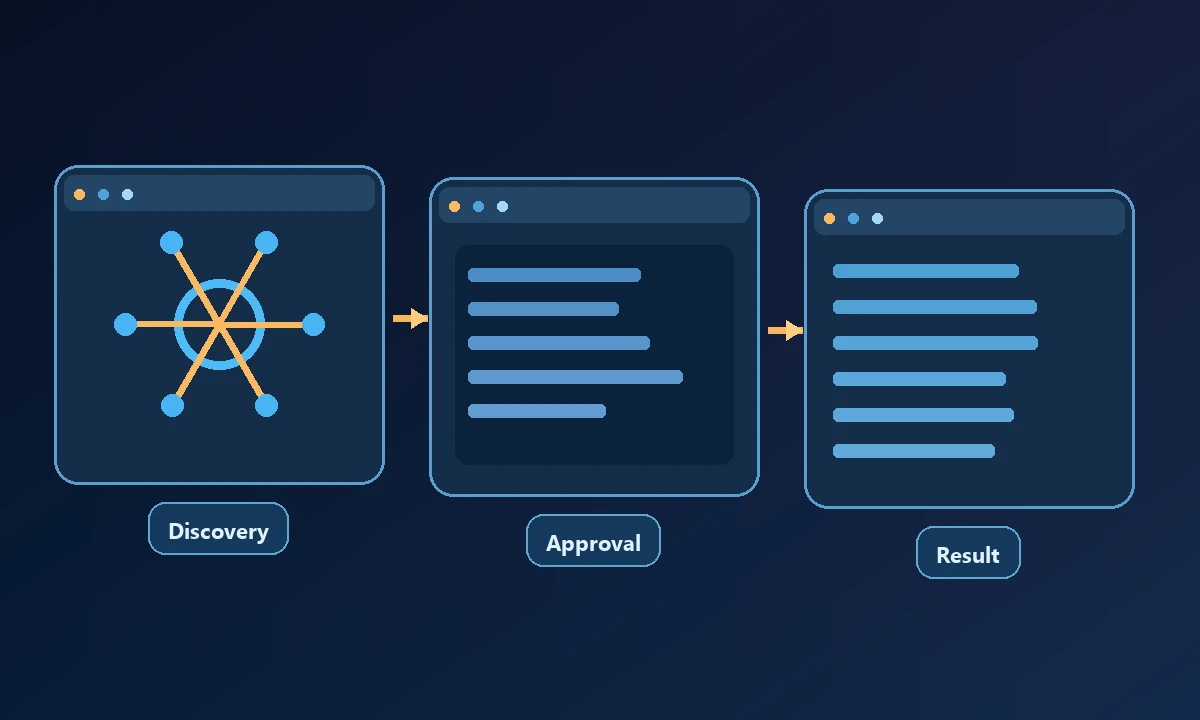
Noxgild MCP — exact authorized device execution. Its remote MCP orchestrates a fixed catalog of file/process, browser and native desktop operations across authorized computers. A command has durable state, and sensitive actions can require approval tied to the selected device and exact command. The capability reference lists its current machine, browser and desktop layers.
MCP filesystem servers — narrowly scoped document access. A dedicated filesystem server is attractive when the task is simply to inspect and modify files. The narrower surface means less policy complexity, but it will not help with a native application's GUI or a login-dependent browser page.
Specialized coding and service MCP servers. Servers for code hosts, databases, or ticketing systems can be the right first choice when those systems have good APIs. A real desktop should be the fallback for tasks whose needed state does not live in such an API. This is a category, not a claim that all service servers are interchangeable.
Noxgild's authorized computer connection addresses the remote-device case by making approved machine capabilities available to a supported client. It does not turn an MCP server into an unlimited administrator. Each machine operation has its own scope, and some environments may expose files or commands without desktop control. For clients that need a working website in a different environment, cloud browser automation is a separate execution choice; do not assume either option inherits a user's signed-in profile.
Windows graphical-automation MCP implementations. Desktop-specific open-source servers may expose Windows accessibility and UI operations. Verify the project license, security status, install permissions and maintained platform support before placing one on a production endpoint.
Local server, remote endpoint, or hosted browser?
A local MCP server normally runs inside the computer's own trust and process environment. It can be easy to install, but a remote AI client may not automatically see it. A remote MCP endpoint solves the connection problem yet introduces identity, transport, device mapping and command-routing questions.
A hosted browser is a third pattern: browser work happens in cloud infrastructure, with no automatic inheritance of local cookies or desktop applications. Noxgild deliberately separates its signed-in browser worker from its Cloud Browser; a buyer should treat them as distinct execution surfaces.
Ask how failure is represented before asking about tool count
An agent may submit a command, lose the network, and not know whether the operation finished. Blindly resubmitting could create two records or repeat a destructive change. Check for explicit command identifiers, inspection of final state and safe handling of uncertain outcomes. Also check whether a website can smuggle instructions that cause the agent to execute unrelated local commands.
A fair shortlisting exercise uses the same task and the same acceptance check for each server. Ask which identity runs the tool, what happens when the host disconnects and whether a denied operation is reported clearly. The available computer capabilities help explain what should be tested on a particular enrolled machine. If a server only advertises an API but cannot demonstrate a verified result, its place in the stack remains theoretical.
Noxgild describes its browser trust boundary and exact approval policy. For an independent description of the tool/client protocol, read the MCP specification. Those are different layers of protection: standard protocol support does not replace application-level authorization.
The shortest route to a good architecture
Start with the smallest tool that can finish the job. Add browser control when the task depends on the page, then desktop control when it depends on a native interface, and remote orchestration only if the executor must be a different computer. This makes permissions easier to review and prevents a complicated bridge from becoming the default solution for every task.