
The best Incredible AI alternatives depend on what you want the assistant to control. Incredible is a desktop-centered product for tasks across an employee's browser, files and apps. Some alternatives are other desktop assistants; others are coding tools, browser frameworks or remote-computer bridges. A useful shortlist separates those categories rather than presenting every automation product as a direct substitute.
If you want help on the computer in front of you
Claude Cowork, where available in the current Claude experience, can perform multi-step work involving selected files and connected tools. Its exact execution environment and access to local folders depend on the client and rollout. A cloud task that can read a chosen folder may still not be able to operate an arbitrary installed desktop program.
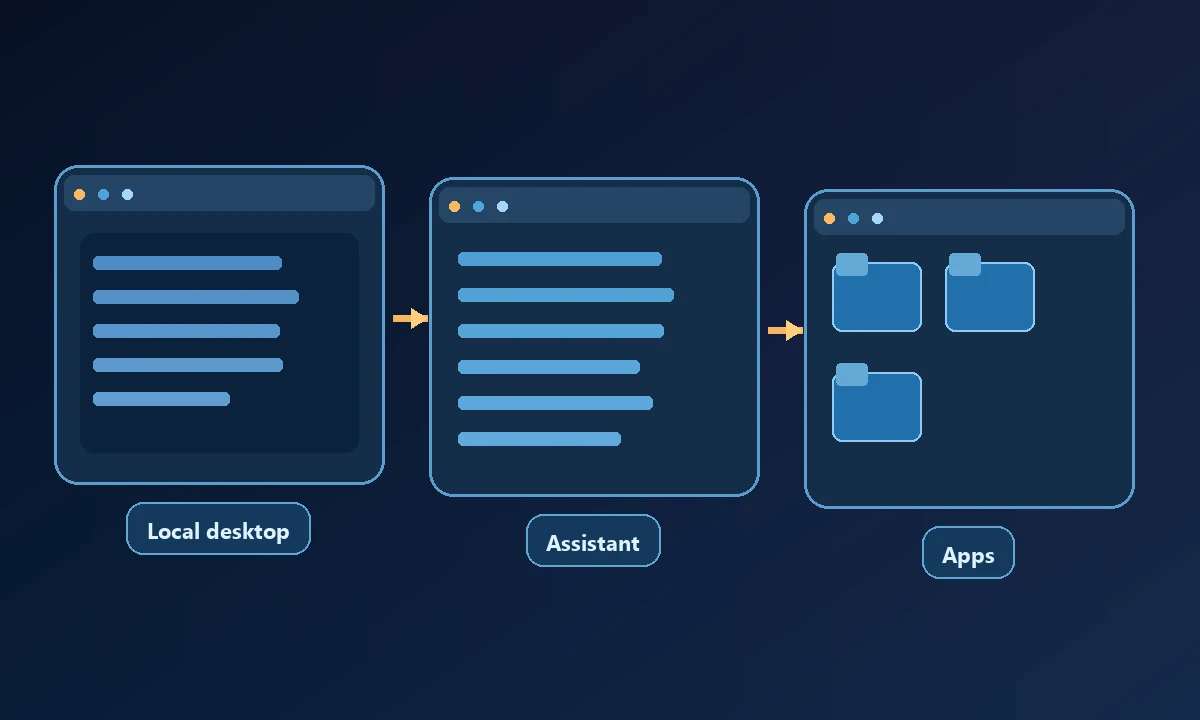
Open Interpreter offers a customizable code-and-command-oriented environment. It suits technical users who want to inspect or change how an assistant runs scripts. It is not a packaged replacement for every voice-activated desktop interaction.
Someone looking for an Incredible AI alternative might want a more powerful desktop assistant, or might simply need the existing assistant to reach a different PC. Those problems lead to different shortlists. Our Incredible AI and Noxgild comparison puts the execution location first, before debating interface polish or model choice.
Microsoft UFO is a research-oriented Windows UI agent framework, with UFO² and UFO³ adding application-level and multi-device capabilities. It is appropriate for developers investigating agent architectures, but requires technical setup and should not be treated as a simple commercial download.
If the problem is browser automation
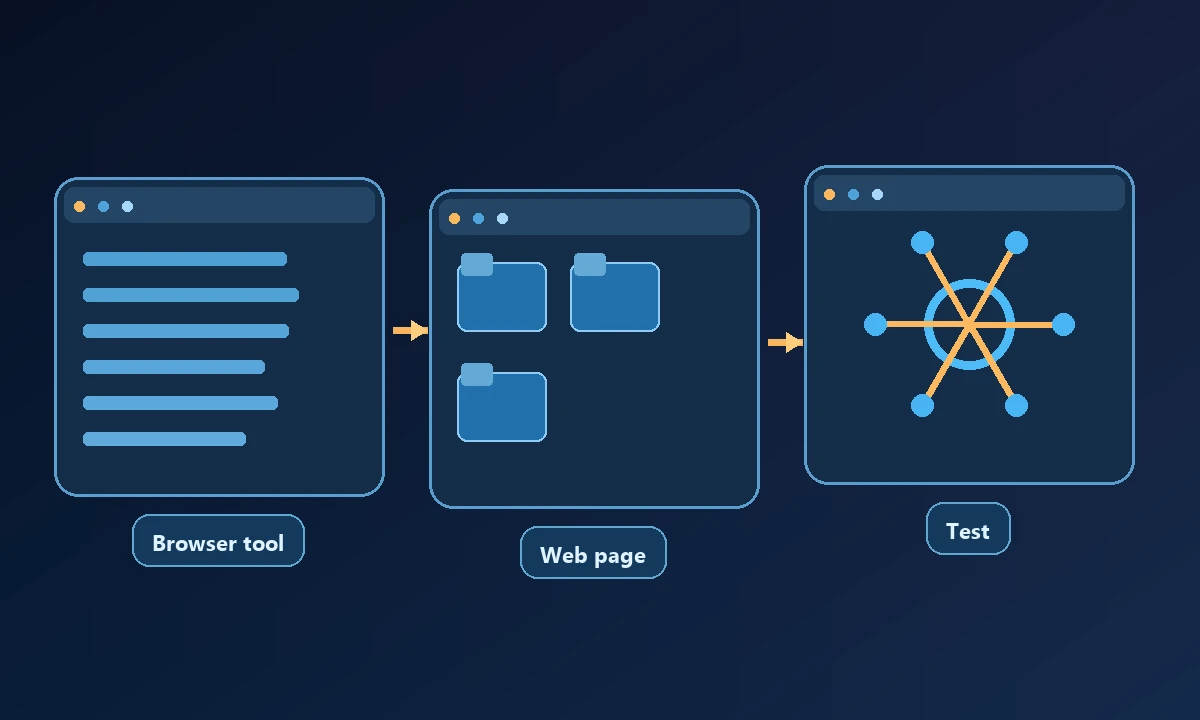
Playwright MCP, Browser Use and Stagehand provide different browser-centric ways to make an agent act on websites. They may be more controllable for testing and web workflows where the DOM and browser state matter. They cannot be assumed to handle arbitrary native Windows dialogs. A managed cloud browser may also start in a separate account session from the user's local browser.
ChatGPT Work and supported Claude workflows can handle connected apps, documents and web research. Their capabilities are account- and environment-dependent, and should be validated against the exact browser, file and application requirements rather than inferred from a demo.
If the assistant must reach another computer
When the software to operate is installed on an authorized remote workstation, Noxgild can reach that enrolled computer with permitted machine, browser and desktop capabilities. If the work requires a native Windows interface, desktop application automation is the relevant feature to validate. A local AI assistant can remain useful for reasoning and drafting; buying remote access does not mean its capabilities must be discarded.
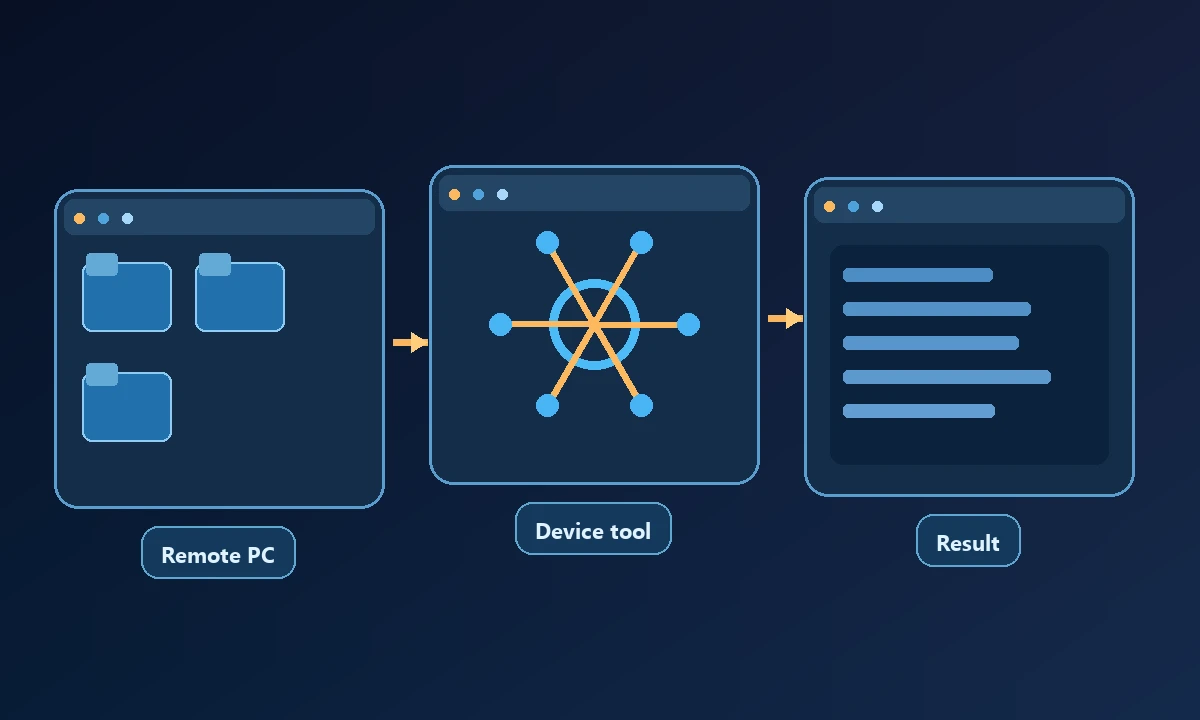
Noxgild is a different kind of alternative: an authorized device bridge that exposes machine, file, browser and desktop operations to compatible AI clients. It is most relevant when the work happens on a named remote computer rather than entirely on the employee's active desktop. Device setup, permissions and connectivity must be tested before routine use.
For vendor evaluation, the NIST AI Risk Management Framework offers a useful starting point for evidence and oversight.
Traditional remote support tools may also connect people to a computer, but they do not necessarily include an AI tool interface. The difference between remote screen sharing and structured AI execution matters when the workflow must be repeatable and auditable.
Write one representative task with a known final result, then test it on the current computer and the actual target computer. Check whether the agent selected the correct device, preserved the intended browser identity and reported an unavailable session correctly. The remote-computer security model supplies criteria for permission review. The best alternative is the one that closes the actual execution gap without adding tools the workflow never needs.
How to compare alternatives fairly
Start with three questions: which computer needs to act, which signed-in session is required and what constitutes proof that the task finished? Then test one harmless file operation, one browser action and one refusal or offline case. Compare total operational cost, permissions, platform support and maintenance, not just subscription prices.
No single product wins every category. A desktop assistant is a strong fit for a user's own screen, a browser framework for web-only workflows, and a remote bridge when an AI client must reach a known authorized machine.