
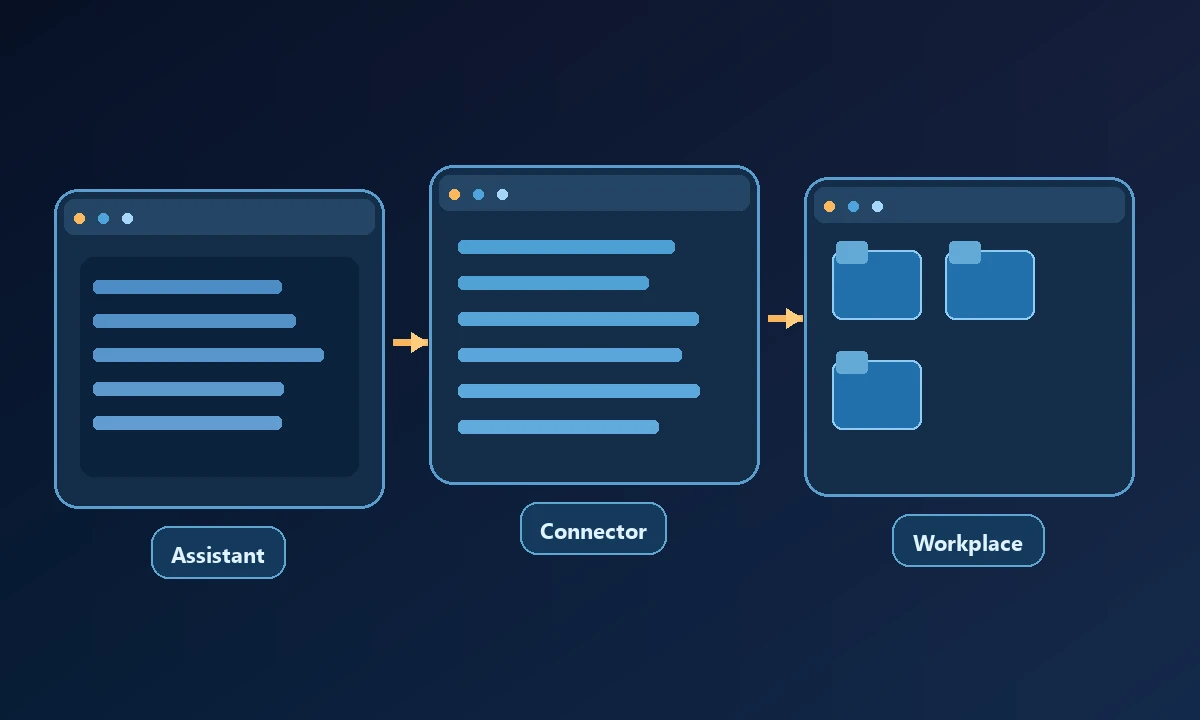
The best Claude Cowork alternatives depend on what you expect to replace: the assistant that plans a task, the browser it operates, or the connection to a real computer. Those are often bundled into one experience, but they solve different problems. Claude Cowork itself now supports broad workflows across desktop, web and mobile on eligible plans, so an outdated “it can only edit files” comparison will mislead readers.
What Claude Cowork does well and why people switch
Claude Cowork combines task planning with connected tools, browser work, files and, on eligible desktop configurations, computer use. It is a credible default for someone who already likes Claude and wants to delegate research or operations. No honest comparison should pretend those capabilities do not exist.
A buyer may nevertheless want a different model provider, a simpler or cheaper plan, stronger integration with a company's Microsoft workspace, an agent on self-managed infrastructure, or access to a specific computer independent of any one AI client. Those are legitimate reasons to compare alternatives.
An office manager interested in Cowork alternatives might really want a better way to delegate document work. A developer might be asking how to connect an assistant to a remote PC. Those are different jobs, and a list of competing products should not imply that a browser library replaces an AI work environment. The AI computer-use introduction explains the extra execution layer involved when work must happen on a real machine.
Alternatives for different replacement jobs
ChatGPT Work — a general task workspace. Suitable for people who want an AI assistant to research, work with connected services and produce finished outputs using a hosted computer. The question is whether its supported desktop route reaches the exact local environment you need.
Microsoft Copilot Cowork — Microsoft 365-centered work. Worth considering if Outlook, Teams, SharePoint and company identity are already core to the workflow. Its fit depends on tenant admin settings and licensed product capabilities.
OpenClaw — self-managed agent runtime. An option for technical teams willing to operate a gateway, models, network permissions, browser attachments and updates themselves. The operational burden is part of the purchase.
Open Interpreter — computer-side work with model choice. Its terminal agent and desktop app have different operating models. It is particularly relevant when work stays on a machine you control and you want to choose the model/backend.
Manus and other hosted work agents — prepared deliverables. Evaluate them for browser research, document assembly and hosted execution where they are actually supported. They may not inherit a user-owned workstation's application state.
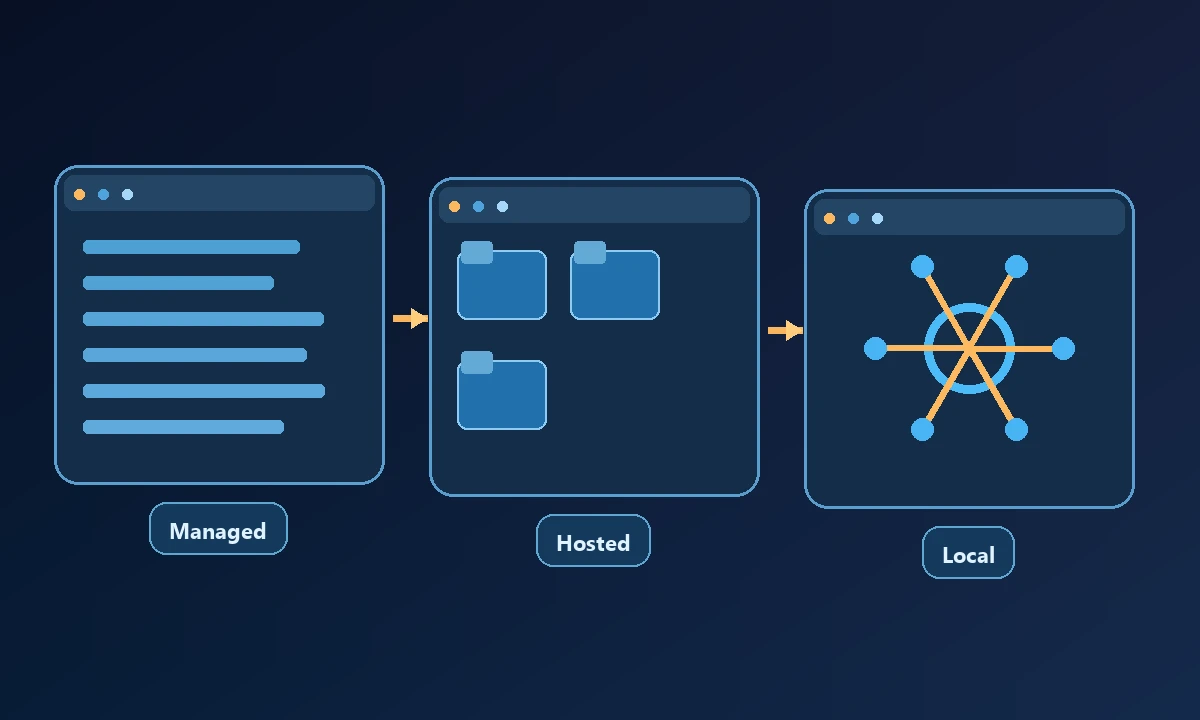
When the existing Claude setup already does the reasoning well, replacing it may be unnecessary. Noxgild can connect supported Claude clients to authorized computer capabilities, giving the assistant an approved path to files, browser actions or commands on a named device. Client compatibility—including a particular Cowork configuration—must be checked in the actual account. For a task limited to web research, isolated cloud browser execution may be sufficient without any workstation access.
Noxgild — a computer bridge, not a Cowork clone. It is an alternative *component* when your real problem is letting different AI clients work on an explicitly authorized computer. Pairing a preferred assistant with a controlled computer layer is a different architecture from changing the assistant itself.
Price and control are separate decisions
Subscription prices, workspace limits and included automation usage change quickly; do not infer today's plan entitlements from an old blog roundup. Compare total cost of the assistant, required model access, remote machine runtime, hosted browser hours and any admin support.
Self-hosting does not eliminate cost. It moves spending into provider tokens, a device or server, installation, security and maintenance. Likewise, using a managed assistant does not guarantee it can see the state of an installed application on every operating system.
Which tool is the better fit?
For email, calendar and connected SaaS workflows, start with a managed assistant that already has the necessary connectors. For a repeated internal business procedure, evaluate auditability and supported automation hooks. For a task that must interact with a user's signed-in browser, test that exact browser profile; do not assume a cloud session inherits it.
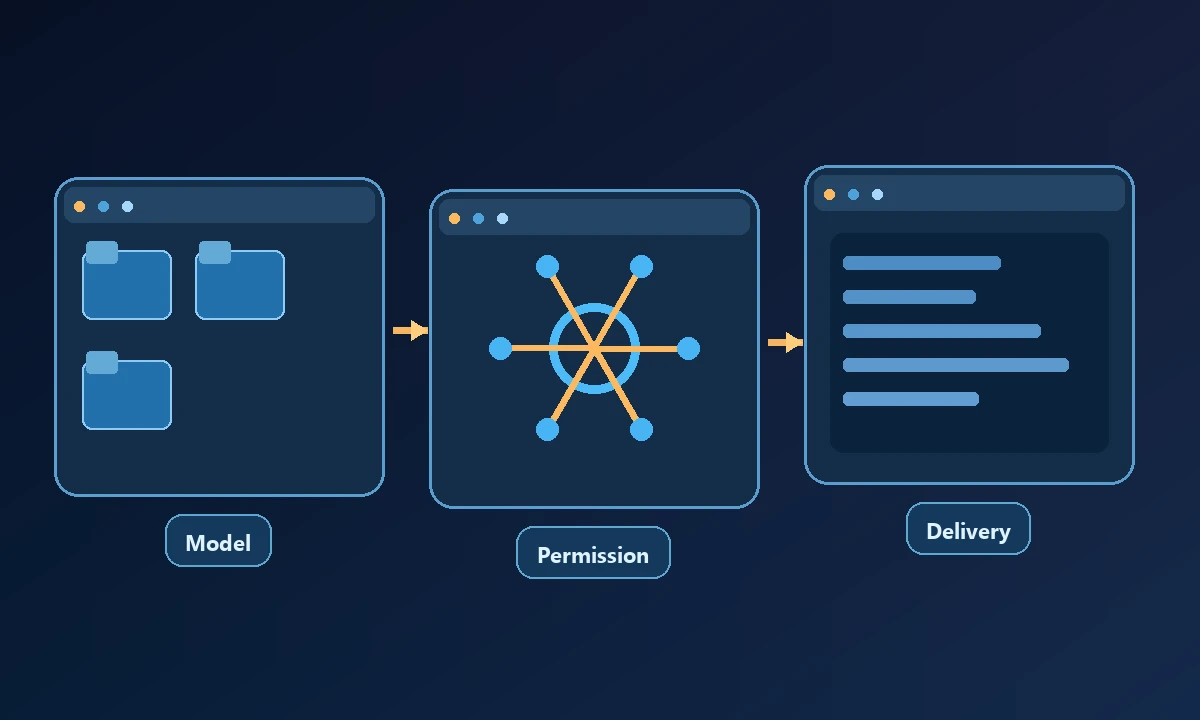
Give the shortlist one concrete task: collect documents, perform an allowed action on the intended environment and show the resulting artifact. Document whether a human had to approve a step and whether the solution kept credentials in the correct context. The security boundaries for computer access can inform that review. Choose a replacement only if it solves a real missing capability rather than adding another subscription beside a perfectly usable assistant.
If the work involves both a local service and a native app, check Noxgild's execution surfaces and security approvals. If the task can be completed by an ordinary connector, a remote computer bridge would add more complexity than value. The MCP overview explains why an assistant and a connected tool provider are separate roles.
A fair decision instead of a forced replacement
Keep Cowork if it already completes the job reliably under your plan. Switch the assistant if model choice, workflow handling or workspace integration is the problem. Add a remote computer connector if the assistant is fine but lacks one authorized environment. That distinction is more useful than a single “best alternative” badge and avoids buying two overlapping subscriptions.