
The best AI automation software for IT support reduces repetitive investigation without giving a language model unrestricted control of company computers. Helpdesk triage, endpoint configuration and remote diagnosis are different jobs. A team that combines them in one purchase decision should compare the integration boundaries and approval workflow before comparing AI features.
Follow a support ticket from report to resolution
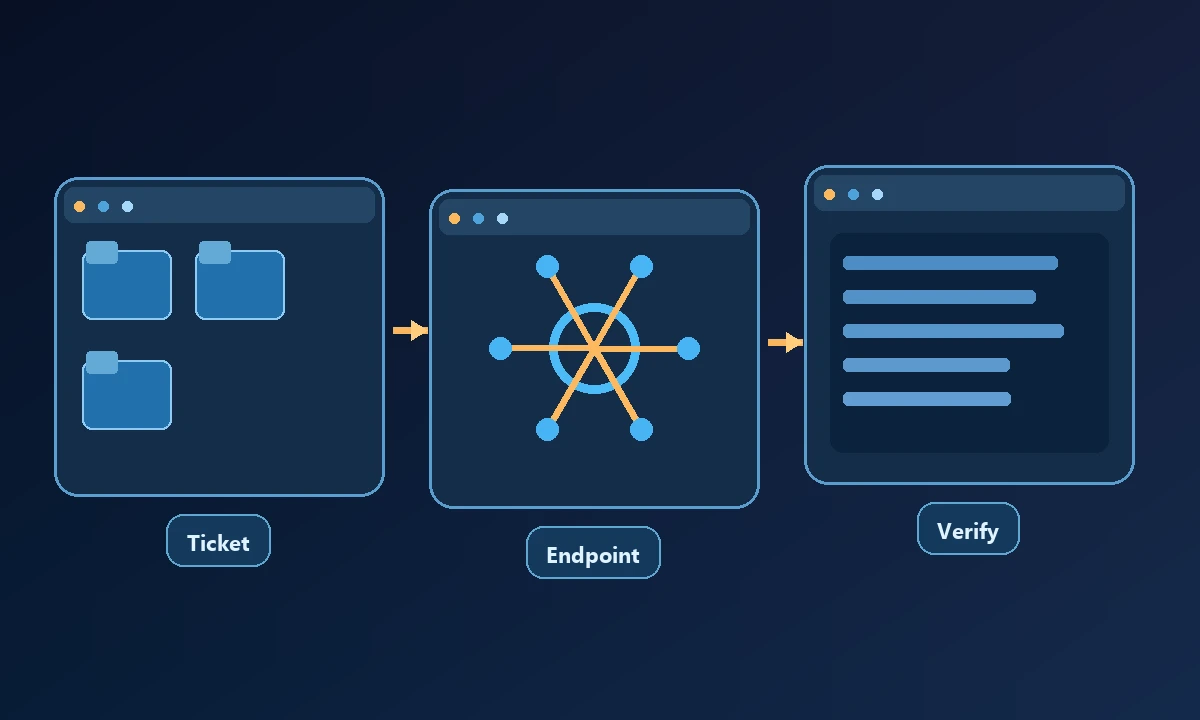
A user says an application no longer starts. The helpdesk needs to identify the device, collect version and error information, inspect relevant processes, decide on a permitted change and verify that the application opens afterward. Some platforms help manage the ticket; others execute commands on a fleet; still others let an AI assistant reach the computer. Calling all of them "IT automation" disguises the missing connection between diagnosis and repair.
An IT team doesn't buy automation because a dashboard can generate a convincing diagnosis. The useful outcome is resolving a ticket without changing the wrong user's machine or repeating a failed fix. Suppose a printer driver fails on one receptionist's workstation while ten similar computers are healthy. The safe AI-to-computer connection tutorial makes the first rule clear: identify the actual device before running any action.
Useful tools by operational role
ServiceNow, Freshservice and Jira Service Management organize service requests, knowledge and support workflows. Their AI features can help classify or summarize tickets, but the team still needs an approved endpoint-management integration for actions on a laptop.
Microsoft Intune and Configuration Manager manage device configuration and software distribution in Microsoft environments. They provide broad administrative infrastructure, not a general-purpose chatbot attached to every desktop. Admin privileges and tenant policies matter more than marketing claims about automation.
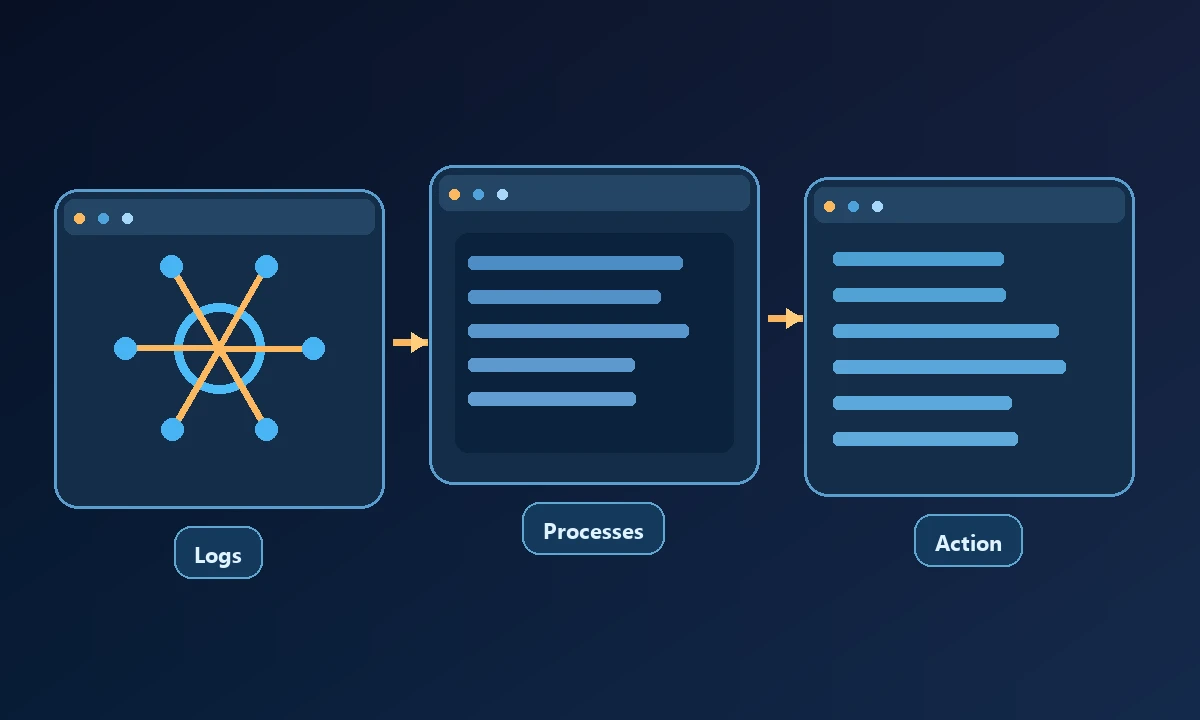
NinjaOne and Atera operate in remote monitoring and management. They can help technicians manage endpoints, scripts and maintenance tasks. Their fit depends on device fleet size, platform support, agent installation and the team's existing RMM investment.
PowerShell and Ansible remain useful for deterministic steps. A script with a clear input and expected output is often more reliable than asking a model to improvise an installation. The challenge is managing credentials, targets, rollback and the version of the script approved for production.
Noxgild gives an assistant controlled access to an enrolled computer so that permitted diagnostic commands, file checks and desktop actions can run where the problem exists. For help desks, remote diagnostic workflows are useful only if they preserve device identity, return evidence and respect the owner's workspace boundaries. A script that prints a green success message while the printer is still broken is not a completed ticket.
Noxgild supplies a remote machine-execution bridge for an AI assistant, with machine, process, file, browser and desktop capabilities when available and authorized. This is useful when support work spans a shell and a native UI on the same known computer. It should complement, not silently replace, the organization's endpoint-management permissions.
Run a safer automation pilot
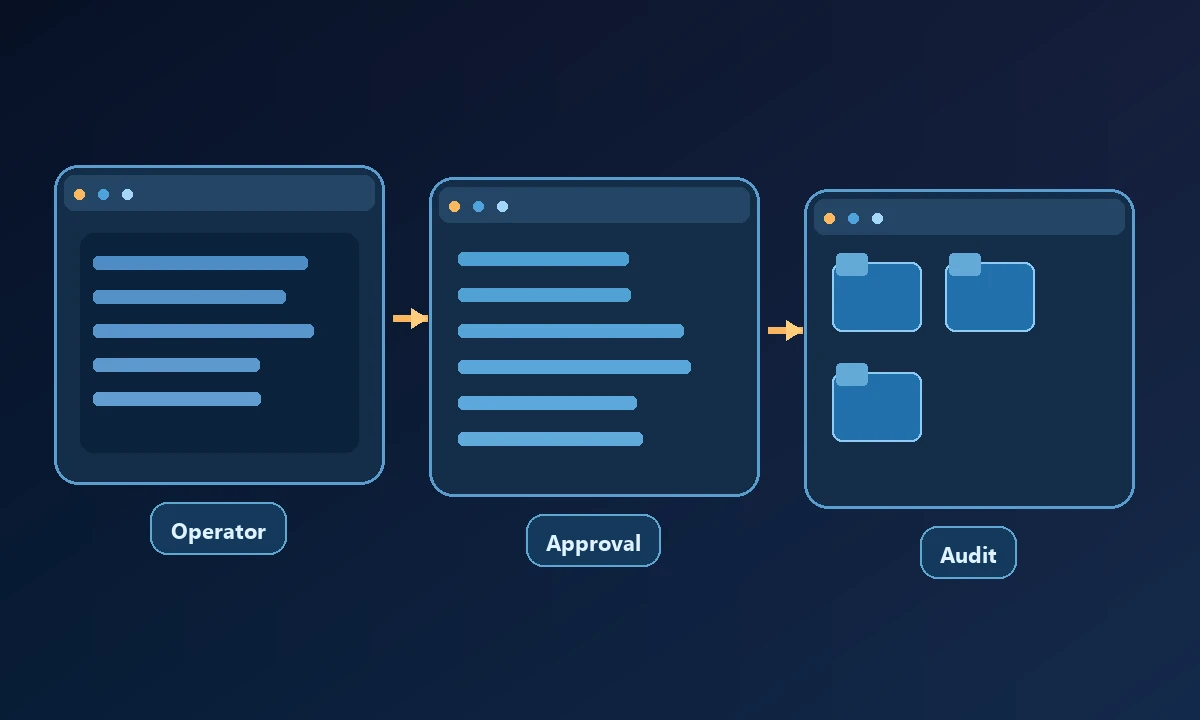
Select a read-only ticket first. Have the assistant check system information, identify a named process and collect the application's version. Compare the findings against what a technician can independently confirm. Next, test a reversible action with explicit approval. Finally, disconnect the device mid-workflow and inspect whether the automation reports a failure rather than manufacturing a success.
Run a pilot with three types of tickets: read-only investigation, a reversible change and an issue requiring escalation. Compare time to identify the machine, accuracy of the diagnosis, number of approvals and rollback steps. The security policy should inform which operations remain read-only by default. Document when a technician must take over; reliable automation knows when not to continue.
The central rule is least privilege. The NIST access-control guidance is a useful independent framework for restricting actions to the responsibilities of a specific role. Every agent action should be attributable to the operator and device scope that authorized it.
Which option fits your team?
Buy an ITSM platform if the real problem is routing and tracking tickets. Choose RMM or endpoint management if the job is maintaining many computers on a schedule. Use scripts for stable recurring fixes. Consider remote AI computer control when a technician repeatedly needs to inspect a particular machine through several interfaces and still verify the outcome.