
An AI browser automation security audit needs to examine account identity, what a page can influence, which actions the assistant may take and how completion is verified. A browser agent can operate legitimate websites quickly, but the same capabilities can expose credentials or act on misleading page instructions if tool permissions and trust boundaries are unclear.
Start with browser identity
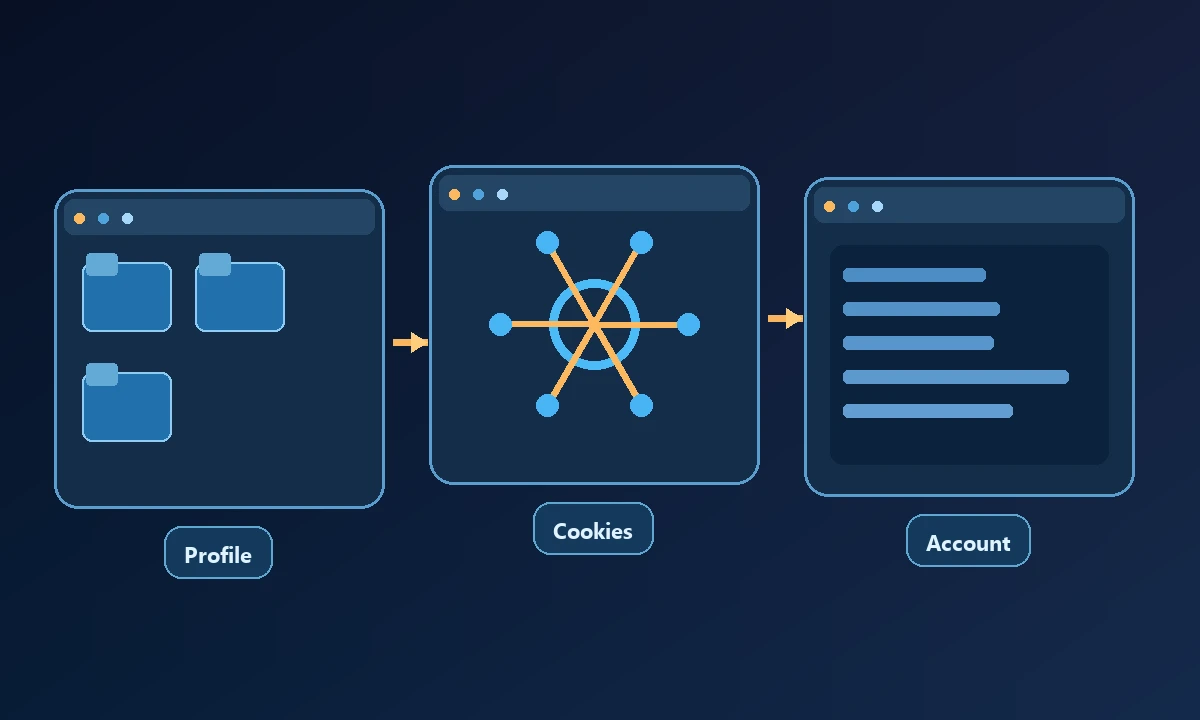
Record the browser type, profile, signed-in account and environment the agent actually controls. A locally attached browser and a cloud browser may have completely different cookies and stored sessions. If the automation opens the correct URL in the wrong account, it has not passed the test. Avoid solving this by exporting cookies between profiles.
A browser worker opens an internal portal and asks to export customer records. The prompt may be legitimate, yet the real security question is which signed-in account the worker controls and whether that account can see more than the task requires. Our browser-session troubleshooting article helps identify the profile boundary; an audit must also ask what the assistant could do after a page is opened.
Check account and session permissions
Inventory the web applications reachable from the connected browser. Identify roles with access to payments, admin settings, customer records or publishing. Use a restricted testing account where possible and only grant write privileges required for the workflow. Review how the provider handles account reauthentication and expired sessions; a silent redirect to a login page should be reported rather than treated as success.
Test for untrusted page instructions
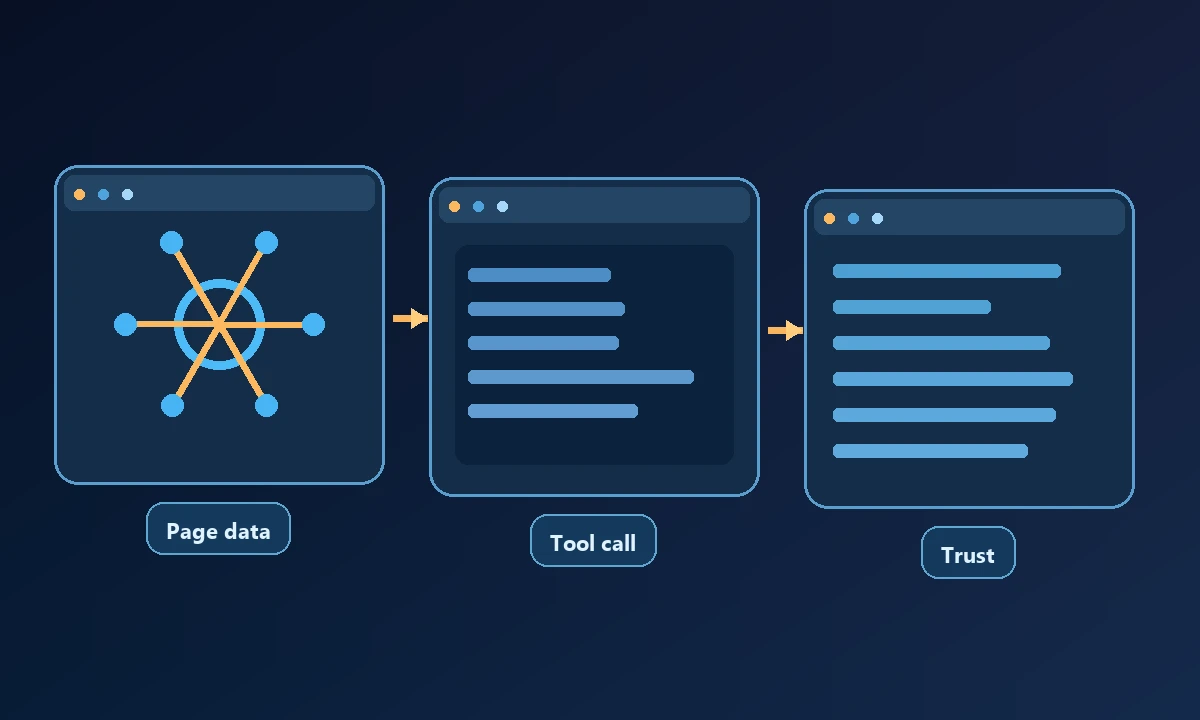
A web page is a data source, not an instruction channel that may redefine the agent's job. A malicious or accidental page element could ask the assistant to reveal secrets or click a different destination. Create a benign test page with text that contradicts the operator's instruction, and verify that the agent does not treat the page as higher authority.
The OWASP prompt injection guidance describes the class of risk. It does not eliminate the need to design tool boundaries and review behavior under realistic pages.
If the business authorizes an existing workstation profile, Noxgild can work within the permitted signed-in browser. That is distinct from running an isolated cloud browser, where login state and data retention may differ. The correct choice depends on whether the job needs the user's current account or a separate limited test identity. Neither environment should allow untrusted page text to redefine the assistant's instructions.
Measure what actually happens after a click
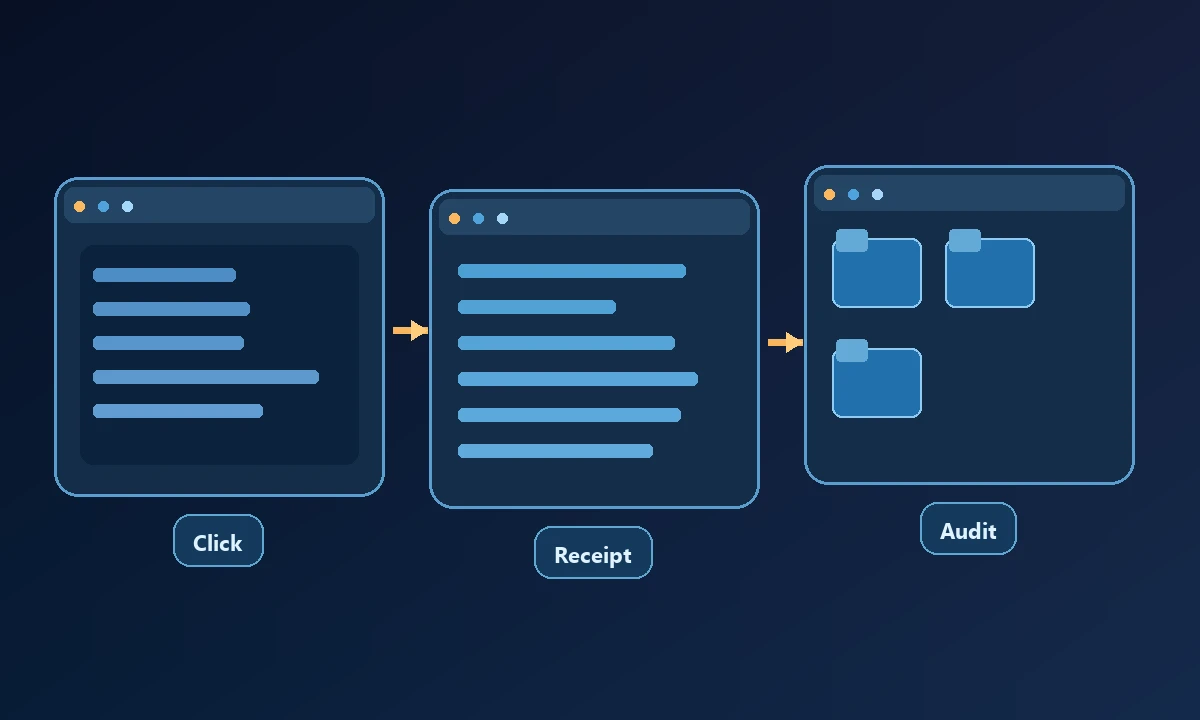
For a read-only workflow, capture the URL, page identity and expected content. For a write action, verify the real result from the application's own response or a subsequent independent check. A mouse click without confirmation is not a finished task. Record failure states, blocked popups, timeouts and navigation to an unexpected domain.
Ask whether the browser worker can operate native file dialogs or extension permission windows. If it cannot, the workflow should fail explicitly rather than claiming universal desktop control.
Inspect the audit and recovery path
Check whether the service records action target, timestamp, device or hosted browser identity, result and any relevant approval. Determine whether session recordings are enabled, where they are stored and how sensitive data is protected. Test revocation by disconnecting the browser worker and confirming that no new actions execute afterward.
Make a benign test page that contains text asking the agent to disregard its assignment, then observe whether the worker treats that text as data. Record the account identity, attempted action and independent result. Review computer-access safeguards before permitting writes to customer or payment systems. A useful audit closes with specific remediation owners, not a generic confidence score; each control either prevented a tested risk or needs further work.
A useful audit outcome
Produce a short list of confirmed controls, gaps and required changes, each with observed evidence. Fix wrong-account and overly broad-permission issues before optimizing speed. The right automation is the one that finishes approved work without silently crossing a different user's session or treating webpage text as an instruction to the operator.