
These remote MCP server security myths can lead teams to make the wrong trade-off between useful automation and exposure. MCP defines a way for an AI application to discover and invoke tools. It does not automatically supply safe operating-system permissions, a secure device bridge or proof that a command ran on the machine the user intended.
Myth 1: An encrypted remote MCP endpoint is automatically safe
Encryption protects traffic against some forms of interception, but a correctly encrypted instruction can still be sent to the wrong endpoint or executed with too much authority. Verify the authenticated caller, intended machine, allowed tools and audit record. Authentication and permission scope are related controls, not interchangeable ones.
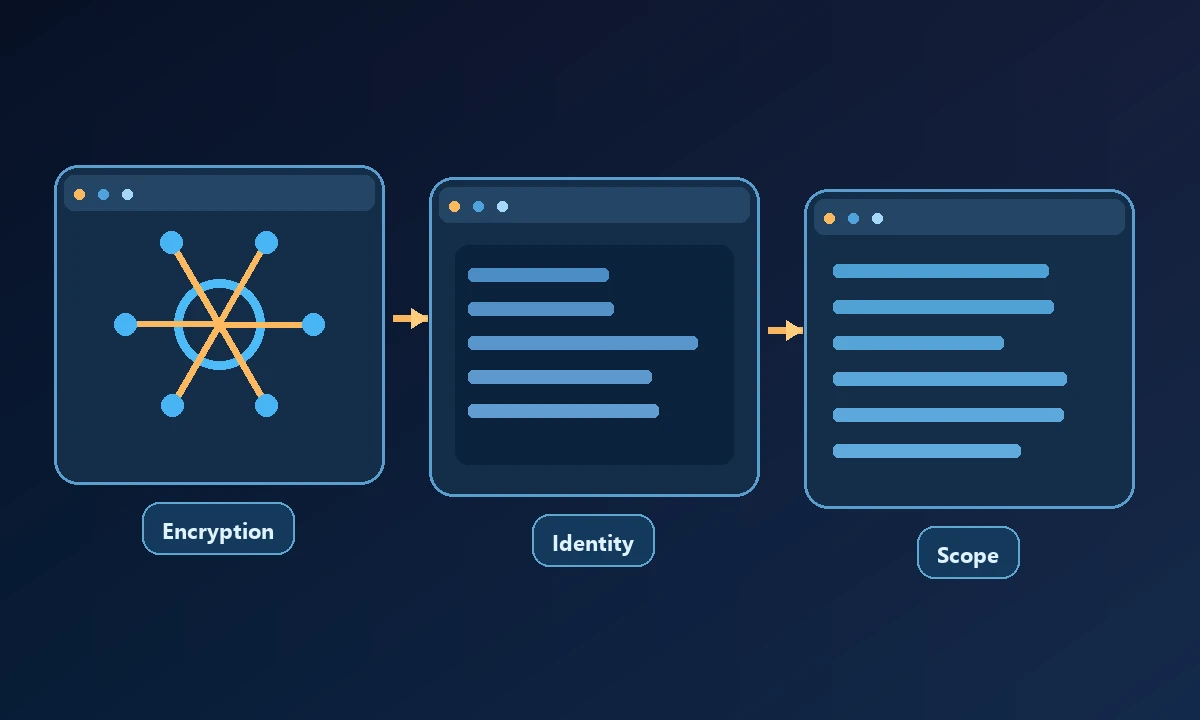
The MCP HTTP authorization specification is a useful starting point for protecting remote tool endpoints. It does not govern every local process an MCP tool may launch.
A business owner sees an MCP tool listed in a chat interface and assumes the remote computer is fully protected because the connection is encrypted. Encryption is necessary, but it does not answer whether the command will reach the intended computer or stay within the authorized workspace. Our remote MCP explainer separates protocol transport from the operating-system and device controls underneath it.
Myth 2: Remote MCP means unrestricted access to your computer
Some remote servers expose only a cloud-hosted dataset or service. Others connect to a named authorized computer through a device worker. A client connecting to a hosted browser is not necessarily connected to the browser profile already signed in on a Windows laptop. Ask the vendor to demonstrate the exact route to your device and the controls governing that route.
Myth 3: A model can only use tools when you are watching
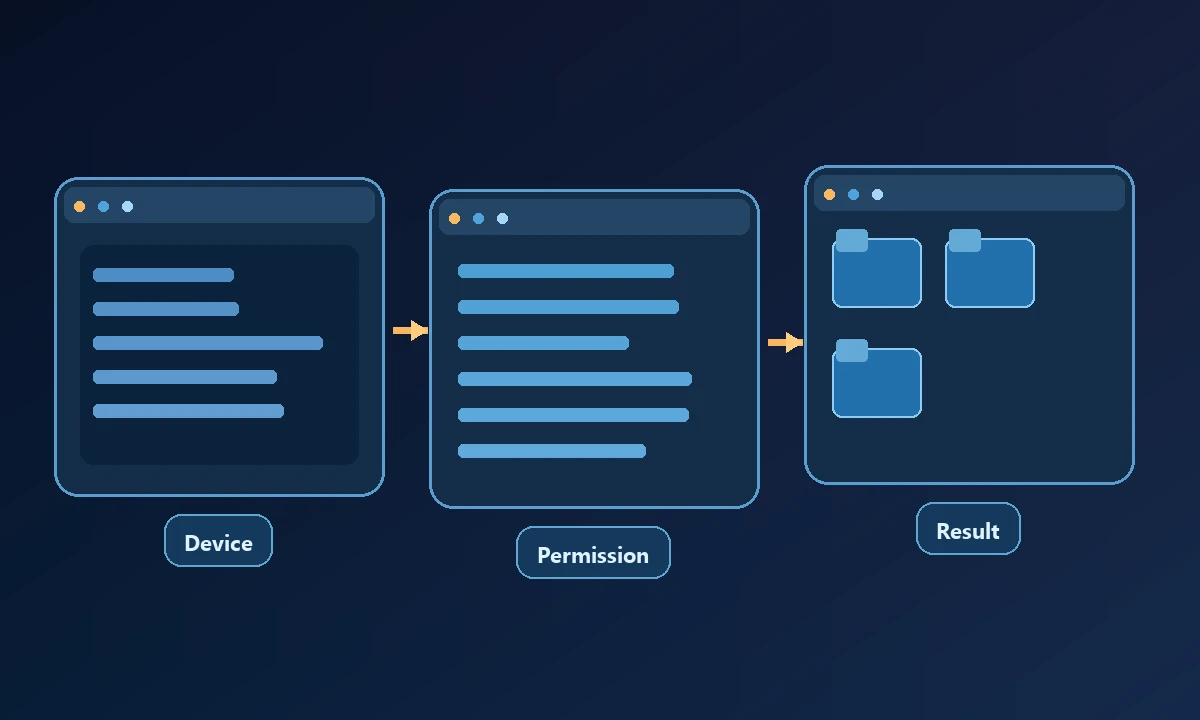
An AI client may invoke tools during a multi-step workflow or scheduled task, depending on the product's supported features and permission model. A window that appears inactive does not prove nothing is running. Review session lifetimes, task controls, logs and whether sensitive actions require a fresh approval. Do not rely on a visible browser tab as the sole security boundary.
On a named machine, Noxgild's authorized computer connection offers concrete tests for those claims. The owner should be able to confirm which device is targeted, inspect a permitted result and receive a clear denial for a disallowed action. If an assistant can also access an existing browser context, signed-in browser controls require a separate review of profiles and account identity. A successful file operation does not prove the browser is scoped safely.
Myth 4: Administrator privileges are necessary for remote automation
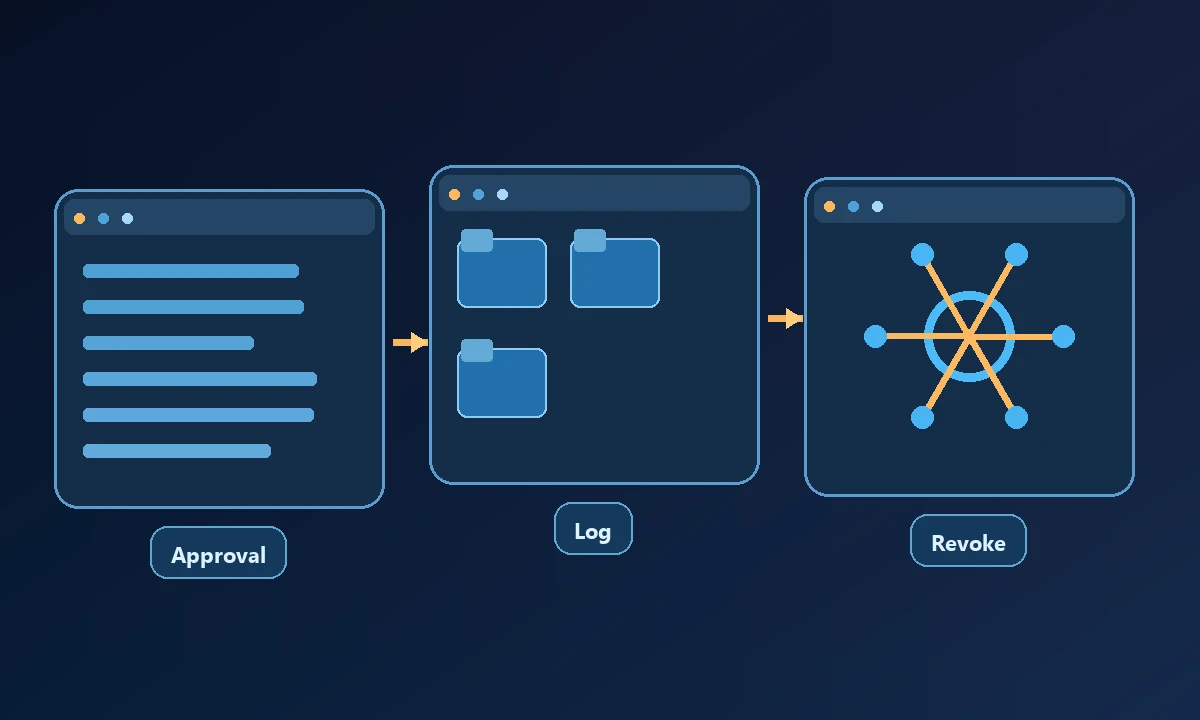
Many ordinary tasks work under a standard user account: reading allowed files, checking a process, browsing with an existing authorized session or running scoped scripts. Administrator rights should be granted only for operations that truly require elevation. A tool that reports access denied can be working exactly as intended.
The distinction matters in a support workflow. A remote agent that inspects a log should not need the authority to install a kernel driver, even if the two tasks occur on the same computer.
Myth 5: A successful tool response proves the business job is done
Tool execution, tool success and business success are three separate facts. A command may have returned exit code zero while the wrong file was updated. A browser may have clicked Submit before the server rejected the form. Require independent verification of the requested outcome and make failure states visible.
The most effective myth-busting exercise is a negative test: attempt harmless access outside the configured workspace and record what actually happens. Then disconnect the target machine and verify that the system does not silently switch devices. The security model for remote computer access provides a way to frame the review, but the pass or fail belongs to the observed behavior on the owner's computer.
A safer evaluation records the target device, instruction, tool response, expected effect and observed final state. Test offline and permission-denied cases as well as a happy path.
How to use these myths in vendor selection
The most useful security question is not whether a server uses MCP. It is which operation runs, under whose authority, on which resource, and how you can confirm the result.